
5 Samsung Galaxy features you should be using after updating to One UI 9
Samsung Galaxy phones that have upgraded to Android 17 and One UI 9 have a slew of new features - some more helpful than others.
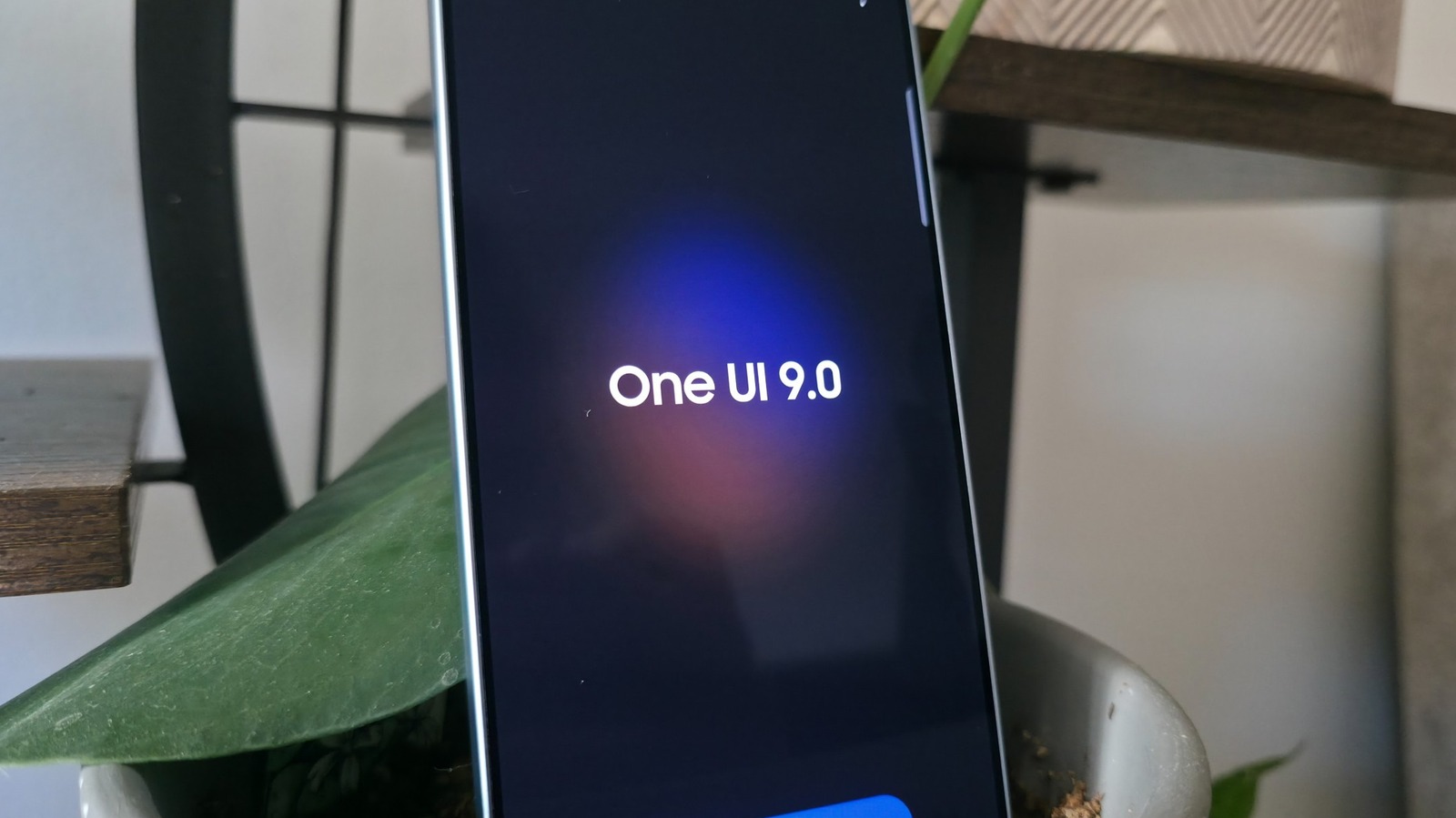
This article reviews key features in Samsung's One UI 9 update, focusing on AI-powered tools and user experience improvements for Galaxy devices running Android 17.
What happened
Samsung released One UI 9, an Android 17-based update for Galaxy devices, featuring AI-enhanced tools like My FanCam video tracking, improved document scanning, and security alerts. The update also includes interface refinements and personalized information delivery through AI-powered features.
Why it matters
These features demonstrate Samsung's focus on practical AI integration for everyday users, improving media editing capabilities, security, and personalized information access while maintaining on-device processing for privacy.
- AI-powered video tracking simplifies content creation for social media and personal use
- Document scanning improvements benefit users handling books and fragile materials
- Personalized information delivery through Now Brief requires careful data management
- Security features balance proactive threat detection with potential false positives
- Interface customization options reflect user preference for control over system design
The bigger picture
The update enhances user productivity through automated video editing and document processing while improving device security. The focus on on-device AI processing addresses privacy concerns, though some features require cloud-based data analysis.
One UI 9 showcases Samsung's evolving approach to AI integration, focusing on practical tools that enhance media creation, document handling, and device security while maintaining user control over privacy settings.
Technical details
- My FanCam employs AI to track subjects across entire videos without cloud processing
- Document scanner uses AI to correct distortions from curved surfaces and folded pages
- Now Brief cards utilize generative prompts to create time-specific app-based updates
- Security Brief analyzes app behavior patterns for real-time threat detection
- Quick Panel redesign includes resizable, reconfigurable sliders and minimal UI elements
FAQ
Does My FanCam require cloud processing?
No, My FanCam operates entirely on-device without sending data to the cloud.
What devices support the Security Brief feature?
Security Brief is supported on Galaxy S23 series and newer devices.
How does the document scanner handle curved surfaces?
The AI-powered scanner automatically compensates for distortions caused by curved or folded pages.
Can Now Brief cards be customized with third-party apps?
Currently, Now Brief cards support Samsung Health, Samsung Weather, and YouTube, with limited third-party integration.
Is the Quick Panel customization limited to specific device models?
The enhanced Quick Panel features are available on devices receiving the One UI 9 update, including S25 and S26 Ultra models.
This summary and analysis were generated with AI from the original article and may contain errors. Read the original for the full story.
Read the full story
Originally published by Engadget on Oct 10, 2026.
Comments
Sign in to join the discussion.