
6 Tools for Building Layered and Parallax Backgrounds
Authoring the layers and running the parallax are two different jobs, and most tools only do one. Here is which side each entry sits on.
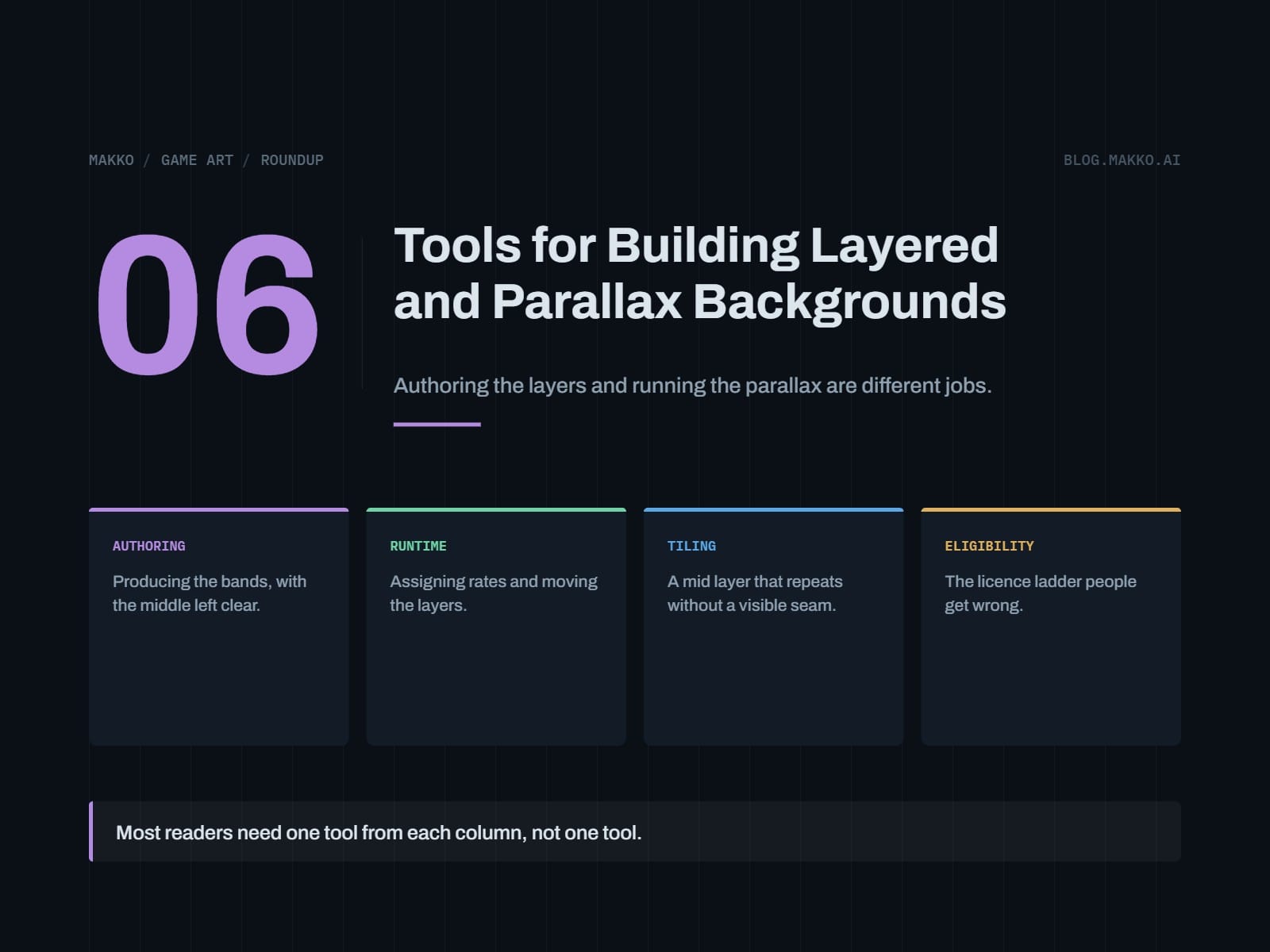
This article discusses six tools for creating layered and parallax backgrounds in 2D game development, categorizing them into authoring and runtime tools.
What happened
The article presents a list of six tools for building layered and parallax backgrounds in 2D game development, categorizing them into authoring and runtime tools. It explains the functions of each tool, their costs, and their suitability for different development scenarios.
Why it matters
For game developers, especially those working on 2D games, understanding the right tools for creating and managing layered backgrounds is crucial for achieving visual depth and parallax effects. The article helps in making informed decisions about tool selection based on specific project needs and budget constraints.
- Select both an authoring tool and a runtime tool for effective layered backgrounds.
- Consider the cost, commercial licenses, and specific project requirements when choosing tools.
- Free and open-source tools like Godot, Krita, and Pixelorama offer cost-effective solutions.
- AI tools like Scenario and Leonardo.Ai can be useful for developers who cannot draw.
- Consistency across layers and rooms is crucial for a cohesive visual experience.
The bigger picture
The article helps developers choose the right combination of tools for their projects, ensuring efficient workflow and visual consistency. It highlights the importance of separating the creation of layers from the application of parallax effects, which can significantly impact the game's visual quality and development process.
The article provides a comprehensive guide to selecting tools for creating layered and parallax backgrounds in 2D game development, emphasizing the need to choose both authoring and runtime tools to achieve the desired visual effects.
Technical details
- Authoring tools produce files with transparency, known dimensions, and edges.
- Runtime tools consume these files and apply scroll rates per layer.
- Godot is a free and open-source game engine that handles 2D tilemaps, sprites, and animation.
- Construct 3 is a commercial game maker with different subscription tiers.
- Krita and Pixelorama are free, open-source tools for raster painting and pixel art.
- Tiled is a map editor for creating repeating mid layers.
- Scenario and Leonardo.Ai are AI image generation platforms for generating layer art.
- Makko is an AI-powered 2D game art studio that generates art around collections.
FAQ
Do I need a parallax tool, or does my engine already do it?
Your engine does it. Parallax is a scroll rate applied per layer relative to camera translation, and every 2D engine here exposes that. Nothing on the authoring side moves a layer, so if you are shopping for parallax software you are in the wrong column.
What is the cheapest complete setup?
Zero, if you can draw. Godot for the runtime, free and MIT licensed with no royalties or revenue thresholds, plus Krita or Pixelorama for the bands and Tiled for a repeating mid layer, all free and open source. No license catch in it.
Can I sell a game with background art made on a free AI tier?
Check each one, because they differ. Scenario's free plan outputs are for personal and evaluation use only, so that answer is no. Leonardo.Ai's free tier is a non-exclusive royalty-free license with public creations, while paid subscribers get full ownership starting at $12 per month. The free drawing and mapping tools carry no such restriction.
Which Construct 3 tier do I qualify for?
Personal at $129.99 per year or $15.99 per month covers individuals and hobbyists only. A small company goes to Startup Business at $168.99 per seat per year, requiring all three of under $50,000 revenue, under $100,000 in assets, and three or fewer employees. Fail one and the tier is Business at $468.99 per seat per year. No tier charges royalties.
What should I check on a delivered foreground layer?
Transparency across the center. Open the file, look at the band where characters walk, and confirm there are no rendered pixels in it. Not dim, not soft, none. A framing piece with an empty middle cannot cover gameplay at any scroll rate, so it is safe by construction instead of by judgment.
This summary and analysis were generated with AI from the original article and may contain errors. Read the original for the full story.
Read the full story
Originally published by Makko AI Blog on Oct 13, 2026.
Comments
Sign in to join the discussion.