
你能信任來自 Excel 的 AI 儀表板嗎?一份審查清單
了解如何從 Excel 檢閱 AI 儀表板:定義 KPI、追溯至來源列、測試邊界案例,並在檔案工作流程與 BI 之間做選擇。
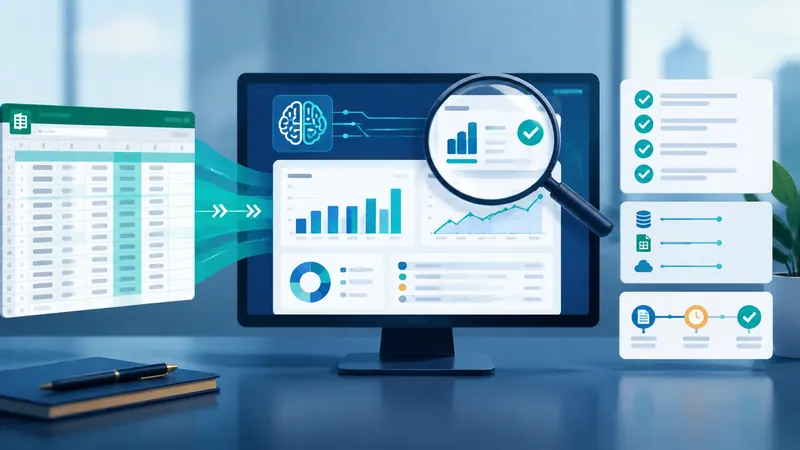
This article provides a checklist for reviewing AI dashboards created from Excel files, emphasizing data accuracy, transparency, and validation processes.
What happened
The article outlines a systematic approach to validate AI-generated dashboards from Excel files, focusing on transparency in calculations, data source verification, and edge case testing to prevent hidden errors.
Why it matters
Ensuring the accuracy of AI dashboards is critical for data-driven decision-making. The checklist helps prevent subtle calculation errors that can arise from ambiguous data definitions or untested edge cases.
- Always document KPI definitions with source data and calculation rules
- Validate key metrics against raw data before sharing dashboards
- Test edge cases to uncover hidden data quality issues
- Choose between file-based workflows and BI systems based on audit requirements
- Use tools like RowSpeak to create transparent, audit-ready dashboards
The bigger picture
The methodology helps organizations avoid costly decisions based on flawed dashboards by establishing clear verification processes for AI-generated data visualizations.
The article emphasizes that trustworthy AI dashboards require explicit documentation, rigorous validation, and systematic testing to ensure data accuracy and transparency.
Technical details
- KPI specification framework with five components: source, granularity, filters, formulas, and data cutoff dates
- Data validation techniques including cross-checking summary metrics against raw data
- Edge case testing scenarios: duplicate records, missing identifiers, incomplete time periods, and mixed currencies
- RowSpeak tool for converting unstructured data into audit-ready visualizations
FAQ
What is the main purpose of the checklist?
The checklist ensures AI dashboards built from Excel files are transparent, accurate, and verifiable by defining clear KPI specifications and testing edge cases.
How does the article address data validation?
It recommends cross-checking summary metrics against raw data, tracing calculations to source rows, and testing scenarios like duplicate values and missing fields.
When should teams use BI systems instead of file-based workflows?
When there are governance requirements, need for scheduled refreshes, or when multiple teams require consistent data definitions.
What role does RowSpeak play in the process?
RowSpeak helps transform unstructured data into audit-ready dashboards while maintaining transparency about data sources and calculation rules.
Why are edge case tests important?
They reveal whether dashboards follow defined rules or produce misleading results when data anomalies occur, ensuring reliability in real-world scenarios.
This summary and analysis were generated with AI from the original article and may contain errors. Read the original for the full story.
Read the full story
Originally published by Excelmatic Blog on Oct 10, 2026.
Comments
Sign in to join the discussion.