
GPT-6 Intelligent UI Guide: Access, Prompts, Limits
Use this GPT-6 Intelligent UI guide to check access, write better prompts, validate generated controls, reduce visuals, and understand API limits.
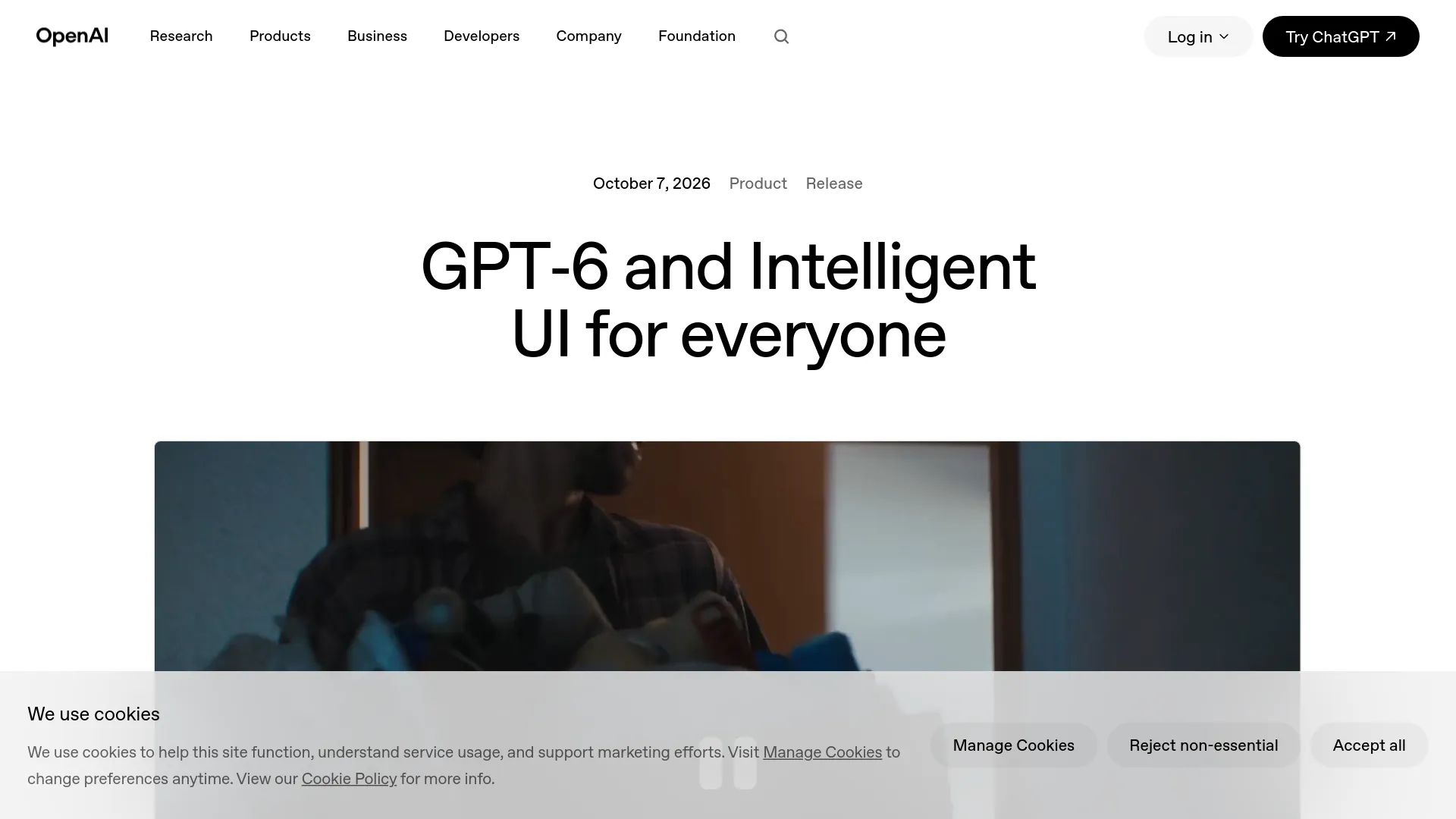
This article provides a guide to using GPT-6 Intelligent UI, focusing on access, prompt creation, interface validation, and API limitations.
What happened
The article outlines the features and limitations of GPT-6 Intelligent UI, including how to access it, best practices for creating effective prompts, and the importance of validating generated interfaces.
Why it matters
For AI developers and technology professionals, understanding how to effectively use and validate GPT-6 Intelligent UI is crucial for ensuring accurate and reliable interactive applications. It helps in making informed decisions about when to use the feature versus traditional methods.
- Test generated interfaces thoroughly before use.
- Understand subscription and model version requirements for access.
- Use Intelligent UI for reversible tasks where accuracy is critical.
- Avoid relying on generated interfaces for high-stakes decisions.
- Consider using dedicated apps for persistent or critical workflows.
The bigger picture
The article highlights the practical considerations for using GPT-6 Intelligent UI, such as access limitations and the need for rigorous validation, which are important for developers and businesses relying on AI-generated interfaces.
The article serves as a comprehensive guide for using GPT-6 Intelligent UI, emphasizing the importance of validation and understanding its limitations to ensure effective and reliable application.
Technical details
- Interactive components: charts, buttons, forms, maps, diagrams, calculators.
- Model versions: GPT-6 Sol, GPT-6 Luna, GPT-6 Astra.
- Subscription plans: Plus, Pro, Business, Enterprise, Free, Go.
- Interface validation: Testing invariants, edge cases, and source data tracing.
FAQ
Is GPT-6 Intelligent UI free?
OpenAI states that Free and Go access begins rolling out on October 8, 2026, with normal plan and tool limits. Intelligent UI has no separate quota, but other ChatGPT allowances still apply.
Why do I not see GPT-6 Intelligent UI?
The rollout may not have reached your account, a workspace administrator may have disabled model access, the app may be outdated, or you may have selected Pro/Astra. Using the web version with a supported GPT-6 Sol effort level is recommended.
Can I turn Intelligent UI off?
On the web, disable Layout and visuals in Settings to reduce visual elements. However, OpenAI does not guarantee a completely text-only result, so explicitly requesting plain text is still useful.
Does Intelligent UI work with GPT-6 Pro?
No, Intelligent UI works at supported Instant-through-Extra High levels; GPT-6 Pro uses Astra and does not support the feature, according to the current Help Center.
Can developers generate the same UI through the API?
No public API for ChatGPT's native Intelligent UI component renderer was announced. Developers can use GPT-6 model APIs to build their own validated interfaces, but this is not the same as accessing the ChatGPT UI system.
This summary and analysis were generated with AI from the original article and may contain errors. Read the original for the full story.
Read the full story
Originally published by Nano Imagine Blog on Oct 8, 2026.
Comments
Sign in to join the discussion.