
SaneBox Blog8 min read
How to Block Emails on Any Device (Gmail, Outlook, Yahoo & iPhone)
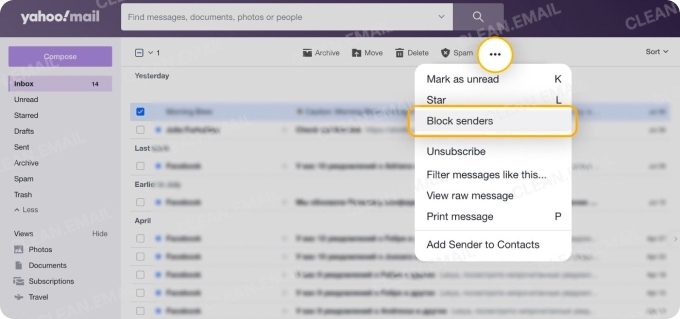
Quick answer: To block an email on Gmail, open the email, click the three dots next to Reply, and choose Block “sender name.” Future emails from that sender go straight to Spam. Outlook, Yahoo and iPhone work in a similar way.
By SaneBox TeamSanebox Blog
Read the full story
Originally published by Sanebox Blog on Oct 9, 2026.
Comments
Sign in to join the discussion.