
Integrating AI Image Enhancement into Mobile Apps Using React Native and APIs
Learn how to connect a React Native app to an AI image enhancement API through a secure backend, with uploads, job status checks, and result delivery.
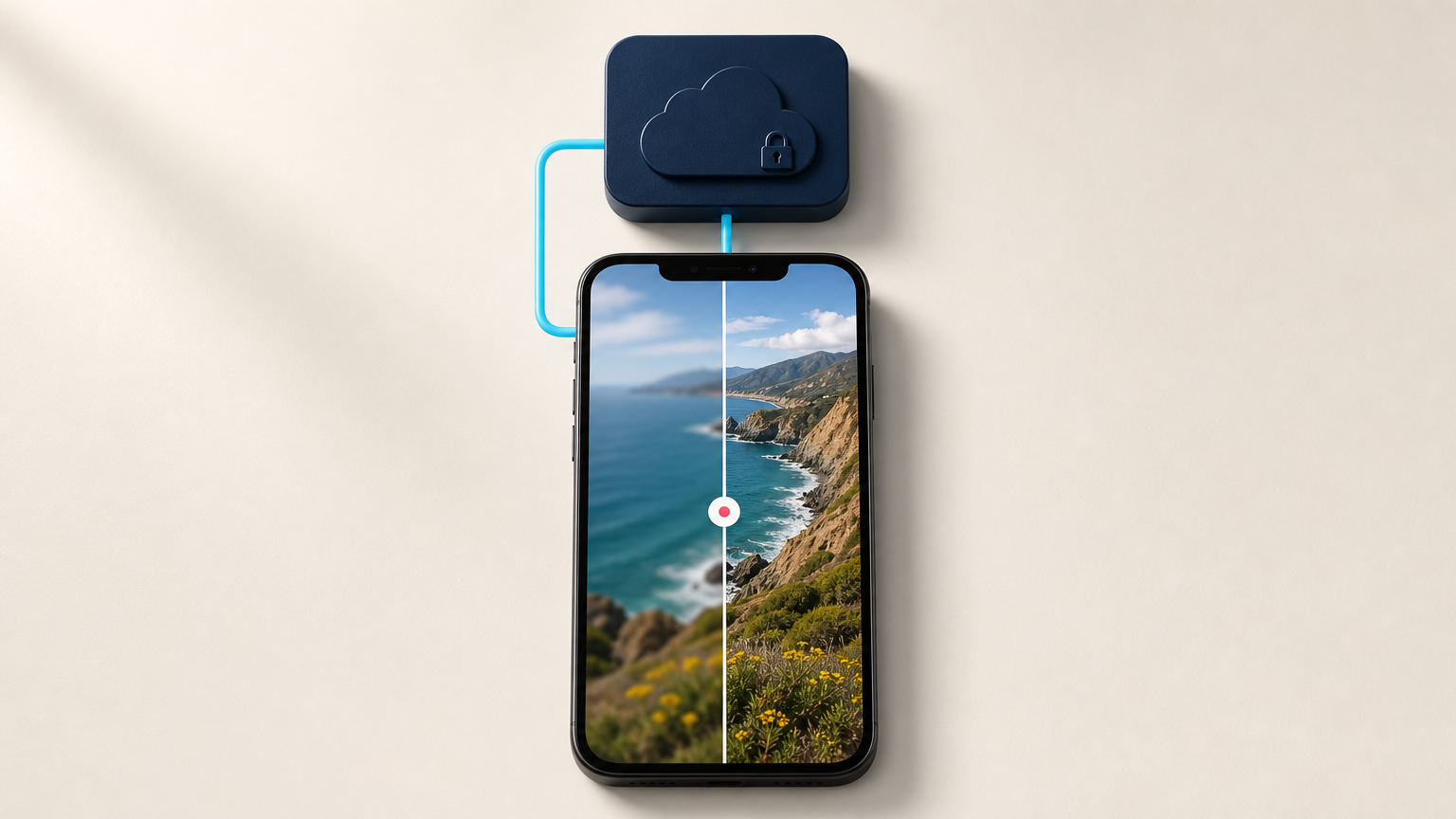
This article provides a technical guide for integrating AI-powered image enhancement into React Native applications using a secure backend architecture and third-party APIs.
What happened
The article explains a technical workflow for connecting React Native apps to AI image enhancement services through a custom backend, including secure API interactions, job status management, and result handling.
Why it matters
This approach enables developers to leverage AI image processing capabilities without exposing sensitive credentials or increasing app size, while maintaining control over authentication and error handling.
- Always use a backend to handle AI API credentials and requests
- Implement asynchronous job tracking for better user experience
- Map provider states to user-friendly interface messages
- Test failure scenarios including network issues and timeout conditions
- Keep mobile app size optimized by offloading processing to cloud services
The bigger picture
Enables secure, scalable image enhancement workflows for mobile applications while maintaining control over API credentials and processing logic.
The article presents a secure, scalable architecture for integrating AI image enhancement into React Native apps through a backend intermediary, emphasizing best practices for security, error handling, and user experience.
Technical details
- Asynchronous job processing with status polling
- Backend API endpoints for image job management
- Deep-Image.ai REST API integration
- Form data uploads from React Native
- State translation between provider and client interfaces
FAQ
Can a React Native app call an image enhancement API directly?
Technically possible but not recommended for production due to security risks of exposing API keys in client-side code.
Should I use a synchronous or asynchronous image API request?
Asynchronous is preferred for better user experience and resilience to network issues, especially for longer processing tasks.
How do I show enhancement progress in the app?
Use a backend to map provider states to user-friendly messages and implement polling or webhook-based status updates.
How can I keep the app bundle small?
Offload AI processing to cloud services and only include necessary client-side code for image capture, upload, and display.
What are the key security considerations?
Never embed API keys in client code, use secure backend intermediaries, and implement proper authentication and access controls.
This summary and analysis were generated with AI from the original article and may contain errors. Read the original for the full story.
Read the full story
Originally published by Deep Image Blog on Oct 12, 2026.
Comments
Sign in to join the discussion.