

ContentPilots
Automatically clips live streams, adds captions, and auto-posts to TikTok, YouTube Shorts, and Instagram Reels.
- Free
- Web
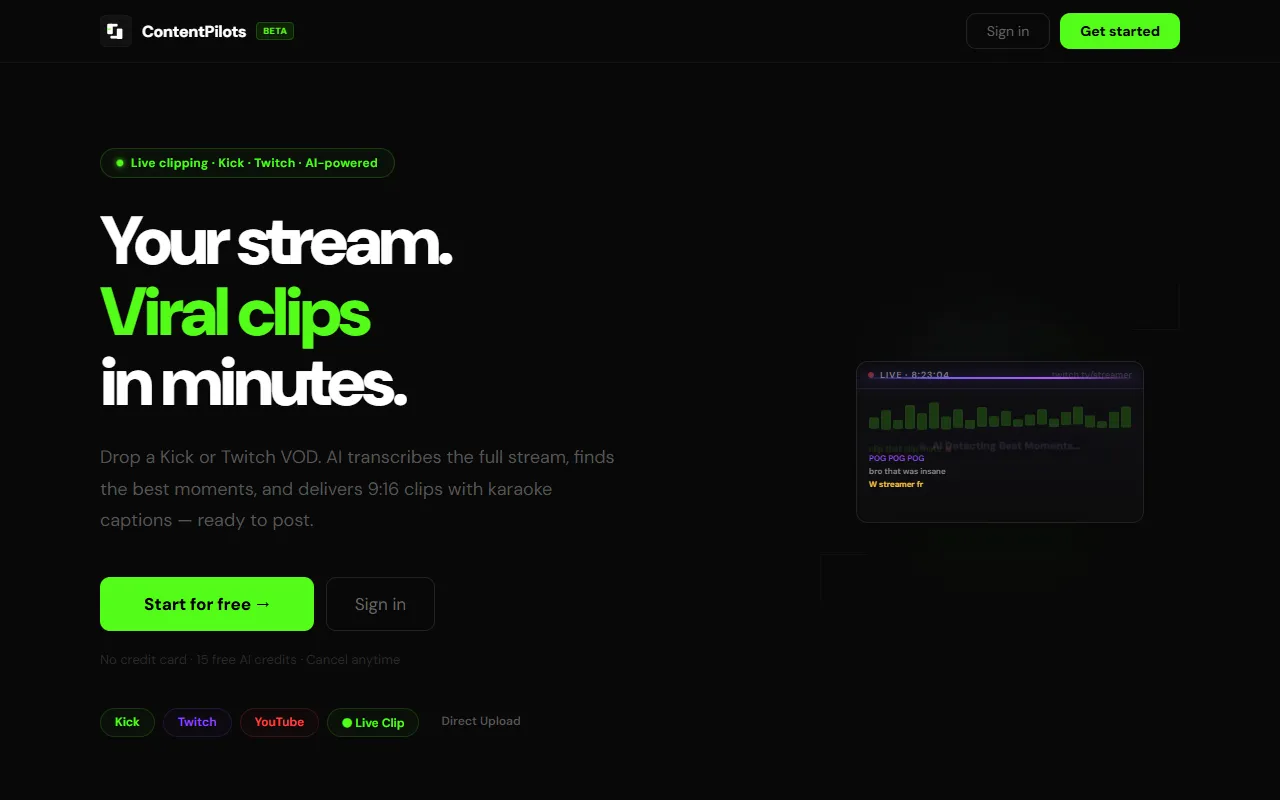
What is ContentPilots?
ContentPilots is a Video Editing tool. Automatically clips live streams, adds captions, and auto-posts to TikTok, YouTube Shorts, and Instagram Reels. ContentPilots is free to use. It is available on Web App. It is aimed at content creators, twitch streamers and kick streamers.
Automatically clips live streams, adds captions, and auto-posts to TikTok, YouTube Shorts, and Instagram Reels. It selects viral moments from VODs, burns live chat into clips, and converts to vertical format. Designed for creators to streamline content distribution.
Built for content creators, twitch streamers, kick streamers and social media managers.
Key capabilities
Features
Live Stream Clipping
Clips live streams while broadcasting.
Live Chat Overlay
Burns live chat into clips.
AI Clip Selection
Selects viral moments from stream VODs.
Automatic Captions
Adds captions and subtitles to clips.
Vertical Format Conversion
Schedule to TikTok
YouTube Shorts
Instagram Reels
VOD Support
Supports Twitch and Kick VODs.
TikTok LIVE Clipping
Layout Selection
Allows users to pick their layout, with the tool handling the rest.
Three Step Process
Use cases
- Clip live streams and auto-post to TikTok, YouTube Shorts, and Instagram Reels
- Burn live chat into clips for engagement
- Select and convert viral moments from VODs to vertical format
- Schedule TikTok posts automatically
- Create YouTube Shorts content from streams
- Generate Instagram Reels from live streams
Popular use cases
Who it's for
- Content Creators
- Twitch Streamers
- Kick Streamers
- Social Media Managers
Pros & cons
Pros
- Free plan available
Cons
No documented limitations yet.
Pricing
Free.
| Plan | Price |
|---|---|
| Free | Free |
Security & compliance
- Encryption
- Data deletion
As stated on ContentPilots's website — not independently verified by AiByts.
FAQ
What is ContentPilots?
ContentPilots is a Video Editing tool. Automatically clips live streams, adds captions, and auto-posts to TikTok, YouTube Shorts, and Instagram Reels. Automatically clips live streams, adds captions, and auto-posts to TikTok, YouTube Shorts, and Instagram Reels. It selects viral moments from VODs, burns live chat into clips, and converts to vertical format. Designed for creators to streamline content distribution.
Is ContentPilots free?
Yes, ContentPilots is free to use.
How much does ContentPilots cost?
ContentPilots offers one plan: Free (Free).
What platforms does ContentPilots support?
ContentPilots is available on Web App.
Who should use ContentPilots?
ContentPilots is built for content creators, twitch streamers, kick streamers and social media managers. Common uses: clip live streams and auto-post to TikTok, YouTube Shorts, and Instagram Reels, burn live chat into clips for engagement, select and convert viral moments from VODs to vertical format and schedule TikTok posts automatically.
What are the best alternatives to ContentPilots?
Similar tools on AiByts include Short AI, Crayo, ClipFlare, Wave.video and Icon.
Details are compiled from ContentPilots's website and public sources, last verified Oct 5, 2026. Features and pricing change — confirm on the official site before you buy.
Try ContentPilots
Free
Tags
- Live Chat Overlay
- AI Clip Selection
- Vertical Format Conversion
- Schedule to TikTok
- YouTube Shorts
- Instagram Reels
- TikTok LIVE Clipping
Comments
Sign in to join the discussion.