
Finderlock
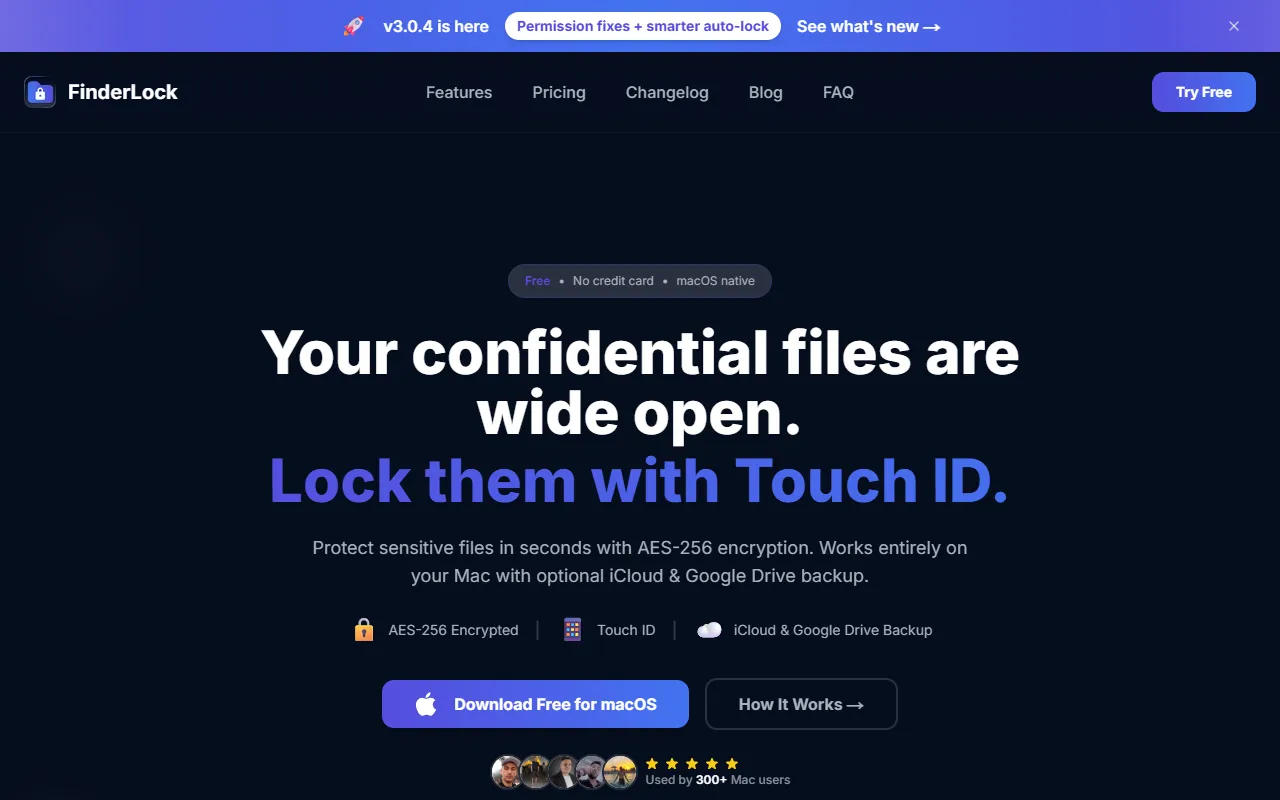
Military-grade file encryption for macOS with Touch ID security.
What is Finderlock?
Finderlock is a Privacy tool. Military-grade file encryption for macOS with Touch ID security. Finderlock is free to use. It is available on macOS, iOS and App Store (iOS). It is aimed at professionals, mac users and security enthusiasts.
Protect sensitive files with AES-256 encryption and Touch ID biometric security. Offers native macOS integration and local-only storage with no subscription required.
Built for professionals, mac users and security enthusiasts.
Features
AES-256 Encryption
Touch ID Authentication
Uses Touch ID for biometric security without passwords.
Finder Integration
Auto-Lock Timers
Menu Bar Access
Local-Only Storage
Password Protection
Bulk Operations
Native macOS
Zero Data Collection
Use cases
- Encrypt sensitive files with AES-256 encryption
- Secure files using Touch ID biometric authentication
- Protect files directly within Finder interface
- Automatically lock files after a set time period
- Access file protection features from the menu bar
- Store encrypted files locally without cloud sync
Who it's for
- Professionals
- Mac Users
- Security Enthusiasts
Pros & cons
Pros
- One-time purchase with no subscription required
- Free plan available with limited items
Cons
No documented limitations yet.
Pricing
Free.
Security & compliance
- Encryption
As stated on Finderlock's website — not independently verified by AiByts.
FAQ
What is Finderlock?
Finderlock is a Privacy tool. Military-grade file encryption for macOS with Touch ID security. Protect sensitive files with AES-256 encryption and Touch ID biometric security. Offers native macOS integration and local-only storage with no subscription required.
Is Finderlock free?
Yes, Finderlock is free to use.
How much does Finderlock cost?
Finderlock is free to use.
What platforms does Finderlock support?
Finderlock is available on macOS, iOS and App Store (iOS).
Who should use Finderlock?
Finderlock is built for professionals, mac users and security enthusiasts. Common uses: encrypt sensitive files with AES-256 encryption, secure files using Touch ID biometric authentication, protect files directly within Finder interface and automatically lock files after a set time period.
What are the best alternatives to Finderlock?
Similar tools on AiByts include Rivault, Vivaldi, deepidv, Koreshield and Perfai Security.
Details are compiled from Finderlock's website and public sources, last verified Oct 7, 2026. Features and pricing change — confirm on the official site before you buy.
Try Finderlock
Free
Tags
- AES-256 Encryption
- Touch ID Authentication
- Local Storage
- Data Security
Comments
Sign in to join the discussion.