

Flunkey
Free voice dictation for Windows with AI assistant features
What is Flunkey?
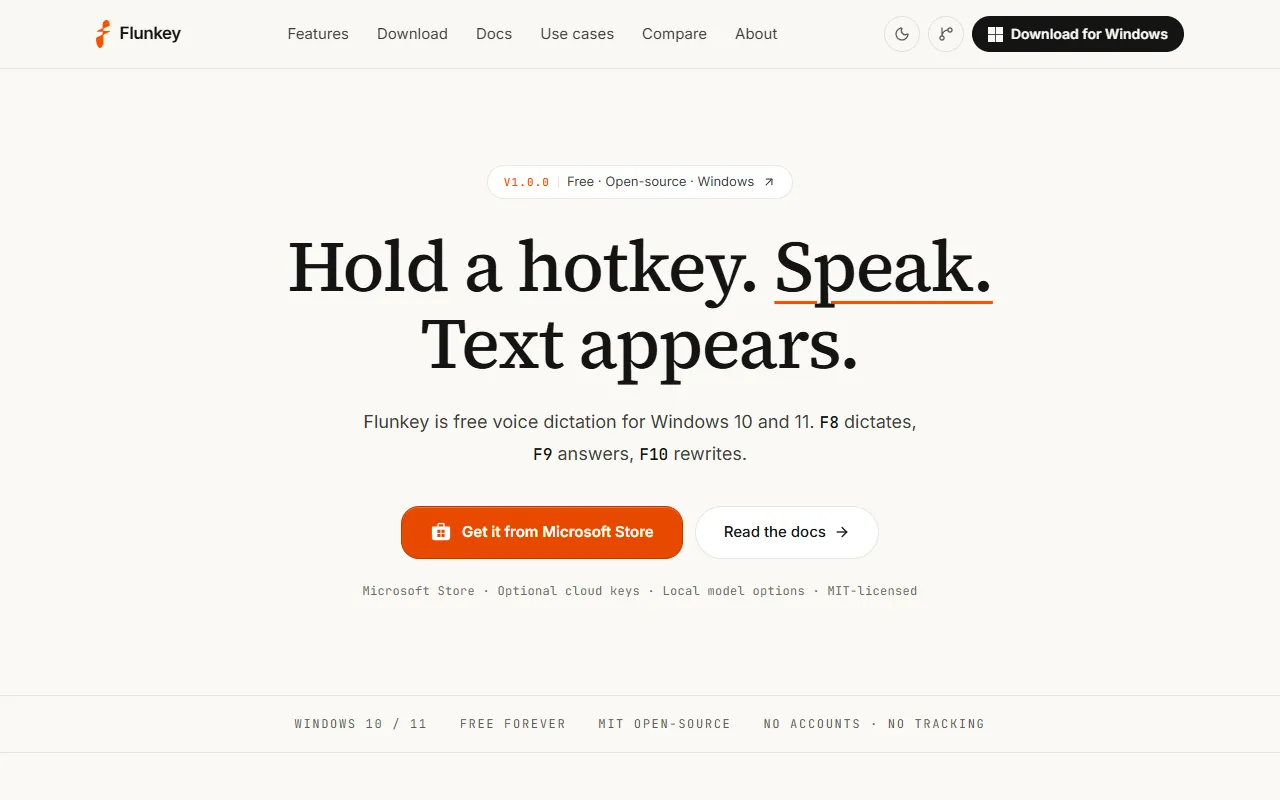
Flunkey is an AI Writing tool. Free voice dictation for Windows with AI assistant features. Flunkey is free to use. It is available on Windows. It is aimed at developers and productivity enthusiasts.
Flunkey is a free voice dictation tool for Windows that allows users to dictate text, receive AI answers, and rewrite text using keyboard shortcuts. It emphasizes privacy and open-source design.
Built for developers and productivity enthusiasts.
Features
F8 Dictate Anywhere
F9 Ask AI
Get AI answers in a side overlay
F10 Transform Text
Type at the Speed of Thought
Say the Edit
Real Tool, Real Apps
Simple and efficient tools
Every Word Accounted For
Use cases
- Dictate text in any application
- Ask AI questions in a side overlay
- Rewrite selected text using F10
- Convert speech to text quickly
- Receive AI responses next to your work
- Edit text by speaking
Popular use cases
Who it's for
Pros & cons
Pros
- Free plan available
- Public API available
Cons
No documented limitations yet.
Pricing
Free.
Developer & API
Public API available
- Authentication
- API Key
Open source· MIT· 3 stars· 0 forks
Security & compliance
- Encryption
As stated on Flunkey's website — not independently verified by AiByts.
FAQ
What is Flunkey?
Flunkey is an AI Writing tool. Free voice dictation for Windows with AI assistant features. Flunkey is a free voice dictation tool for Windows that allows users to dictate text, receive AI answers, and rewrite text using keyboard shortcuts. It emphasizes privacy and open-source design.
Is Flunkey free?
Yes, Flunkey is free to use.
How much does Flunkey cost?
Flunkey is free to use.
Does Flunkey have an API?
Yes, Flunkey offers a public API for building custom integrations.
What platforms does Flunkey support?
Flunkey is available on Windows.
Who should use Flunkey?
Flunkey is built for developers and productivity enthusiasts. Common uses: dictate text in any application, ask AI questions in a side overlay, rewrite selected text using F10 and convert speech to text quickly.
Is Flunkey open source?
Yes, Flunkey is open source under the MIT license.
What are the best alternatives to Flunkey?
Similar tools on AiByts include showmd, Future Tools, Juno, Quarkdown and Wave.
Details are compiled from Flunkey's website and public sources, last verified Oct 6, 2026. Features and pricing change — confirm on the official site before you buy.
Try Flunkey
Free
Tags
- Voice Dictation
- AI Assistant
- Speech to Text
- Windows App
Comments
Sign in to join the discussion.