

GetCompress
Compresses videos, images, GIFs, and PDFs in batches with minimal quality loss.
What is GetCompress?
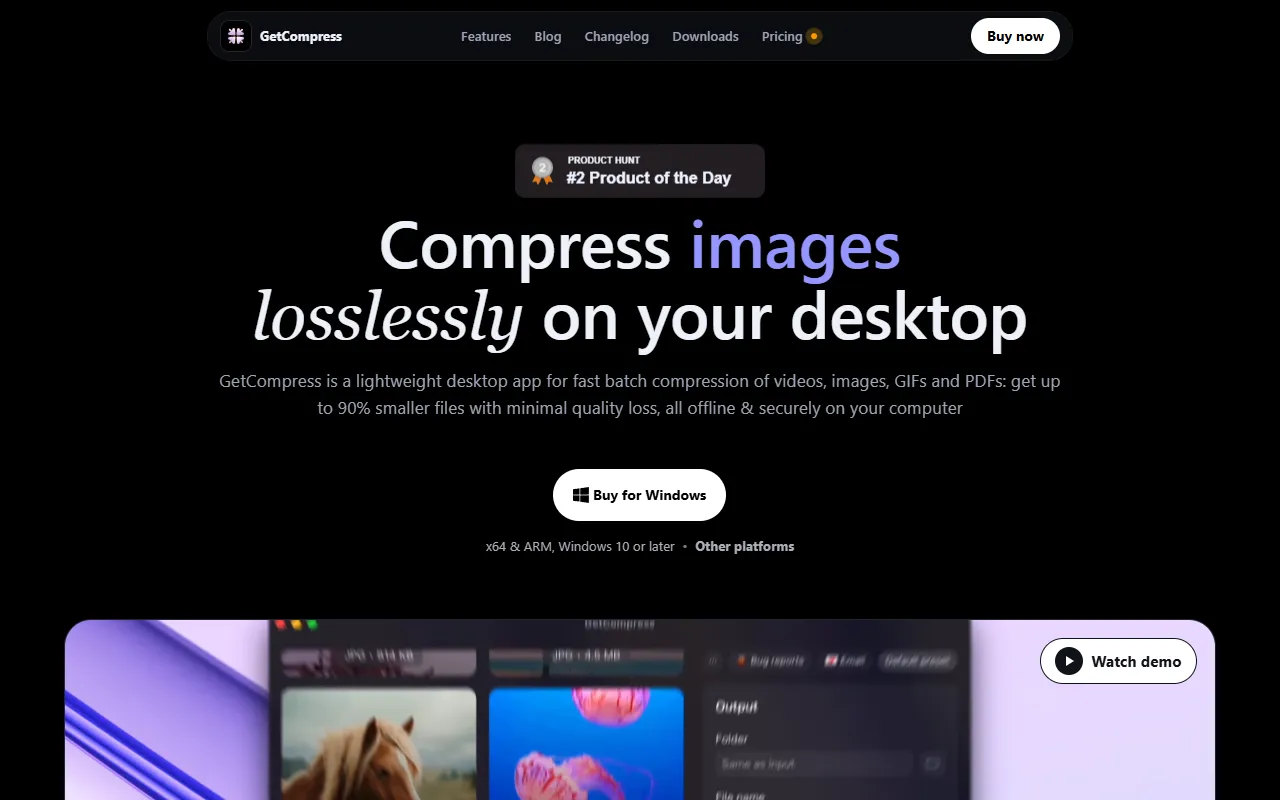
GetCompress is a Video Editing tool that compresses videos, images, GIFs, and PDFs in batches with minimal quality loss. GetCompress is a paid tool. It is available on Windows, macOS and Linux. It is aimed at content creators, digital marketers and graphic designers.
GetCompress is a lightweight desktop app that quickly compresses videos, images, GIFs, and PDFs in batches. It offers up to 90% smaller files with minimal quality loss, supporting offline and secure processing.
Built for content creators, digital marketers and graphic designers.
Key capabilities
Features
Batch Processing
Mini Drop Zone
Reusable Presets
Trim and Preview
Advanced Settings
Provides customizable options with default values.
Video Settings
Image Settings
GIF Settings
PDF Settings
MCP Server
Supports AI assistants with a dedicated server.
Clipboard Monitoring
Folder Monitoring
Use cases
- Compress multiple videos for online sharing
- Reduce image file sizes for faster website loading
- Optimize PDFs for easier email distribution
Pros & cons
Pros
- Offers up to 90% smaller files with minimal quality loss
- Supports offline and secure processing
Cons
- No free plan available; only paid plans
FAQ
What is GetCompress?
GetCompress is a Video Editing tool that compresses videos, images, GIFs, and PDFs in batches with minimal quality loss. GetCompress is a lightweight desktop app that quickly compresses videos, images, GIFs, and PDFs in batches. It offers up to 90% smaller files with minimal quality loss, supporting offline and secure processing.
Is GetCompress free?
No, GetCompress is a paid tool.
How much does GetCompress cost?
GetCompress is a paid tool.
What platforms does GetCompress support?
GetCompress is available on Windows, macOS and Linux.
Who should use GetCompress?
GetCompress is built for content creators, digital marketers and graphic designers. Common uses: compress multiple videos for online sharing, reduce image file sizes for faster website loading and optimize PDFs for easier email distribution.
What are the best alternatives to GetCompress?
Similar tools on AiByts include AutoEdit, Growati, Timeliner.io, Eddie AI and Based AI.
Details are compiled from GetCompress's website and public sources, last verified Oct 7, 2026. Features and pricing change — confirm on the official site before you buy.
Try GetCompress
Paid
Tags
- Batch Processing
- Compression Tools
Comments
Sign in to join the discussion.