
Highlight Studio
Record, edit, and share polished screen recordings with AI transcription, smart zoom, brand kits, and multi-track editing.
What is Highlight Studio?
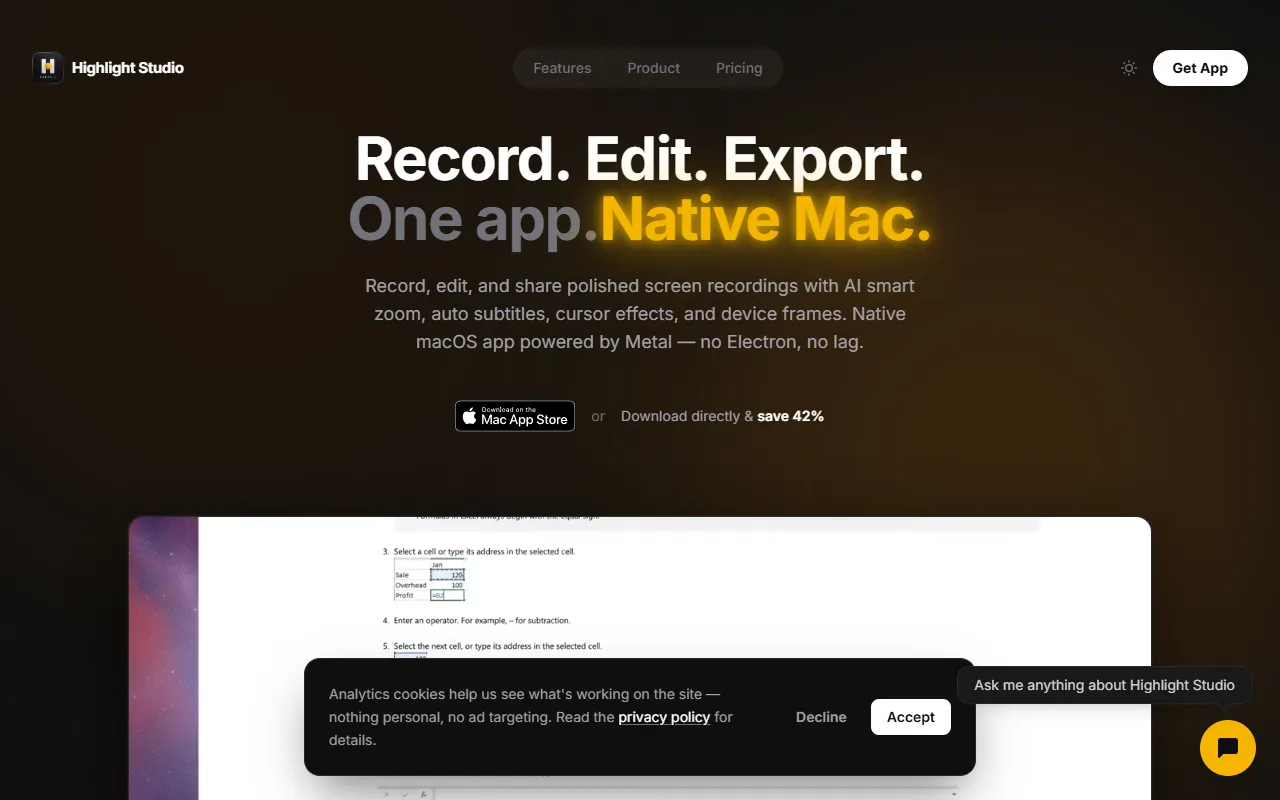
Highlight Studio is a Video Editing tool. Record, edit, and share polished screen recordings with AI transcription, smart zoom, brand kits, and multi-track editing. It is available on macOS, iOS and App Store (iOS). It is aimed at content creators, educators and developers.
Highlight Studio is a native macOS screen recorder with a full multi-track editor built in. It offers AI transcription, smart zoom, brand kits, and multi-track editing for creating polished screen recordings.
Built for content creators, educators and developers.
Key capabilities
Features
AI Transcription
Provides automatic transcription of recorded videos.
Smart Zoom
Enhances focus on specific areas of the screen during recordings.
Brand Kits
Includes customizable branding elements for professional look.
Multi-track Editing
Allows editing of multiple video tracks simultaneously.
Built-in Libraries
Account and System
Diagnostics
Use cases
- Record and edit screen videos with AI transcription for clear documentation
- Use smart zoom to highlight important details in screen recordings
- Apply brand kits to maintain consistent visual identity in recordings
Popular use cases
Who it's for
Pros & cons
Pros
- Supports 4K video exports
Cons
No documented limitations yet.
Developer & API
Open source· 0 stars· 0 forks
Security & compliance
- Encryption
- Data deletion
As stated on Highlight Studio's website — not independently verified by AiByts.
FAQ
What is Highlight Studio?
Highlight Studio is a Video Editing tool. Record, edit, and share polished screen recordings with AI transcription, smart zoom, brand kits, and multi-track editing. Highlight Studio is a native macOS screen recorder with a full multi-track editor built in. It offers AI transcription, smart zoom, brand kits, and multi-track editing for creating polished screen recordings.
What platforms does Highlight Studio support?
Highlight Studio is available on macOS, iOS and App Store (iOS).
Who should use Highlight Studio?
Highlight Studio is built for content creators, educators and developers. Common uses: record and edit screen videos with AI transcription for clear documentation, use smart zoom to highlight important details in screen recordings and apply brand kits to maintain consistent visual identity in recordings.
Is Highlight Studio open source?
Yes, Highlight Studio is open source.
What are the best alternatives to Highlight Studio?
Similar tools on AiByts include Icon, Wave.video, Clipwing, OpusClip and Vidalgo.
Details are compiled from Highlight Studio's website and public sources, last verified Oct 5, 2026. Features and pricing change — confirm on the official site before you buy.
Try Highlight Studio
Visit the official website
Tags
- AI Transcription
- Smart Zoom
- Brand Kits
- Multi-track Editing
Comments
Sign in to join the discussion.