

InVideo
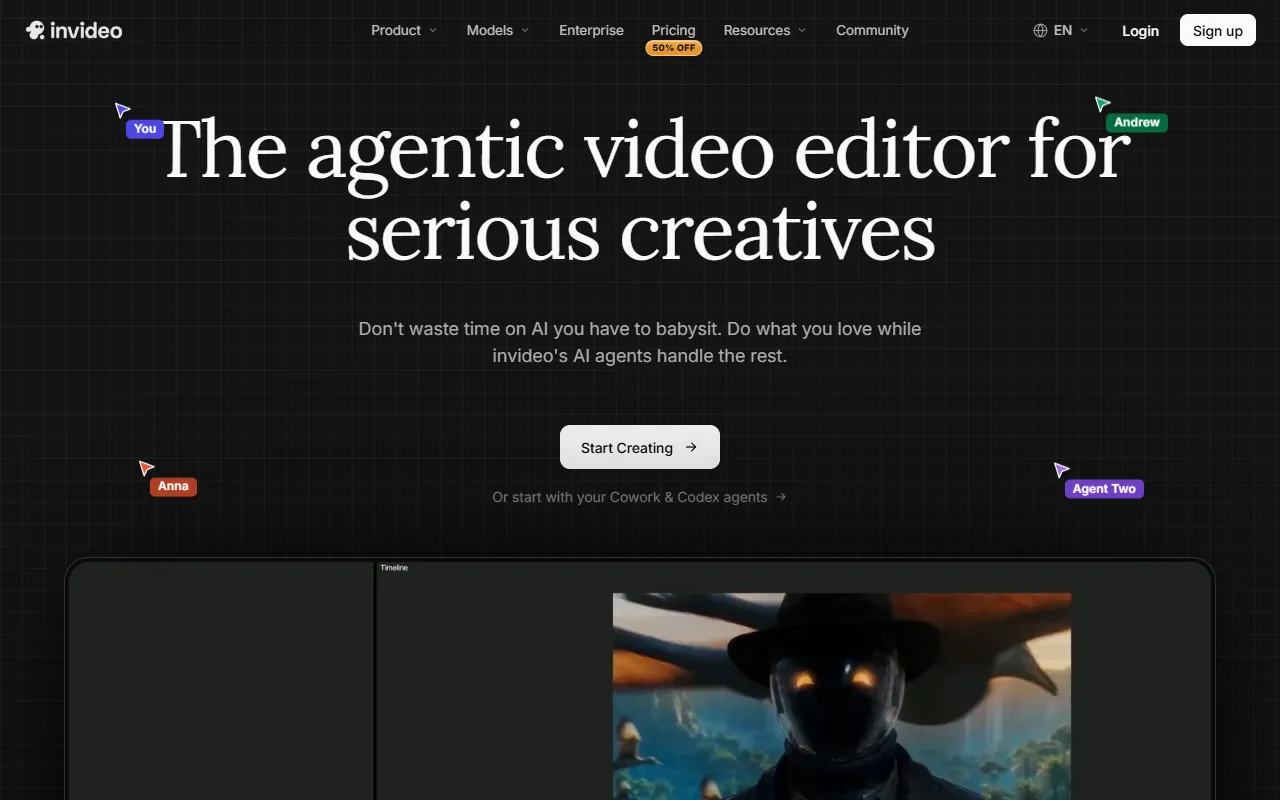
Create and edit AI videos with Agent Two
- Freemium· from $9/month
What is InVideo?
InVideo is a Video Editing tool. Create and edit AI videos with Agent Two. InVideo is freemium: it has a free plan, and paid plans start at $9/month. It is available on Windows, macOS and Linux. It is aimed at solo creatives and creative enterprises.
InVideo allows users to create and edit AI videos using Agent Two, offering tools for video generation, editing, and collaborative features. It supports multiple generation models, avatars, and voice cloning for enhanced video production.
Built for solo creatives and creative enterprises.
Features
Multiplayer Mode
Storyboarding
Script Writing
Timeline Editor
No Need to Become a Prompt Engineer
Automatic Captions
Adds captions to videos automatically.
From Solo Creatives to Creative Enterprises
Use cases
- Create AI videos using Agent Two
- Edit multiple shots in one go
- Generate scripts for video content
Popular use cases
Who it's for
- Solo Creatives
- Creative Enterprises
Pros & cons
Pros
- Free plan available
- Paid plans from USD 9/month
- Includes multiplayer editing up to 20 seats
- Includes 800 GB storage
Cons
No documented limitations yet.
Pricing
Freemium — paid plans start at $9/month.
| Plan | Price |
|---|---|
| Basic5 seats | $9 / month |
| Pro10 seats | $30 |
| UltraPopular20 seats | $80 |
Security & compliance
- SOC 2
- GDPR
- SSO
- Encryption
As stated on InVideo's website — not independently verified by AiByts.
FAQ
What is InVideo?
InVideo is a Video Editing tool. Create and edit AI videos with Agent Two. InVideo allows users to create and edit AI videos using Agent Two, offering tools for video generation, editing, and collaborative features. It supports multiple generation models, avatars, and voice cloning for enhanced video production.
Is InVideo free?
InVideo has a free plan; advanced features require a paid plan.
How much does InVideo cost?
InVideo offers 3 plans: Basic ($9 / month), Pro ($30) and Ultra ($80).
What platforms does InVideo support?
InVideo is available on Windows, macOS and Linux.
Who should use InVideo?
InVideo is built for solo creatives and creative enterprises. Common uses: create AI videos using Agent Two, edit multiple shots in one go and generate scripts for video content.
What are the best alternatives to InVideo?
Similar tools on AiByts include Lumen5, Syllaby, MakeUGC, VidAI and HeyGen.
Details are compiled from InVideo's website and public sources, last verified Oct 2, 2026. Features and pricing change — confirm on the official site before you buy.
Try InVideo
Freemium · from $9/month
Tags
- AI Video Editor
- Agent Two
- Multiplayer Editing
- Storyboarding
- Script Writing
- Timeline Editing
Comments
Sign in to join the discussion.