

Keepresso
Keeps Mac awake with menu bar controls, timed sessions, and closed-display mode.
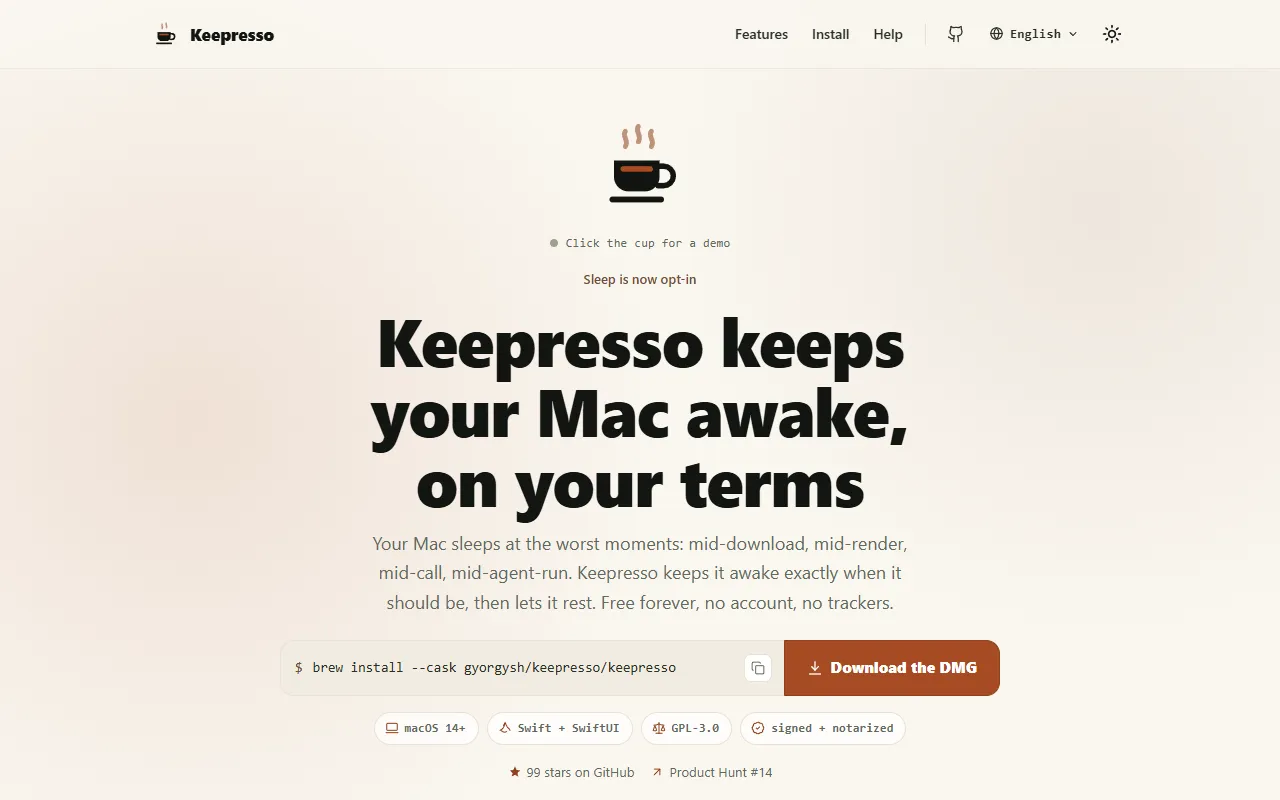
What is Keepresso?
Keepresso is a Time Management tool that keeps Mac awake with menu bar controls, timed sessions, and closed-display mode. Keepresso is free to use. It is available on macOS. It is aimed at developers, gaming enthusiasts and remote workers.
Keepresso is a macOS menu-bar app that prevents your Mac from sleeping during tasks. It offers timed sessions, closed-display mode, and support for headless Macs. Designed for users needing continuous operation, it includes automation leases and a command-line interface.
Built for developers, gaming enthusiasts and remote workers.
Key capabilities
Features
Timed Keep-Awake Sessions
Allows setting timed sessions with a countdown to keep the Mac active.
Closed-Display Mode
Enables the Mac to stay awake even with the lid closed.
Headless Mac Support
Supports keeping headless Macs like Mac mini and Mac Studio awake.
Automation Leases
Provides automation leases with an MCP server for AI agents.
Command-Line Interface
Includes a command-line interface and Shortcuts actions for automation.
Fifteen Languages
Keep Awake When Needed
Lid Closed Operation
Stay Active When Away
Maintains activity even when the user steps away.
Quiet Must-Have
A discreet tool for always-on Macs.
Gaming Optimization
Helps optimize gaming by preventing sleep.
Remote Access Support
Keeps headless Macs awake and remotely accessible.
Use cases
- Schedule timed keep-awake sessions for downloads or renders
- Keep a MacBook active with the lid closed during tasks
- Maintain headless Mac operation for remote access and AI agent runs
- Use command-line interface for automation workflows
- Prevent sleep during gaming sessions
Who it's for
- Developers
- Gaming Enthusiasts
- Remote Workers
Pros & cons
Pros
- Free plan available
- Open source
Cons
No documented limitations yet.
Pricing
Free.
Developer & API
Open source· GPL-3.0· 99 stars· 7 forks
FAQ
What is Keepresso?
Keepresso is a Time Management tool that keeps Mac awake with menu bar controls, timed sessions, and closed-display mode. Keepresso is a macOS menu-bar app that prevents your Mac from sleeping during tasks. It offers timed sessions, closed-display mode, and support for headless Macs. Designed for users needing continuous operation, it includes automation leases and a command-line interface.
Is Keepresso free?
Yes, Keepresso is free to use.
How much does Keepresso cost?
Keepresso is free to use.
What platforms does Keepresso support?
Keepresso is available on macOS.
Who should use Keepresso?
Keepresso is built for developers, gaming enthusiasts and remote workers. Common uses: schedule timed keep-awake sessions for downloads or renders, keep a MacBook active with the lid closed during tasks, maintain headless Mac operation for remote access and AI agent runs and use command-line interface for automation workflows.
Is Keepresso open source?
Yes, Keepresso is open source under the GPL-3.0 license.
What are the best alternatives to Keepresso?
Similar tools on AiByts include Clockk, RescueTime, AI for Productivity, Operations and Dayflow.
Details are compiled from Keepresso's website and public sources, last verified Oct 6, 2026. Features and pricing change — confirm on the official site before you buy.
Try Keepresso
Free
Tags
- Headless Mac Support
- Timed Sessions
- Closed-Display Mode
Comments
Sign in to join the discussion.