

Kombai
AI design engineer for creating and coding websites and UIs
- Freemium· from $20/month
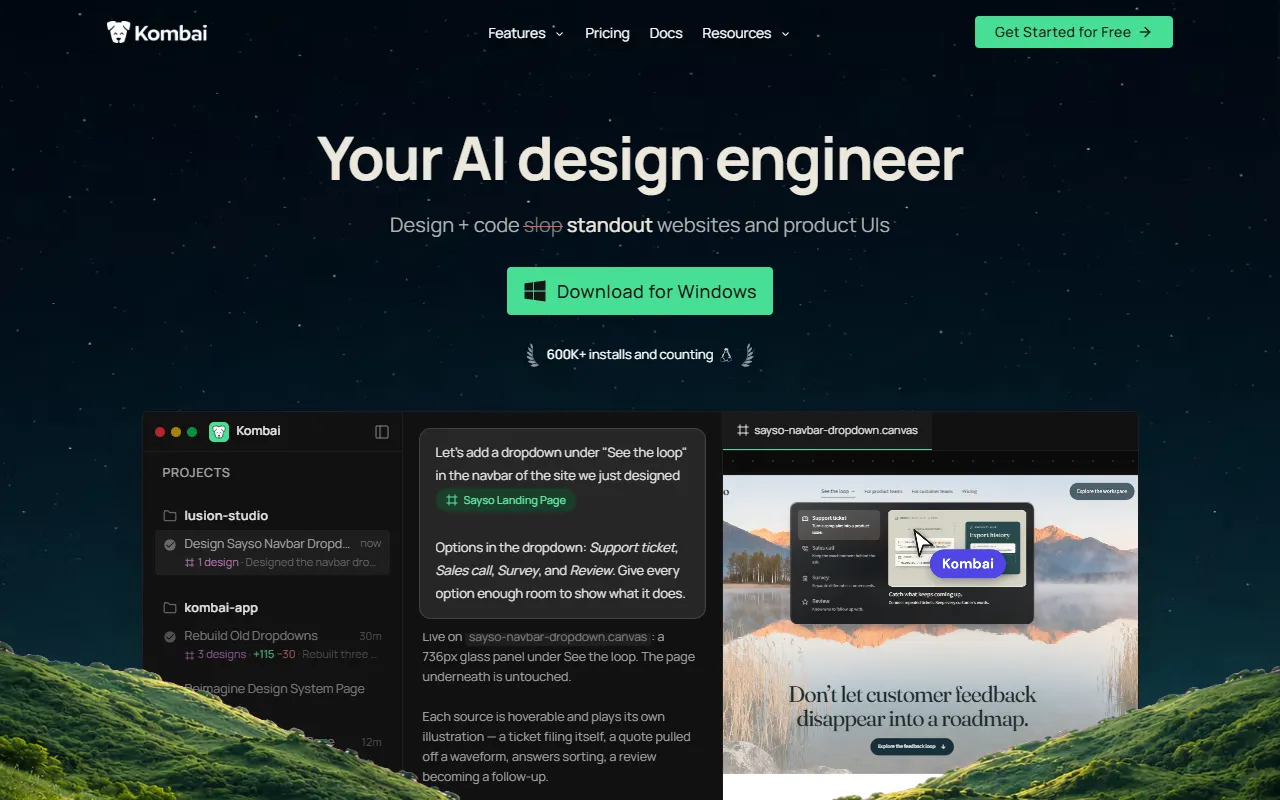
What is Kombai?
Kombai is an AI Coding Assistant tool. AI design engineer for creating and coding websites and UIs. Kombai is freemium: it has a free plan, and paid plans start at $20/month. It is available on macOS, Windows and Linux. It is aimed at designers, developers and product teams.
Kombai is an AI design engineer that helps create standout websites and product UIs, then generates production-ready frontend code in the same process. It supports better design decisions and faster iteration.
Built for designers, developers and product teams.
Key capabilities
Features
Design and Code Standout UI
Code That Fits In
Better Design Decisions
Follow What's Decided
Kombai (Auto)
Claude Code (Fable 5.1)
Design Gallery
Provides a gallery for design and agent interactions
Use cases
- Design and code standout websites and product UIs
- Generate production-ready frontend code
- Make better design decisions
- Explore and iterate on designs faster
- Track and follow design decisions
- Access over 50 design models
Who it's for
Pros & cons
Pros
- Free plan available
- Paid plans from USD 20/month
- Credit system for usage
- Custom/enterprise pricing available
- SOC2 compliance
Cons
No documented limitations yet.
Pricing
Freemium — paid plans start at $20/month.
| Plan | Price |
|---|---|
| Free | Free |
| Pro — 2,000 credits per month | $20 / month |
| Pro — 4,200 credits per month | $40 / month |
| Pro — 6,400 credits per month | $60 / month |
| Pro — 8,700 credits per month | $80 / month |
| Pro — 11,000 credits per month | $100 / month |
| Pro — 22,000 credits per month | $200 / month |
| Pro — 33,000 credits per month | $300 / month |
| Pro — 44,000 credits per month | $400 / month |
| Pro — 55,000 credits per month | $500 / month |
| Pro — 110,000 credits per month | $1,000 / month |
| Team | $24 |
Integrations
AI models
- Veo 3.1
- Seedance 2.5
- Ideogram
- Seedream 5.0
- Nano Banana
- GPT 5
- Claude Sonnet 5.5
- Gemini 3.8 Flash
- DeepSeek V4.1
- Qwen 3.8
- Grok 4
Security & compliance
- SOC 2
- SSO
- SAML
- Two-factor authentication
- Data deletion
As stated on Kombai's website — not independently verified by AiByts.
FAQ
What is Kombai?
Kombai is an AI Coding Assistant tool. AI design engineer for creating and coding websites and UIs. Kombai is an AI design engineer that helps create standout websites and product UIs, then generates production-ready frontend code in the same process. It supports better design decisions and faster iteration.
Is Kombai free?
Kombai has a free plan; advanced features require a paid plan.
How much does Kombai cost?
Kombai offers 12 plans: Free (Free), Pro — 2,000 credits per month ($20 / month), Pro — 4,200 credits per month ($40 / month), Pro — 6,400 credits per month ($60 / month), Pro — 8,700 credits per month ($80 / month) and Pro — 11,000 credits per month ($100 / month).
What platforms does Kombai support?
Kombai is available on macOS, Windows and Linux.
Who should use Kombai?
Kombai is built for designers, developers and product teams. Common uses: design and code standout websites and product UIs, generate production-ready frontend code, make better design decisions and explore and iterate on designs faster.
What does Kombai integrate with?
Kombai integrates with VS Code.
What are the best alternatives to Kombai?
Similar tools on AiByts include Cursor, Ara, GitHub Copilot, bb and Relay.
Details are compiled from Kombai's website and public sources, last verified Oct 5, 2026. Features and pricing change — confirm on the official site before you buy.
Try Kombai
Freemium · from $20/month
Tags
- Design Slop
- Design Gallery
Comments
Sign in to join the discussion.