
MicMonster
Convert text to professional speech for free
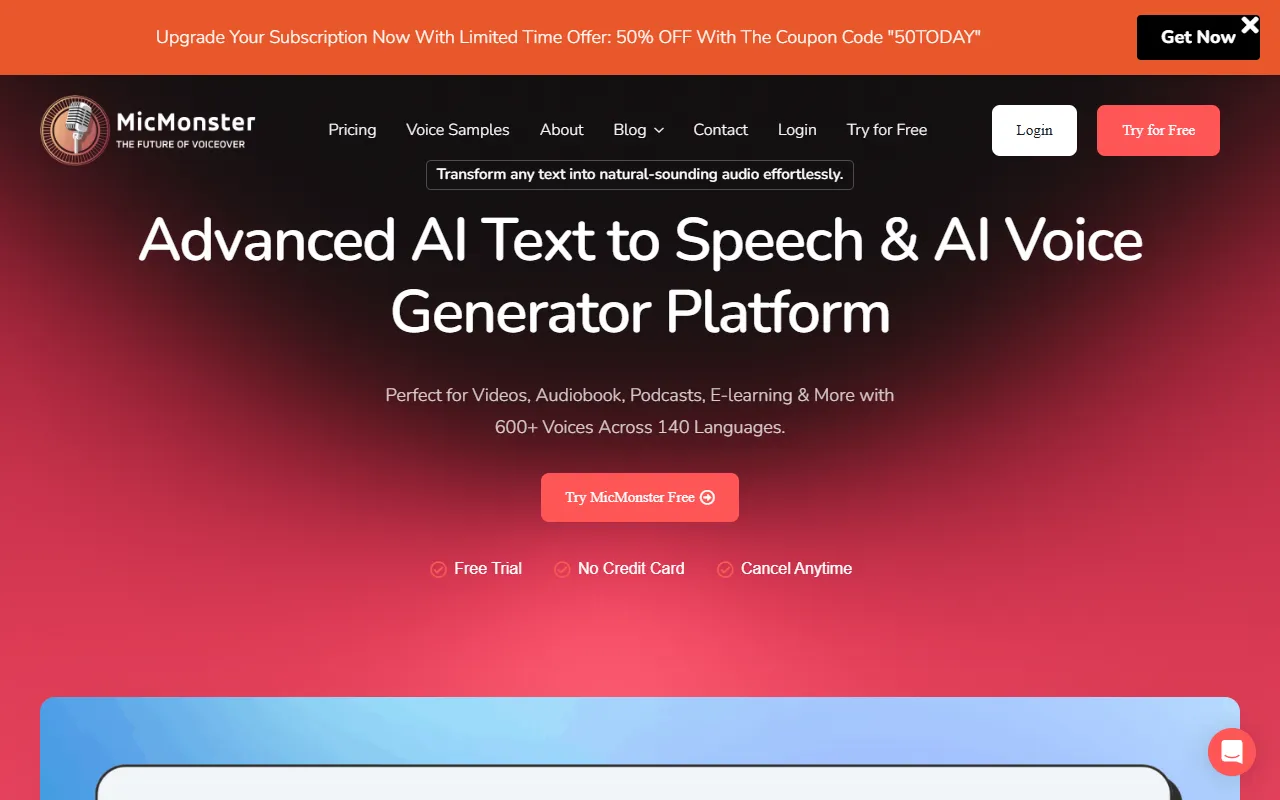
What is MicMonster?
MicMonster is a Text to Speech tool. Convert text to professional speech for free. MicMonster is freemium: it has a free plan plus paid upgrades. It is aimed at e-learning professionals, content creators and presenters.
MicMonster converts text into professional speech for free, suitable for e-learning, presentations, YouTube videos, and other applications. It offers multiple speakers, pronunciation controls, reusable settings, and audio exports for various content types.
Built for e-learning professionals, content creators and presenters.
Features
Realistic Voice Samples
Multiple Voices
Assign multiple voices seamlessly within one script
Voice Inflection Settings
Master audio tone using detailed voice inflection settings
Voice Styles
Convey the right feeling with a wide range of voice styles
Single Editor
Includes all features in a single editor
Step-by-Step Approach
Use cases
- Convert e-learning materials into professional speech
- Generate voiceovers for YouTube videos
- Create audio for presentations and audiobooks
Popular use cases
Who it's for
- E-Learning Professionals
- Content Creators
- Presenters
Pros & cons
Pros
- Free plan available
- Unlimited projects with Pro Max plans
Cons
No documented limitations yet.
Pricing
Freemium.
| Plan | Price |
|---|---|
| Pro MaxQuarterly | $59 |
| Pro MaxAnnual | $89.5 |
| Pro MaxLTD | $799.5 |
Security & compliance
- Data deletion
As stated on MicMonster's website — not independently verified by AiByts.
FAQ
What is MicMonster?
MicMonster is a Text to Speech tool. Convert text to professional speech for free. MicMonster converts text into professional speech for free, suitable for e-learning, presentations, YouTube videos, and other applications. It offers multiple speakers, pronunciation controls, reusable settings, and audio exports for various content types.
Is MicMonster free?
MicMonster has a free plan; advanced features require a paid plan.
How much does MicMonster cost?
MicMonster offers 3 plans: Pro MaxQuarterly ($59), Pro MaxAnnual ($89.5) and Pro MaxLTD ($799.5).
Who should use MicMonster?
MicMonster is built for e-learning professionals, content creators and presenters. Common uses: convert e-learning materials into professional speech, generate voiceovers for YouTube videos and create audio for presentations and audiobooks.
What are the best alternatives to MicMonster?
Similar tools on AiByts include OmniVoice, ElevenLabs, Read Aloud Reader, Murf and Laxis.
MicMonster news & updates
Details are compiled from MicMonster's website and public sources, last verified Oct 2, 2026. Features and pricing change — confirm on the official site before you buy.
Try MicMonster
Freemium
Tags
- Text-to-Voice
- Audio
- Voice Styles
- Voice Inflection
Comments
Sign in to join the discussion.