

Orca
Agent development environment for running multiple coding agents in parallel.
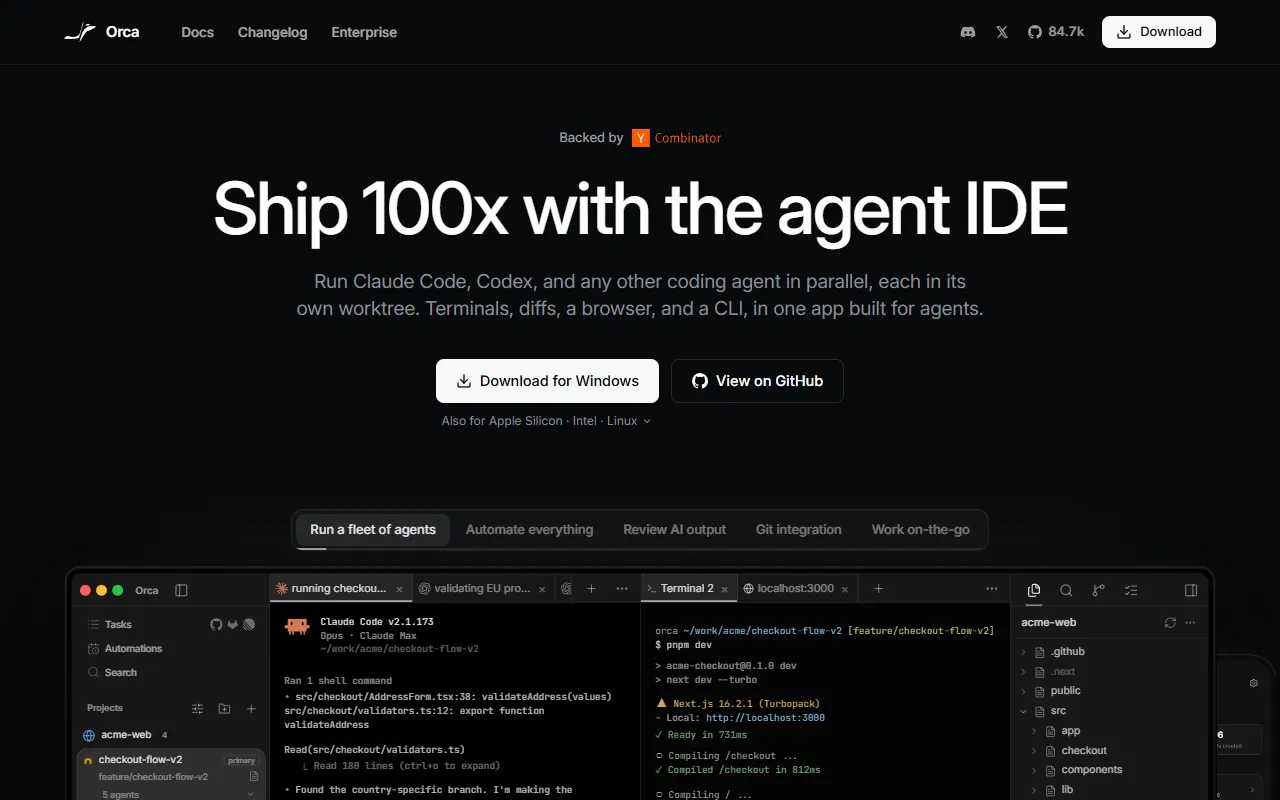
What is Orca?
Orca is a Terminal Assistants tool. Agent development environment for running multiple coding agents in parallel. Orca is free to use. It is available on Windows, macOS, Linux, iOS and App Store (iOS). It is aimed at developers and ai engineers.
Orca is an agent development environment (ADE) that allows running multiple coding agents like Claude Code, Codex, and Gemini in parallel across isolated worktrees. It offers features such as terminal splits, parallel worktrees, and native integration with GitHub and Linear. Designed for developers, it aims to speed up coding tasks through automation and efficient workflow management.
Built for developers and ai engineers.
Key capabilities
Features
Parallel Worktrees
Terminal Splits
GitHub & Linear Native Integration
SSH Worktrees
Drag Files to Agents
Annotate AI Diffs
Orca CLI
Native Search
Account Switcher & Usage Tracking
Rich Repo Previews
Split Anything
Use cases
- Run multiple coding agents in parallel across isolated worktrees
- Manage agent sessions with hibernation and session history
- Integrate with GitHub and Linear for version control and project management
Who it's for
Pros & cons
Pros
- Free plan available
- Cross-platform support
- Open source
Cons
No documented limitations yet.
Pricing
Free.
Developer & API
Open source· MIT· 82.2K stars· 5.3K forks
Security & compliance
- SOC 2
As stated on Orca's website — not independently verified by AiByts.
FAQ
What is Orca?
Orca is a Terminal Assistants tool. Agent development environment for running multiple coding agents in parallel. Orca is an agent development environment (ADE) that allows running multiple coding agents like Claude Code, Codex, and Gemini in parallel across isolated worktrees. It offers features such as terminal splits, parallel worktrees, and native integration with GitHub and Linear. Designed for developers, it aims to speed up coding tasks through automation and efficient workflow management.
Is Orca free?
Yes, Orca is free to use.
How much does Orca cost?
Orca is free to use.
What platforms does Orca support?
Orca is available on Windows, macOS, Linux, iOS and App Store (iOS).
Who should use Orca?
Orca is built for developers and ai engineers. Common uses: run multiple coding agents in parallel across isolated worktrees, manage agent sessions with hibernation and session history and integrate with GitHub and Linear for version control and project management.
Is Orca open source?
Yes, Orca is open source under the MIT license.
What are the best alternatives to Orca?
Similar tools on AiByts include ChatWithCloud, Otty, CtrlOps, BlackFlare and Cosyra.
Details are compiled from Orca's website and public sources, last verified Oct 2, 2026. Features and pricing change — confirm on the official site before you buy.
Try Orca
Free
Tags
- Agent Development
- Productivity Tools
Comments
Sign in to join the discussion.