
OwnClip
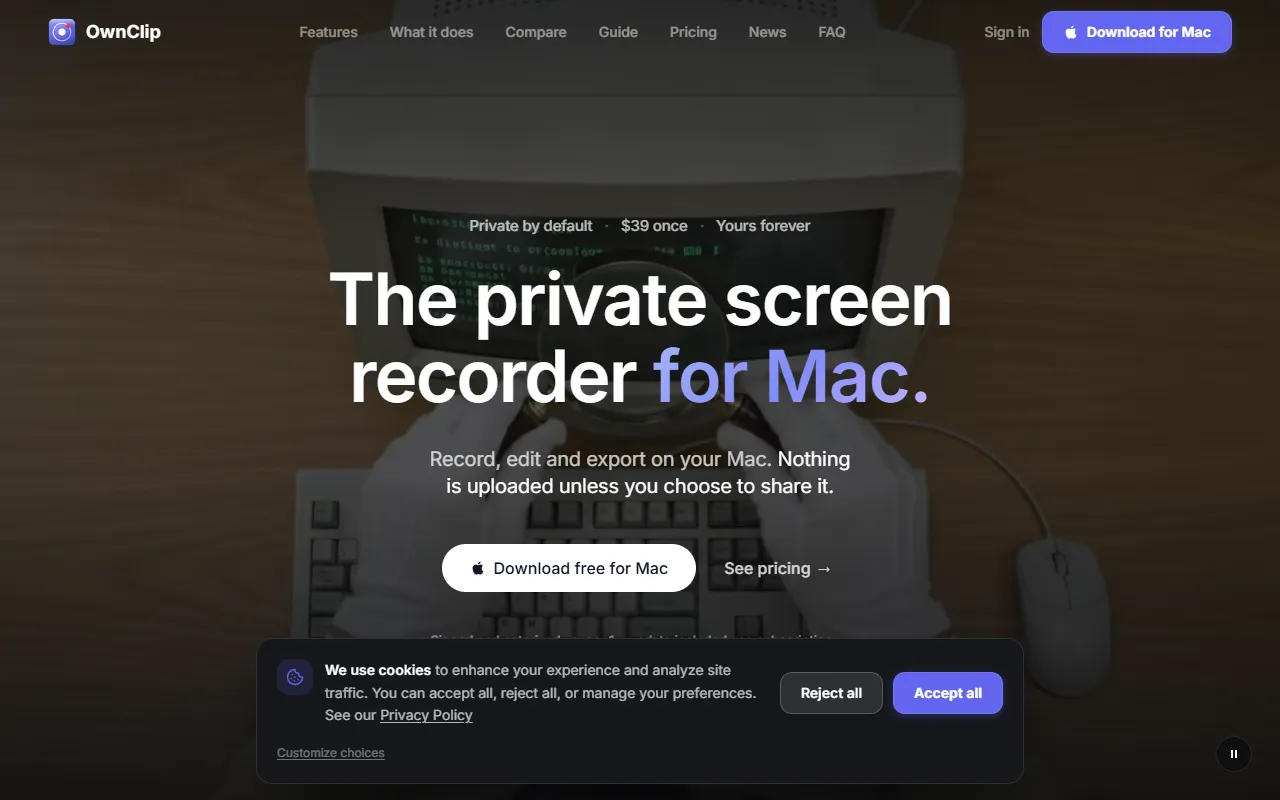
Record, edit, and export screen activity on Mac without uploading data.
What is OwnClip?
OwnClip is a Video Editing tool. Record, edit, and export screen activity on Mac without uploading data. OwnClip is freemium: it has a free plan plus paid upgrades. It is available on macOS. It is aimed at educators, content creators and business professionals.
OwnClip is a macOS screen recorder that allows users to record, edit, and export their screen activity. It emphasizes privacy by not uploading data unless manually shared. A free plan is available, with a Pro version priced at $39.
Built for educators, content creators and business professionals.
Key capabilities
Features
Watermark
Recording
Camera & Audio
Editing
Transcription & Captions
Screenshots & Documents
Beautify
Export & Sharing
AI Analysis
Smart Zoom
Screenshots & Capture
Real Timeline
Provides a detailed timeline for editing.
Use cases
- Record screen activity for tutorials or presentations
- Edit recorded videos to remove unwanted sections
- Add captions to video content for accessibility
- Export and share recorded content securely
- Analyze recorded videos using AI tools
Popular use cases
Who it's for
Pros & cons
Pros
- Free plan available
- No subscription model
- Privacy-focused design
Cons
No documented limitations yet.
Pricing
Freemium.
| Plan | Price |
|---|---|
| OwnClip Free | Free |
| OwnClip Pro | $39 |
| OwnClip Studio | $99 |
Integrations
Developer & API
Open source· 1 stars· 0 forks
Security & compliance
- SSO
- Encryption
- Data deletion
As stated on OwnClip's website — not independently verified by AiByts.
FAQ
What is OwnClip?
OwnClip is a Video Editing tool. Record, edit, and export screen activity on Mac without uploading data. OwnClip is a macOS screen recorder that allows users to record, edit, and export their screen activity. It emphasizes privacy by not uploading data unless manually shared. A free plan is available, with a Pro version priced at $39.
Is OwnClip free?
OwnClip has a free plan; advanced features require a paid plan.
How much does OwnClip cost?
OwnClip offers 3 plans: OwnClip Free (Free), OwnClip Pro ($39) and OwnClip Studio ($99).
What platforms does OwnClip support?
OwnClip is available on macOS.
Who should use OwnClip?
OwnClip is built for educators, content creators and business professionals. Common uses: record screen activity for tutorials or presentations, edit recorded videos to remove unwanted sections, add captions to video content for accessibility and export and share recorded content securely.
What does OwnClip integrate with?
OwnClip integrates with Google Drive and OneDrive.
Is OwnClip open source?
Yes, OwnClip is open source.
What are the best alternatives to OwnClip?
Similar tools on AiByts include RecCloud, Wave.video, Short AI, A2E AI Videos and Lumen5.
OwnClip news & updates
Details are compiled from OwnClip's website and public sources, last verified Oct 5, 2026. Features and pricing change — confirm on the official site before you buy.
Try OwnClip
Freemium
Tags
- Private Recording
- Screen Recorder
- Mac App
Comments
Sign in to join the discussion.