

Polarr
Photo and video editing tools with filters and effects
- Web
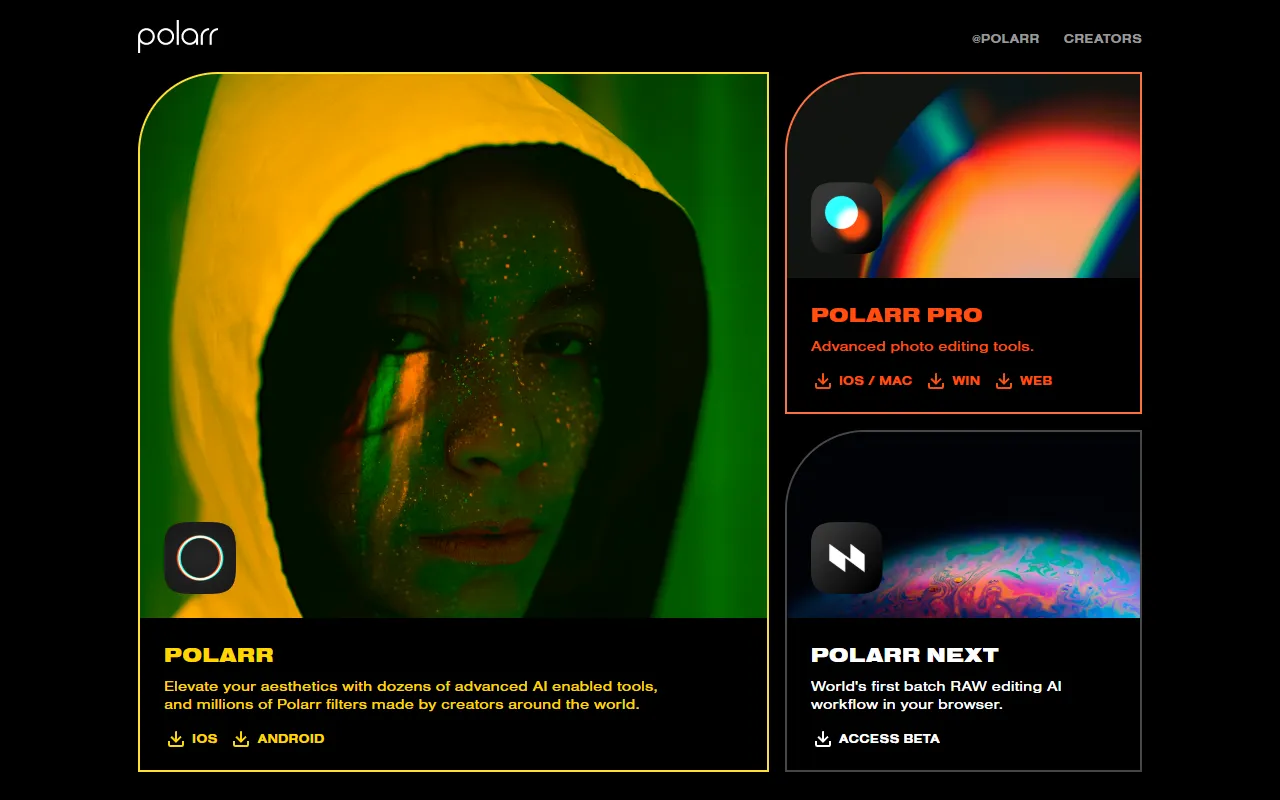
What is Polarr?
Polarr is a Photo Editing tool. Photo and video editing tools with filters and effects. It is available on Web App, iOS, Android, App Store (iOS) and Google Play (Android). It is aimed at creators and photographers.
Polarr offers web and mobile photo and video filters and editing tools. It provides AI-powered features for creators to enhance and modify their media. The platform is accessible on multiple devices.
Built for creators and photographers.
Key capabilities
Features
AI Photo Editor
AI-powered photo editing tool for creators
Filters and Effects
Various filters and effects for photo and video editing
Mobile Access
Access on iOS and Android devices
Use cases
- Apply filters and effects to photos and videos
- Edit photos and videos using AI tools
- Access and use the platform on mobile devices
Popular use cases
Who it's for
Pros & cons
Pros
- Available on web and mobile platforms
- Offers AI-powered editing features
Cons
No documented limitations yet.
FAQ
What is Polarr?
Polarr is a Photo Editing tool. Photo and video editing tools with filters and effects. Polarr offers web and mobile photo and video filters and editing tools. It provides AI-powered features for creators to enhance and modify their media. The platform is accessible on multiple devices.
What platforms does Polarr support?
Polarr is available on Web App, iOS, Android, App Store (iOS) and Google Play (Android).
Who should use Polarr?
Polarr is built for creators and photographers. Common uses: apply filters and effects to photos and videos, edit photos and videos using AI tools and access and use the platform on mobile devices.
What are the best alternatives to Polarr?
Similar tools on AiByts include AirBrush, Cre8tiveAI, Pixlr, Visro AI and Civitai.
Details are compiled from Polarr's website and public sources, last verified Oct 3, 2026. Features and pricing change — confirm on the official site before you buy.
Try Polarr
Visit the official website
Tags
- Photo Editing
- Video Editing
Comments
Sign in to join the discussion.