

Qursor
Inspects websites visually to copy structured code context for AI coding assistants.
What is Qursor?
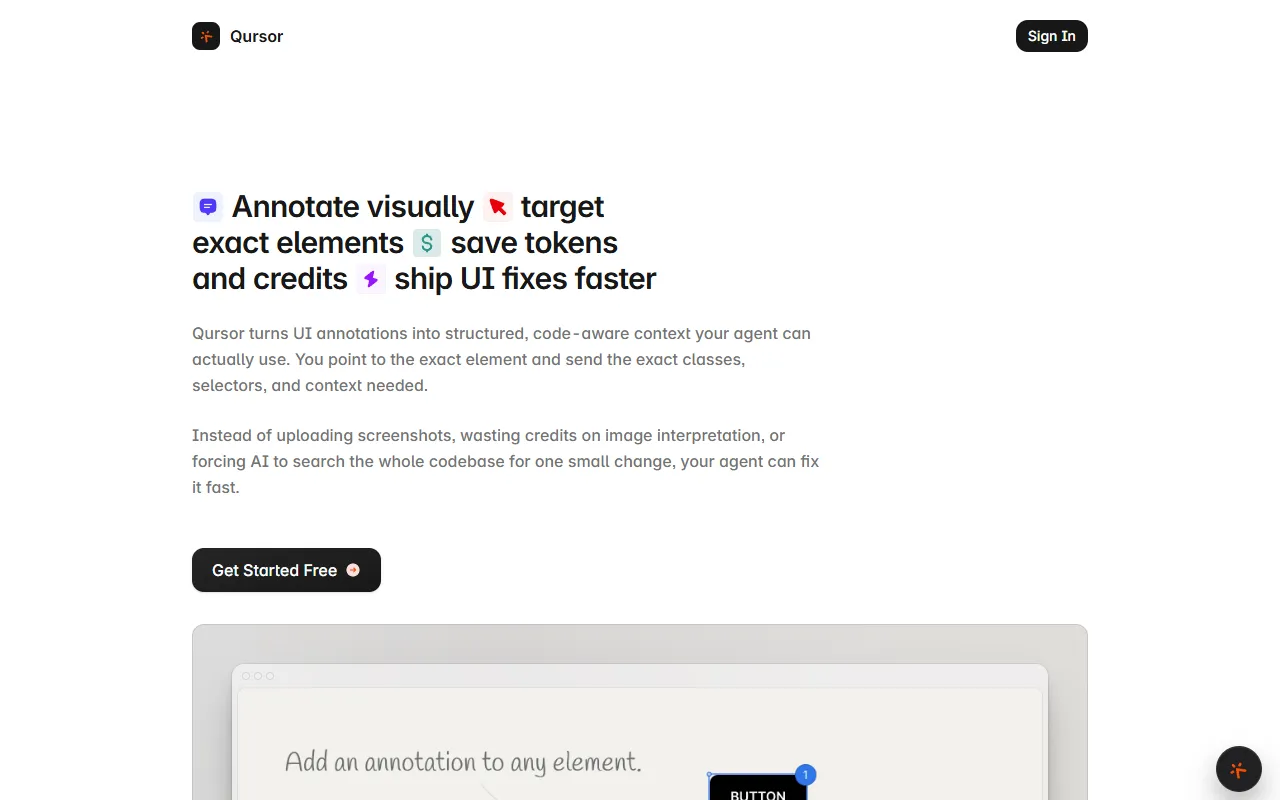
Qursor is an UI Generation tool that inspects websites visually to copy structured code context for AI coding assistants. Qursor is free to use. It is available on Chrome. It is aimed at developers, designers and product teams.
Qursor is a Chrome extension that allows users to inspect websites visually, point to specific UI elements, and copy clean, structured code-aware context for AI coding assistants. It helps in making precise changes and sending exact context to AI tools.
Built for developers, designers and product teams.
Features
Inspect Elements
Allows users to visually inspect website elements.
Make Changes
Enables users to make precise changes to UI elements.
Send Exact Context
Sends exact context to AI tools for coding assistance.
Extract Components
Extracts real components from any interface.
Grab Images
Grabs SVGs, PNGs, and JPGs from any site.
Collect Feedback
Collects client feedback wherever they are.
Client Feedback
AI Handoff
Shared Context
Maintains shared visual context among teams.
Cleaner Handoffs
Less Back-and-Forth
Use cases
- Inspect website elements visually for AI coding assistance
- Make precise UI changes and send exact context to AI tools
- Extract real components from any interface for development
- Pick colors from any site without using DevTools
- Grab SVGs, PNGs, and JPGs from any site
- Collect client feedback wherever they are located
Who it's for
Pros & cons
Pros
- Public API available
- Free plan available
- Integrates with Chrome
Cons
No documented limitations yet.
Pricing
Free.
Integrations
Developer & API
Public API available
FAQ
What is Qursor?
Qursor is an UI Generation tool that inspects websites visually to copy structured code context for AI coding assistants. Qursor is a Chrome extension that allows users to inspect websites visually, point to specific UI elements, and copy clean, structured code-aware context for AI coding assistants. It helps in making precise changes and sending exact context to AI tools.
Is Qursor free?
Yes, Qursor is free to use.
How much does Qursor cost?
Qursor is free to use.
Does Qursor have an API?
Yes, Qursor offers a public API for building custom integrations.
What platforms does Qursor support?
Qursor is available on Chrome.
Who should use Qursor?
Qursor is built for developers, designers and product teams. Common uses: inspect website elements visually for AI coding assistance, make precise UI changes and send exact context to AI tools, extract real components from any interface for development and pick colors from any site without using DevTools.
What does Qursor integrate with?
Qursor integrates with Chrome.
What are the best alternatives to Qursor?
Similar tools on AiByts include Tailgrids, Uiverse.io, Handle, Forge and Balsa UI.
Details are compiled from Qursor's website and public sources, last verified Oct 5, 2026. Features and pricing change — confirm on the official site before you buy.
Try Qursor
Free
Tags
- UI Components
- Visual Inspection
- AI Handoff
- Code Context
- Client Feedback
Comments
Sign in to join the discussion.