

Steve AI
Turn blogs, ideas, or audio into professional AI videos.
- Freemium· from $10/month
What is Steve AI?
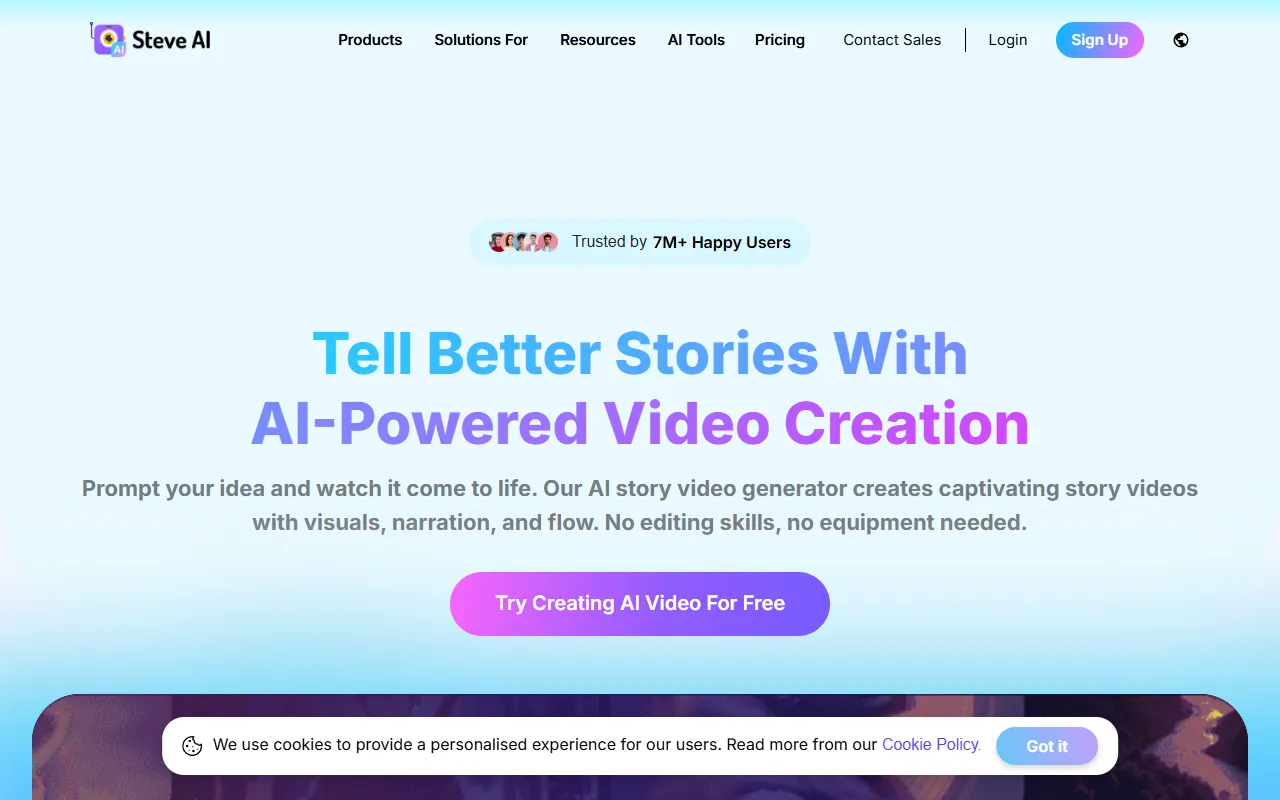
Steve AI is a Text to Video tool. Turn blogs, ideas, or audio into professional AI videos. Steve AI is freemium: it has a free plan, and paid plans start at $10/month. It is available on iOS and App Store (iOS). It is aimed at content creators, marketers and youtubers.
Steve AI transforms blogs, ideas, or audio into professional AI videos. It offers text-to-video creation, advanced prompting, multi-voice storytelling, and AI motion effects. Designed for creators and marketers, it provides tools for scripting, editing, and publishing videos efficiently.
Built for content creators, marketers, youtubers and businesses.
Key capabilities
Features
AI Video Editor
AI Video Translator
Translate videos into 10+ languages.
Multi-voice Storytelling AI Videos
AI Motion Effects Video Generator
AI Visual IQ
YouTube Automation
AI Video Maker
Create videos from text, audio, or prompts.
Text to Video with Generative AI
Advanced Prompter for AI Video Creation
ClipMaker AI for Creators
AI Motion Effects
Add motion effects to videos.
AI Talking Head Avatars
Generate animated talking head avatars.
Use cases
- Translate product videos into other languages
- Create YouTube intros automatically
- Generate AI videos from blog posts
- Edit videos with AI tools
- Add motion effects to videos
- Automate YouTube video publishing
Popular use cases
Pros & cons
Pros
- Free plan available
- Paid plans from USD 10/month
- Integrates with SSO
- GDPR compliant
- ISO 27001 certified
Cons
No documented limitations yet.
Pricing
Freemium — paid plans start at $10/month.
| Plan | Price |
|---|---|
| Starter | $60 |
| Basic | $10 / month |
| Pro | $40 / month |
| Custom Pricing | Custom |
| Free | Free |
| Enterprise | Custom |
Security & compliance
- ISO 27001
- GDPR
- SSO
As stated on Steve AI's website — not independently verified by AiByts.
FAQ
What is Steve AI?
Steve AI is a Text to Video tool. Turn blogs, ideas, or audio into professional AI videos. Steve AI transforms blogs, ideas, or audio into professional AI videos. It offers text-to-video creation, advanced prompting, multi-voice storytelling, and AI motion effects. Designed for creators and marketers, it provides tools for scripting, editing, and publishing videos efficiently.
Is Steve AI free?
Steve AI has a free plan; advanced features require a paid plan.
How much does Steve AI cost?
Steve AI offers 6 plans: Starter ($60), Basic ($10 / month), Pro ($40 / month), Custom Pricing (Custom), Free (Free) and Enterprise (Custom).
What platforms does Steve AI support?
Steve AI is available on iOS and App Store (iOS).
Who should use Steve AI?
Steve AI is built for content creators, marketers, youtubers, businesses and video editors. Common uses: translate product videos into other languages, create YouTube intros automatically, generate AI videos from blog posts and edit videos with AI tools.
What are the best alternatives to Steve AI?
Similar tools on AiByts include Trainn, Pictory, HeyGen, WayinVideo and Clideo.
Steve AI news & updates
Details are compiled from Steve AI's website and public sources, last verified Oct 3, 2026. Features and pricing change — confirm on the official site before you buy.
Try Steve AI
Freemium · from $10/month
Tags
- AI Video Editor
- AI Video Translator
- Multi-voice AI Videos
- AI Motion Effects
- AI Visual IQ
- YouTube Automation
- AI Video Maker
- Text to Video
- Advanced Prompter
- ClipMaker AI
Comments
Sign in to join the discussion.