

Tucky
Native macOS notes app with edge-docked interface
What is Tucky?
Tucky is an AI Writing tool. Native macOS notes app with edge-docked interface. It is available on macOS. It is aimed at productivity enthusiasts, note-takers and task managers.
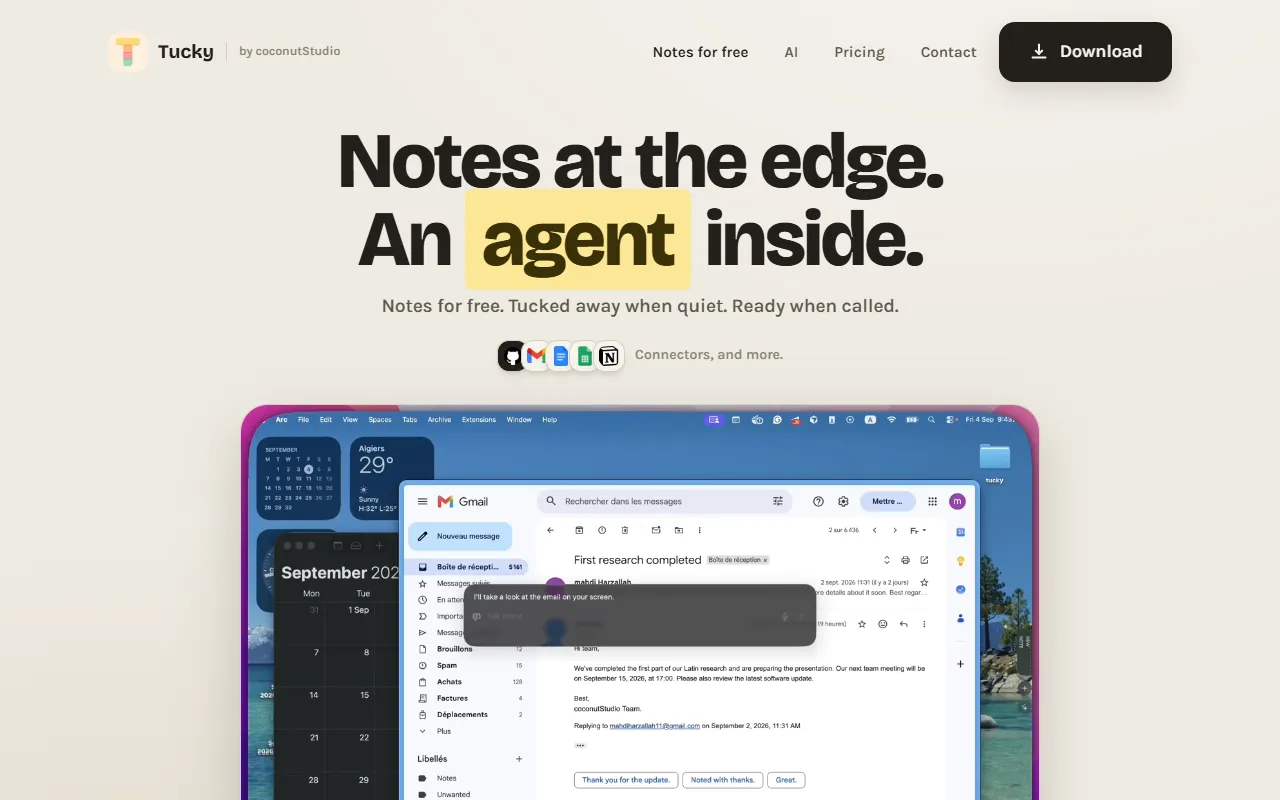
Tucky is a native macOS notes app that docks to the screen edge, offering a thin stripe interface that remains out of the way until accessed. It provides features like encrypted note storage, live Markdown styling, and global shortcuts for task management and note-taking.
Built for productivity enthusiasts, note-takers and task managers.
Features
Edge-docked note deck
Presents notes as a thin stripe on the screen edge for easy access
Checkbox tasks
Live Markdown styling
Encrypted note bodies
Stores note content in an encrypted SQLite file for security
Best model only
Dictation in 60+ languages
Supports voice-to-text input across multiple languages
Global shortcuts
Allows rebindable keyboard shortcuts for quick access
Markdown and .stickies export
Notes on the edge
Ask from the edge
Ask without leaving the edge
Encrypted on disk
Use cases
- Access notes quickly by reaching over the edge-docked interface
- Manage tasks using checkbox features within notes
- Edit notes with live Markdown formatting for real-time preview
- Export notes in Markdown or .stickies format for compatibility
- Use global shortcuts to quickly open or interact with notes
- Dictate notes in 60+ languages using built-in speech-to-text
Popular use cases
Who it's for
Pros & cons
Pros
- Free plan available with unlimited notes and 240 credits
- Paid plan offers 15,000 credits for $12/month
- Supports dictation in 60+ languages
Cons
No documented limitations yet.
FAQ
What is Tucky?
Tucky is an AI Writing tool. Native macOS notes app with edge-docked interface. Tucky is a native macOS notes app that docks to the screen edge, offering a thin stripe interface that remains out of the way until accessed. It provides features like encrypted note storage, live Markdown styling, and global shortcuts for task management and note-taking.
What platforms does Tucky support?
Tucky is available on macOS.
Who should use Tucky?
Tucky is built for productivity enthusiasts, note-takers and task managers. Common uses: access notes quickly by reaching over the edge-docked interface, manage tasks using checkbox features within notes, edit notes with live Markdown formatting for real-time preview and export notes in Markdown or .stickies format for compatibility.
What are the best alternatives to Tucky?
Similar tools on AiByts include nudge, Reflect, nenspace, Snaply and Netus AI.
Details are compiled from Tucky's website and public sources, last verified Oct 6, 2026. Features and pricing change — confirm on the official site before you buy.
Try Tucky
Visit the official website
Tags
- Edge Notes
- Global Shortcuts
Comments
Sign in to join the discussion.