

X Island
Monitor and manage AI coding agents from macOS notch
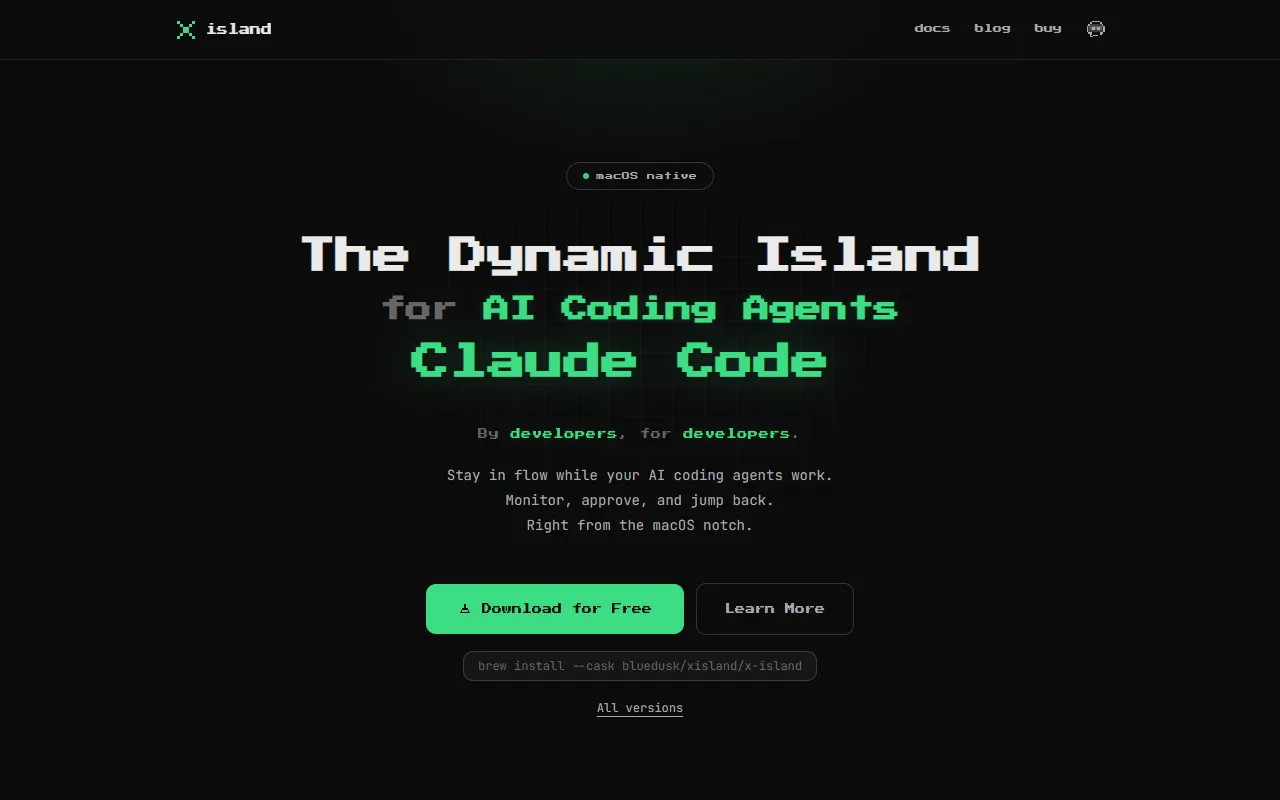
What is X Island?
X Island is an AI Code Editor tool. Monitor and manage AI coding agents from macOS notch. X Island is a paid tool. It is available on macOS. It is aimed at developers, software engineers and ai coding practitioners.
X Island allows users to monitor, approve, and manage AI coding agents like Claude Code, Codex, and Gemini CLI directly from the macOS notch. It provides a native Swift app with features for approving file edits, answering agent questions, and navigating terminals efficiently.
Built for developers, software engineers and ai coding practitioners.
Features
Monitor Sessions
Monitor AI coding agent sessions from the macOS notch
Approve Actions
Approve file edits, commands, and deletions before they run
Answer Questions
Answer agent questions from a popup without switching windows
Jump to Terminal
Jump to the right terminal session with one click
Keyboard First
Vim-style keyboard navigation for efficient interaction
Native Swift
Native Swift app — no Electron framework
Two Display Modes
Use cases
- Monitor AI coding agent sessions from the macOS notch
- Approve file edits, commands, and deletions before they run
- Answer agent questions from a popup without switching windows
- Jump to the right terminal session with one click
- Use Vim-style keyboard navigation for efficient interaction
- Access two display modes for the dynamic island
Who it's for
- Developers
- Software Engineers
- AI Coding Practitioners
Pros & cons
Pros
- Native Swift app — no Electron
- Public API available
Cons
- Paid plans only
Integrations
Developer & API
Public CLI API available
Open source· 17 stars· 3 forks
FAQ
What is X Island?
X Island is an AI Code Editor tool. Monitor and manage AI coding agents from macOS notch. X Island allows users to monitor, approve, and manage AI coding agents like Claude Code, Codex, and Gemini CLI directly from the macOS notch. It provides a native Swift app with features for approving file edits, answering agent questions, and navigating terminals efficiently.
Is X Island free?
No, X Island is a paid tool.
How much does X Island cost?
X Island is a paid tool.
Does X Island have an API?
Yes, X Island offers a public CLI API for building custom integrations.
What platforms does X Island support?
X Island is available on macOS.
Who should use X Island?
X Island is built for developers, software engineers and ai coding practitioners. Common uses: monitor AI coding agent sessions from the macOS notch, approve file edits, commands, and deletions before they run, answer agent questions from a popup without switching windows and jump to the right terminal session with one click.
What does X Island integrate with?
X Island integrates with VS Code.
Is X Island open source?
Yes, X Island is open source.
What are the best alternatives to X Island?
Similar tools on AiByts include Amp, stagewise, Contral, CybeDefend and Inventory.
Details are compiled from X Island's website and public sources, last verified Oct 5, 2026. Features and pricing change — confirm on the official site before you buy.
Try X Island
Paid
Tags
- AI Coding Agents
- Dynamic Island
- Terminal Navigation
Comments
Sign in to join the discussion.