How to Audit an AI-Generated Excel Report Before You Share It
AI can make an Excel report look finished before the numbers are trustworthy. Use this review workflow to trace inputs, recalculate KPIs, and separate facts from guesses.
13 stories
AI can make an Excel report look finished before the numbers are trustworthy. Use this review workflow to trace inputs, recalculate KPIs, and separate facts from guesses.
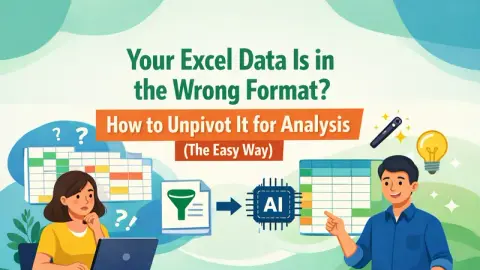
Probleme mit breiten Pivot-Berichten, die sich nicht analysieren lassen? Wir zeigen, wie Sie chaotische Daten zuerst mit Power Query in ein sauberes, nutzbares Format verwandeln — und wie ein Excel AI agent like RowSpeak das anschließend in Sekunden mit einem einfachen Satz erledigt.
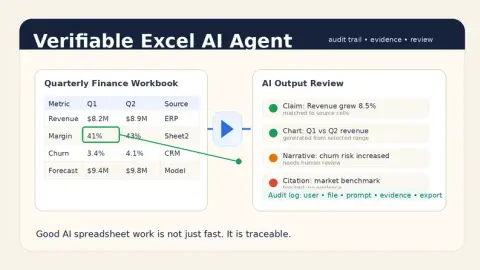
Ein guter Excel-KI-Agent sollte nicht nur schnell antworten. Er muss belegen, woher Zahlen stammen, was geprüft wurde, welche Unsicherheiten bestehen und wer das Ergebnis freigegeben hat.
A practical guide to choosing the right data analysis tool for your workflow, from Excel and BI dashboards to AI tools that analyze Excel, CSV, PDF, and business exports.
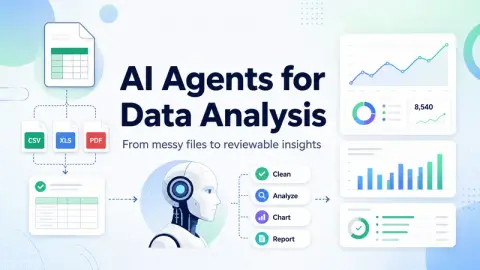
AI agents for data analysis are useful only when they can work with real business files, explain their reasoning, and produce outputs teams can review.
數據分析 AI 代理(AI agents for data analysis)是能夠檢查數據、選擇分析路徑、執行計算或轉換、解釋結果,並協助產出可供審核的成果(如圖表、摘要、儀表板或報告)的 AI 系統。
A research-led guide to 8 spreadsheet-adjacent AI tools that separates publicly documented scope from capabilities that still need an in-product trial.
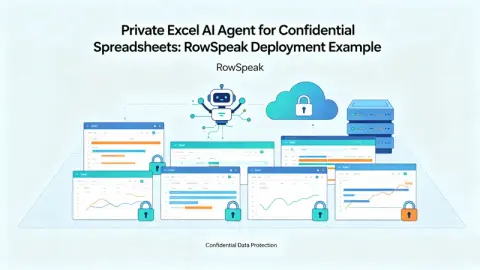
針對處理機密 Excel 檔案團隊的實用指南:如何使用私有化 Excel AI 代理進行財務報告、銷售匯出、庫存表及內部分析,確保機密數據不外洩。
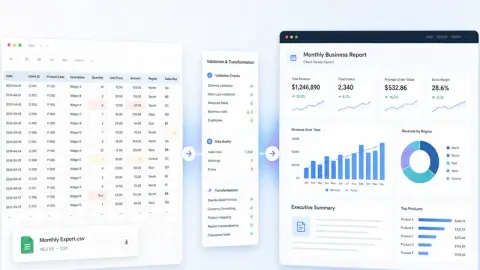
A CSV export is not a report. Here is a repeatable workflow for turning raw rows into a clean analysis report, executive summary, dashboard/report view, and shareable link stakeholders can actually review.
A practical guide for teams with sensitive Excel files: how to use a private Excel AI Agent for finance reports, sales exports, inventory sheets, and internal analysis without sending confidential data outside your environment.
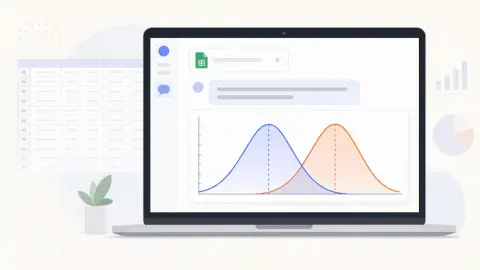
Plot a bell curve two ways: build it step by step in Excel, or upload your file to RowSpeak and ask for it in one sentence. Includes prompts, review checks, and common mistakes.
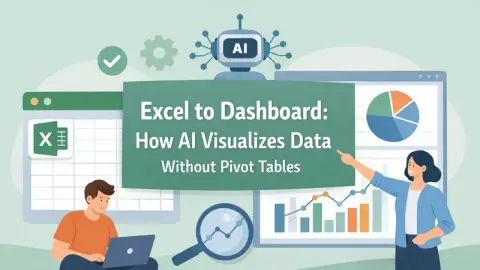
Build the same financial dashboard three ways: manually in Excel, with RowSpeak as an editable Excel workbook, and as an interactive HTML dashboard.
A founder's guide to turning order and payment exports into a dashboard you can actually use, with a video walkthrough and a copyable prompt.
Showing 13 of 13 stories
You're all caught up.
Get the top AI news and tools straight to your inbox every week.
Weekly · AI news from Excelmatic Blog
Join 15,000+ AI enthusiasts