Know a great AI tool or AI news source? Submit it to AiByts

Divi 5 Tutorial

28 stories

Stories

← Back to the latest stories
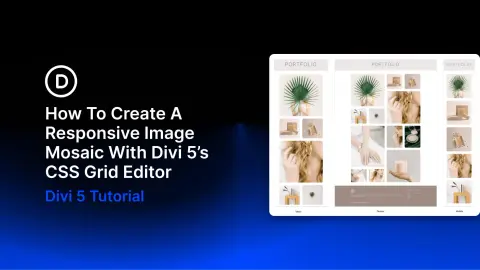
  • How To Create A Responsive Image Mosaic With Divi 5’s CSS Grid Editor

    An image mosaic combines photographs of different sizes in one connected grid. Larger tiles highlight selected images, while smaller tiles fill the spaces around them. With Divi 5’s CSS Grid Editor, you can build this arrangement visually, resizing and positioning tiles directly on the grid canvas.

    Divi Blog8 min read
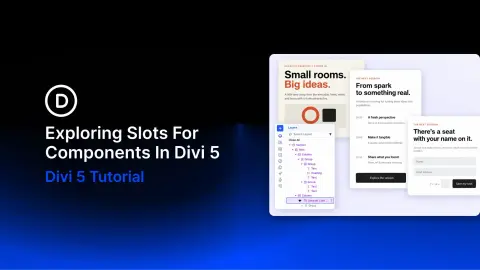
  • Exploring Slots For Components In Divi 5

    Sometimes a reusable section needs more than a different heading or button label. One page might need a workshop schedule, while another needs a booking form. You still want the surrounding design to look consistent and update from one place.

    Divi Blog19 min read
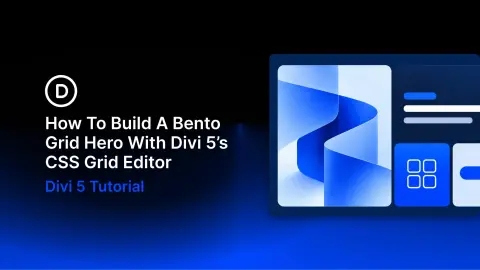
  • How To Build A Bento Grid Hero With Divi 5’s CSS Grid Editor

    A bento grid brings images, headlines, supporting details, and calls to action into one arrangement of differently sized cards. Shared edges and consistent gaps hold the layout together, while the larger cards give important content more room.

    Divi Blog11 min read
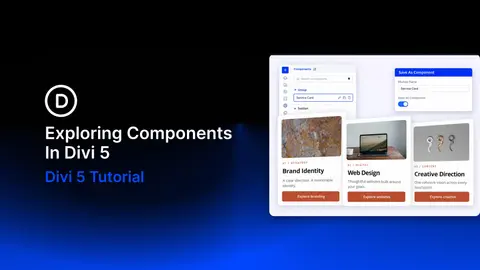
  • Exploring Components In Divi 5

    Components in Divi 5 let you reuse a design, update it from one saved source, and choose which content each use can change. We’ll build three service cards for Brand Identity, Web Design, and Creative Direction.

    Divi Blog17 min read
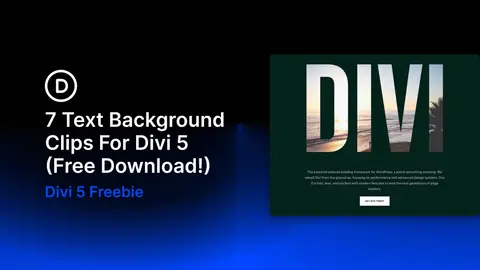
  • 7 Text Background Clips For Divi 5 (Free Download!)

    A large word can become more than typography when the image or texture behind it becomes part of the letterforms themselves. In this free pack, you’ll get 7 Text Background Clip Sections for Divi 5, using oversized type, imagery, contrast, and structured layouts to turn text into a central visual…

    Divi Blog9 min read
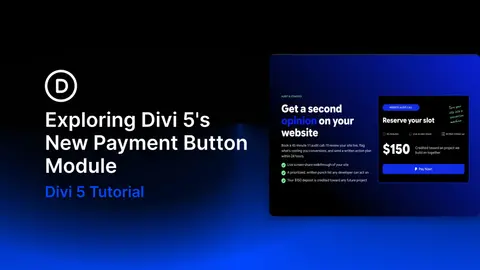
  • Exploring Divi 5’s New Payment Button Module

    Divi 5‘s Payment Button Module lets you accept payments through PayPal or Stripe without setting up a full online store. Add the module to your page, connect your payment resource, and style the button in the Visual Builder. Visitors then complete their payment through the provider’s checkout.

    Divi Blog15 min read
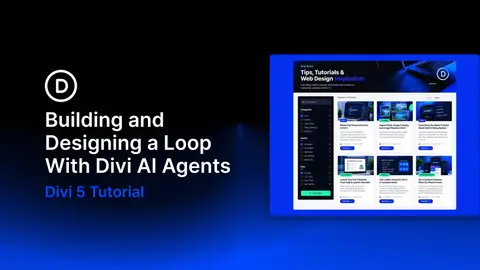
  • Building And Designing A Loop With Divi AI Agents

    Divi AI Agents let you build and edit websites through conversation. Inside Divi 5, the interface sits beside the page in the Visual Builder and can create sections, rows, and modules while you watch. Attach a screenshot and describe the layout you want.

    Divi Blog13 min read
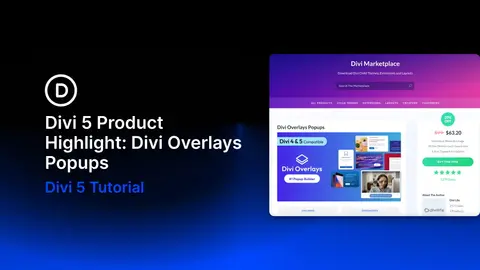
  • Divi 5 Product Highlight: Divi Overlays Popups

    Contact forms, videos, and product details can be useful without needing a permanent place on the page. A pop-up lets visitors open that content when they need it while keeping the main layout focused. Divi Overlays by Divi Life gives that content a second layer.

    Divi Blog14 min read
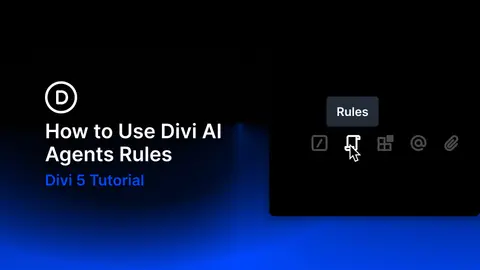
  • How to Use Divi AI Agents Rules

    Keeping a website consistent means carrying the same brand voice, design choices, and layout conventions into each new task. Repeating those instructions in every AI prompt adds work, especially when you are building several pages for the same client.

    Divi Blog9 min read

Showing 28 of 28 stories

You're all caught up.

AiByts Weekly Brief

Get the top AI news and tools straight to your inbox every week.

Weekly · AI news

Join 15,000+ AI enthusiasts