Know a great AI tool or AI news source? Submit it to AiByts

Inspirational

16 stories

Stories

  • How to make a YouTube banner with AI that fits every screen

    To make a YouTube banner with AI, describe your channel in a prompt, upload a portrait or logo for the AI to follow, and generate the art at 16:9 and 2560 x 1440 with your name in the center safe area. Then fix any detail, download the file and upload it in YouTube Studio.

    PicsArt Blog6 min read
  • AI 3D modeling is now live in Picsart Flow, from text or a photo

    Picsart Flow now does AI 3D modeling. The new 3D node turns a prompt or a photo into a textured 3D model you can spin right on the canvas. A product shot, a character sketch or a line of text goes in, and a live 3D model comes out, ready to download as a GLB … Continue reading "AI 3D modeling is…

    PicsArt Blog7 min read
  • Picsart Flow now adds AI captioning in 30 animated styles

    Picsart Flow now has AI captioning in one node. Connect a video to the new Captions node, pick a style and run. Speech is transcribed and burned in as animated, styled subtitles, ready for TikTok, Reels and Shorts.

    PicsArt Blog5 min read
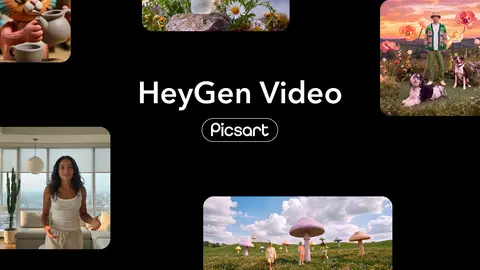
  • HeyGen Video explained: give it a photo, a clip, and a song

    HeyGen Video is a text-to-video model in Picsart AI Playground. It makes short clips with the sound already built in. It works from three kinds of input: a written prompt, an optional first-frame image, and up to 12 references in any mix of images, video, and audio.

    PicsArt Blog9 min read
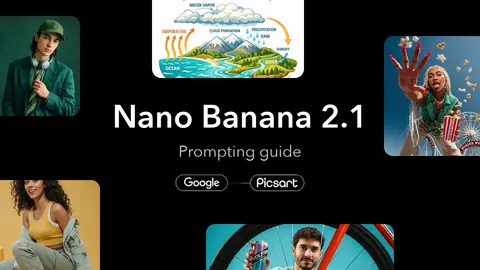
  • Nano Banana 2.1 prompting guide: 14 prompts to copy

    Nano Banana 2.1 prompts work hardest when they play to the model’s strengths: readable text on posters and diagrams, precise edits, changes directed by a doodle, scenes assembled from several images, and step-by-step refinement in one chat.

    PicsArt Blog8 min read
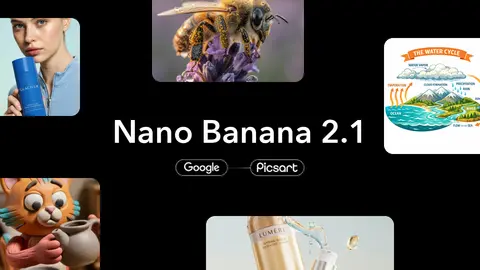
  • Nano Banana 2.1 is now available in Picsart

    Google released Nano Banana 2.1 in October 2026, and it is now available in Picsart AI Playground. The new Nano Banana model generates and edits images from text and image input, outputs in 1K, 2K or 4K across 15 aspect ratios, and supports multi-turn editing, so a picture can be refined over a…

    PicsArt Blog6 min read
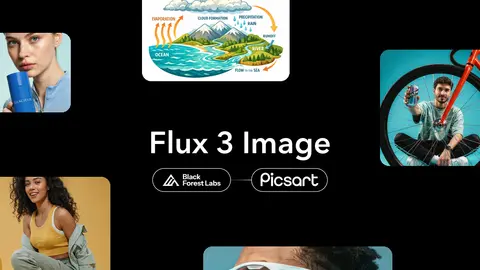
  • Flux 3 Image in Picsart: layout control, precise edits, 4K

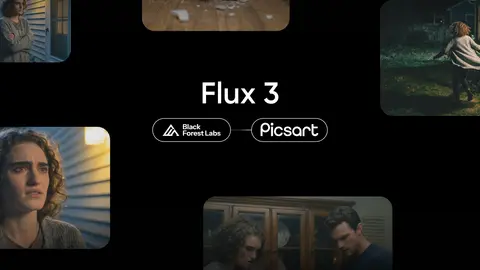
    Flux 3 Image, the new image model from Black Forest Labs, is now in Picsart AI Playground, with native 2K and 4K output and room for up to 10 reference images. Describe a scene or drop in reference images, and the model returns full-resolution images ready for ads, posters and brand assets.

    PicsArt Blog6 min read
  • Ideogram 4.5 vs GPT Image 2.5: which version to use when

    Ideogram 4.5 and GPT Image 2.5 both promise edits that hold across many rounds, but they split into two versions for different reasons. Ideogram divides by job. Ideogram 4.5 generates and edits, while Ideogram 4.5 Precise Edit changes one area and keeps the rest pixel-intact.

    PicsArt Blog9 min read
  • ElevenLabs v4 vs v4 Turbo differences explained

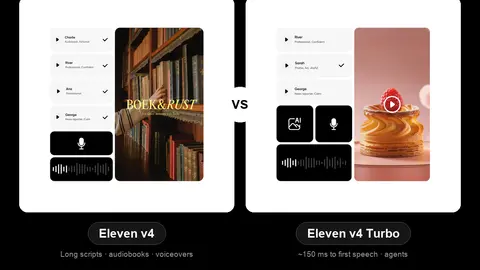
    ElevenLabs v4 and Eleven v4 Turbo are one voice engine at two speeds. The choice comes down to one question: does your audio need to answer back in real time? Eleven v4 Turbo: live conversation and agents. Eleven v4: produced audio like audiobooks, character work, voiceovers and dubbing.

    PicsArt Blog6 min read
  • AI Glass breaking effect with Flux 3: does the smash sound right too?

    A glass breaking effect in Flux 3 comes from one prompt that describes the break and the sound together. The model creates picture and audio in a single generation. As a result, the smash lands on the frame where the glass gives way. There is no library track to hunt down and no manual syncing.

    PicsArt Blog9 min read
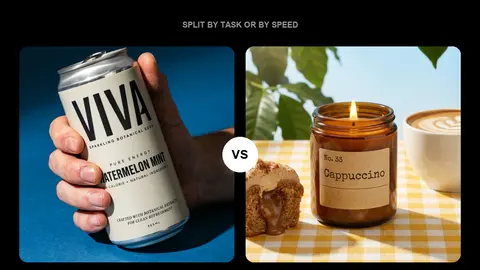
  • GPT Image 2.5 Flare vs Grok Imagine 2 for everyday images

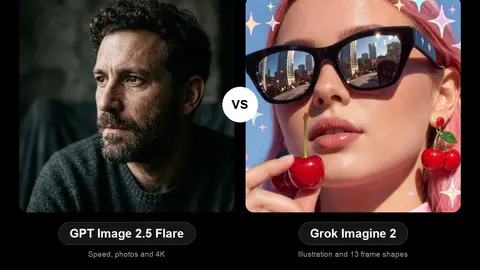
    GPT Image 2.5 Flare is the pick for photographs, precise edits and big finished files, while Grok Imagine 2 is the pick for drawn, styled and unusually shaped images. Both are quick, everyday models, and both sit in the same Picsart Playground, so the real question is what you are about to make.

    PicsArt Blog9 min read
  • LTX 2.5 Pro vs LTX 2.5 Fast: which one to use

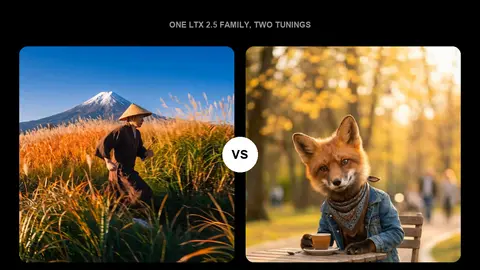
    The shot decides this one before you do. LTX 2.5 Fast renders up to 4K and runs as long as 20 seconds. LTX 2.5 Pro stops at 1080p and 10 seconds, and puts the difference into per-frame quality instead. That is the part the tier names do not tell you.

    PicsArt Blog7 min read
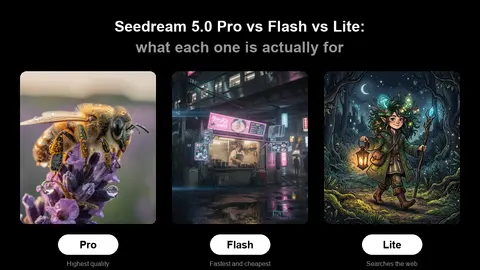
  • Seedream 5.0 Pro vs Flash vs Lite: what each one is actually for

    ByteDance Seed’s Seedream 5.0 family has three models on Picsart, and the obvious assumption about them is wrong. They are not a good, better, best ladder where you pay more for a bigger, sharper picture. Pro and Flash are a matched pair.

    PicsArt Blog7 min read
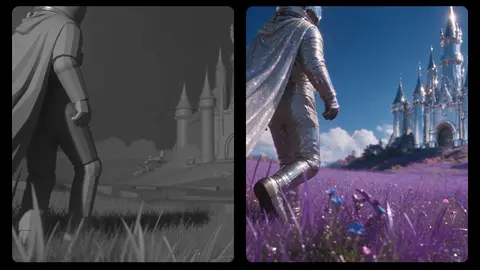
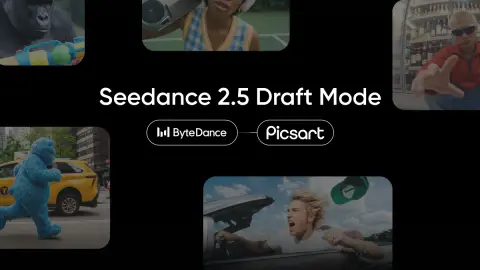
  • Draft mode for Seedance 2.5: preview in 480p, deliver in 1080p

    Draft mode is live for Seedance 2.5 in Picsart’s AI Playground. It splits generation into two steps: a fast, low-cost 480p preview you can re-roll as many times as you need, and a full 1080p render of the one take you actually want.

    PicsArt Blog5 min read

Showing 16 of 16 stories

You're all caught up.

AiByts Weekly Brief

Get the top AI news and tools straight to your inbox every week.

Weekly · AI news

Join 15,000+ AI enthusiasts