
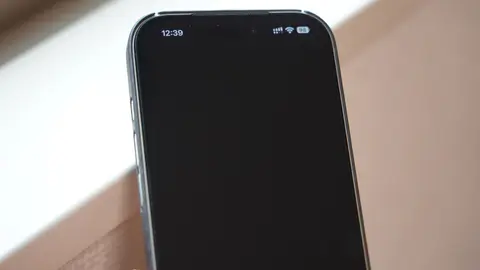
「iPhoneのアプリが起動しない」報告相次ぐ 端末再起動やアプリ削除で解決しない理由
iOSアプリが相次ぎ強制終了する大規模障害が発生。原因はGoogleの「Firebase」不具合とみられる。再起動では解決せず、データ消失リスクがあるためアプリ削除は避け、復旧を待つのが最善の対応となる。
ITmedia AI - Japan6 min read
55 stories
iOSアプリが相次ぎ強制終了する大規模障害が発生。原因はGoogleの「Firebase」不具合とみられる。再起動では解決せず、データ消失リスクがあるためアプリ削除は避け、復旧を待つのが最善の対応となる。

A side-by-side look at three free ways to move files between phone and computer: platforms, iPhone support, same-Wi-Fi rules, clipboard sharing, and where each one falls down.
How to set up Quick Share on Windows 10 or 11, send files both ways, and fix it when the PC won't show up. Plus what the new AirDrop support means for iPhone owners.
Google's Quick Share can now send to and receive from an iPhone's AirDrop on newer Pixel, Galaxy, OnePlus, OPPO and other phones. Which ones work, the steps both ways, and what to use if yours is left out.
Apple never made AirDrop for Windows. LocalSend, PairDrop, Phone Link, iCloud and the quick hacks, with the limits of each, so you can move files from an iPhone to a PC.
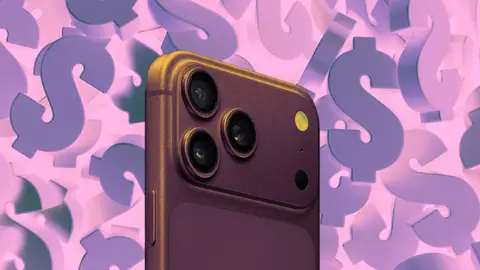
Apple’s high-end models cost more in markets like India and Turkey owing to high taxes and import duties.
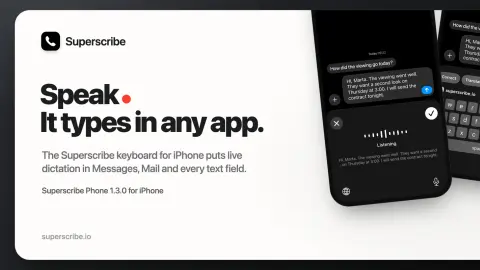
The Superscribe keyboard brings live dictation to Messages, Mail, Notes and the other apps on your iPhone, like the desktop app does on a computer.
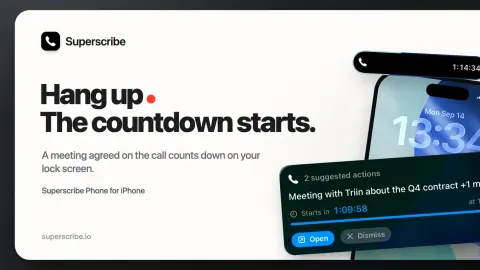
Superscribe Phone 1.2.4 counts down to a meeting agreed on a call, on the lock screen, in the Dynamic Island and in CarPlay. Reminders show their due day.
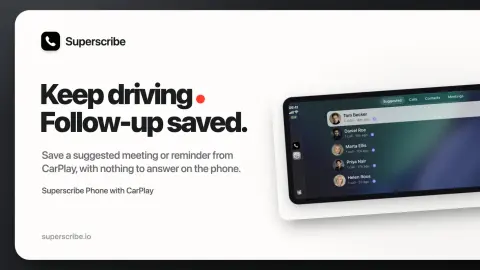
Superscribe 1.2.2 lets you save a suggested calendar event or reminder from CarPlay without the phone asking for anything, and a tap under Suggested opens the call instead of dialling.
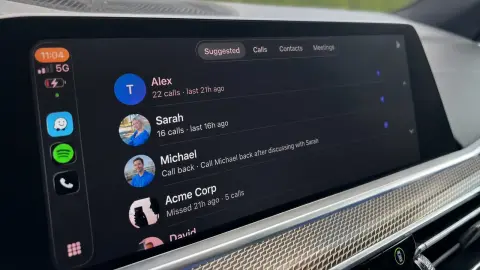
Superscribe Phone now brings call notes, recordings, contacts, follow-ups and meeting controls to CarPlay. Here is what shipped in 1.2.1.
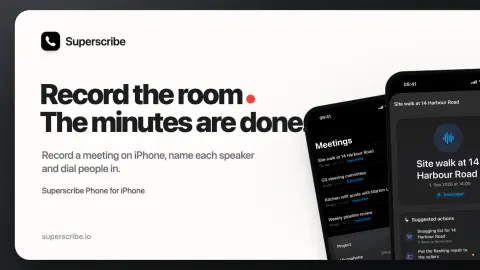
Record a meeting on iPhone, name each speaker, dial in remote participants and leave with a transcript, summary, decisions and follow-ups.
The biggest Overflight update since launch. Emergency aircraft jump the queue, route cards spell out the airports, spoken traffic sounds like an actual controller, and on iPhone and iPad you can read up on the airplane without leaving the app.
SideNotes for iPhone and iPad is here. From now on, you can take your notes wherever you are.
Since the last beta, we've received lots of great feedback from our users. We're really grateful for that. That helped us to upgrade the app even more.
We’ve just released SideNotes 1.2. The new version introduces Automatic Backups and other improvements.

We’ve just released SideNotes 1.3 which is the biggest update since SideNotes 1.0. It introduces iCloud synchronization, themes, refined UI and many, many more.
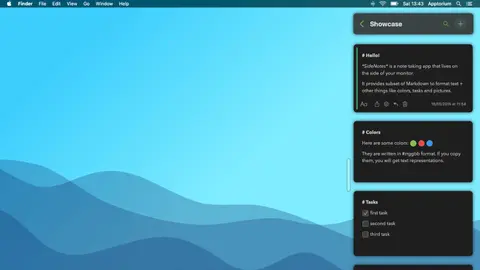
We’re really happy to announce that SideNotes 1.1 has been released. It’s an important update and we would like to tell you how it’s been improved.
We are really happy to announce that SideNotes 1.0 has been released.
Showing 54 of 55 stories
Load more storiesGet the top AI news and tools straight to your inbox every week.
Weekly · AI news
Join 15,000+ AI enthusiasts