
Pared - remove unwanted Apple Intelligence models without disabling SIP
Remove unwanted Apple Intelligence models without disabling SIP. CLI, nix-darwin, and Home Manager support. - 4evy/pared
Lobsters2 min read
57 stories
Remove unwanted Apple Intelligence models without disabling SIP. CLI, nix-darwin, and Home Manager support. - 4evy/pared
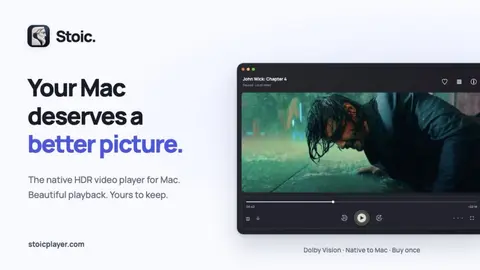
Discover how Stoic Player transforms your Mac into a cinematic powerhouse with HDR and Dolby Vision support.
A guide to the keyboard shortcuts in the Chronock desktop app 26.10.3, covering the command palette, calendar actions, view switching, and arrow-key navigation.

The Chronock desktop app is available for Apple Silicon Macs running macOS 14 or later. Here is what it includes, how to install it, and how updates work.
Apple is adding friction to Full Disk Access as increasingly autonomous AI agents pose new risks to Mac data.
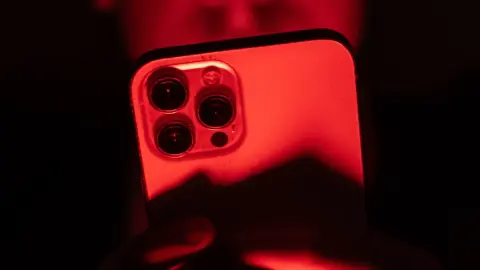
Apple says the bug was used to attack "specific targeted individuals" running iOS 26, which the majority of Apple customers are still using.

Snipping Tool is Windows only, but every Mac has its own version built in. The shortcuts, the Screenshot app, screen recording, and what each Snipping Tool feature is called on a Mac.
Tahoe finally gave the Mac a clipboard history, tucked inside Spotlight. The shortcut, the 7-day limit, the password problem, and what to use when it falls short.

Voz is up to 2.9x faster on Mac and 20% faster on the M4 iPad Air. Clear is faster on every Mac we tested. Update the Swift SDK, no code changes needed.
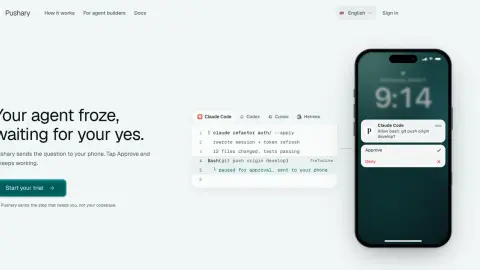
Pushary Isle is a small native Mac app. When Claude Code, Codex or Cursor stops to ask you something, the question shows up in your notch and one shortcut answers it.
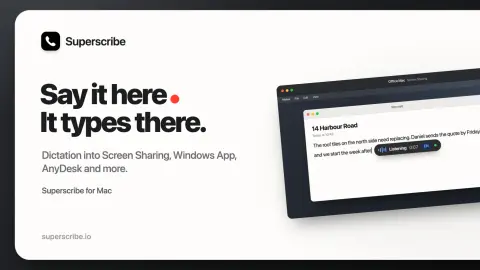
Superscribe for Mac now types what you say into Screen Sharing, Windows App, AnyDesk, TeamViewer and other remote desktops, plus last week's fixes.
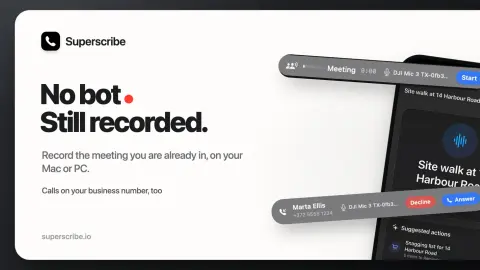
The Superscribe desktop app now records the video meeting you are already in, on Mac or Windows, with no bot joining. It also makes and answers calls on your business number.
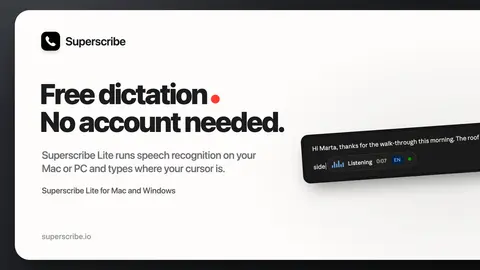
Superscribe Lite is free offline dictation for Mac and Windows. It needs no account, runs speech recognition locally and types where your cursor is.
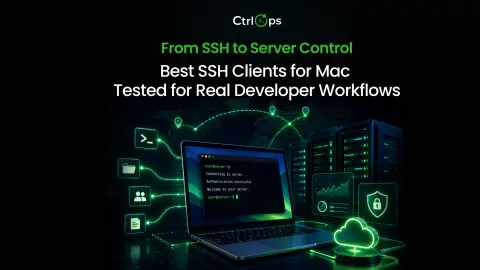
Stop switching between 5 tools to manage servers. We tested 6 SSH clients for Mac across real workflows. See which saves you time in 2026.
SideNotes for iPhone and iPad is here. From now on, you can take your notes wherever you are.
Since the last beta, we've received lots of great feedback from our users. We're really grateful for that. That helped us to upgrade the app even more.
We’ve just released SideNotes 1.2. The new version introduces Automatic Backups and other improvements.

We’ve just released SideNotes 1.3 which is the biggest update since SideNotes 1.0. It introduces iCloud synchronization, themes, refined UI and many, many more.
Showing 54 of 57 stories
Load more storiesGet the top AI news and tools straight to your inbox every week.
Weekly · AI news
Join 15,000+ AI enthusiasts