Know a great AI tool or AI news source? Submit it to AiByts

Picsart Flow

16 stories

Stories

  • AI relight: how to change the lighting in a video

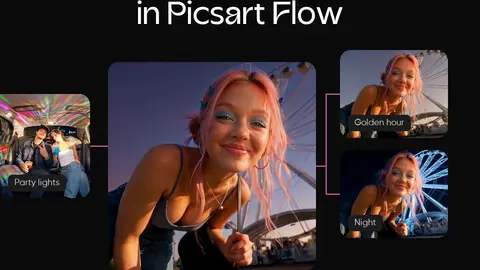
    AI relight changes the light in a video after it is shot: the direction, the color, the time of day and even the weather, without a reshoot. Picsart Flow’s Relight Feature template shows how far that goes.

    PicsArt Blog8 min read
  • How to make a worksheet with AI: 6 printables in one run

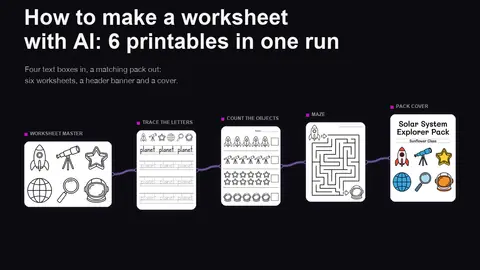
    To make a worksheet with AI, type a lesson topic, an age band, a handwriting word and a class name into the Space-Themed Classroom Worksheet Pack workflow in Picsart Flow, then run it. One run returns six printable worksheets, a header banner and a cover page, ready for the classroom.

    PicsArt Blog7 min read
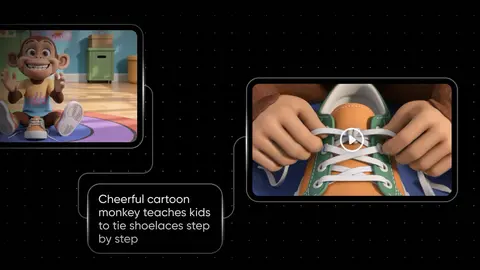
  • How to make an explainer video with AI for any lesson

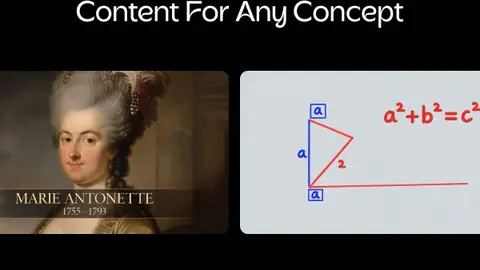
    To make an explainer video with AI, write a prompt for the video direction and script in a text node in Picsart Flow, connect a video node to it, and press Run. The connected text node gives the video its direction, so the video node needs no prompt of its own.

    PicsArt Blog6 min read
  • How to make a Halloween animation starring your kid or pet

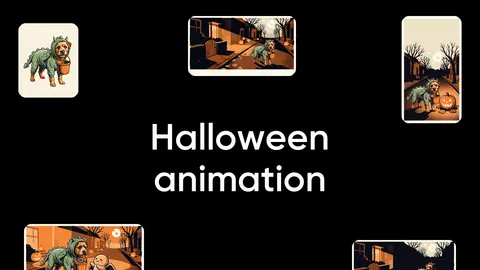
    To make a Halloween animation starring your kid or pet, start from one clear photo of them, write a four-line brief for the costume and the story, and let a Picsart Flow template turn it into three key scenes and a 30-second animated short.

    PicsArt Blog5 min read
  • How to make spooky Halloween invitations guests can’t ignore

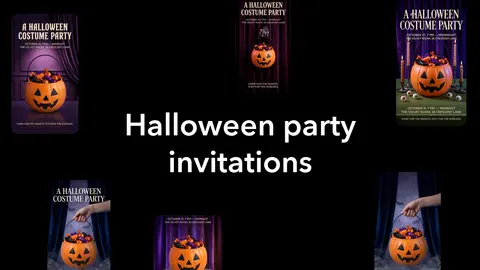
    To make a Halloween video invitation, add one hero photo and four lines of party details to the Elegant Halloween Party Invitations template in Picsart Flow, and it returns five invitations, each with a 6-second animated video.

    PicsArt Blog6 min read
  • How to make a cinematic Halloween commercial from existing product photos

    A cinematic Halloween commercial can start from a product photo you already have: place the product into a moonlit Halloween scene, add your offer, and animate it into a short vertical clip. No reshoot, no props and no set build. Two very different businesses show how far that goes.

    PicsArt Blog6 min read
  • Halloween AI prompts: 12 photo and video prompts

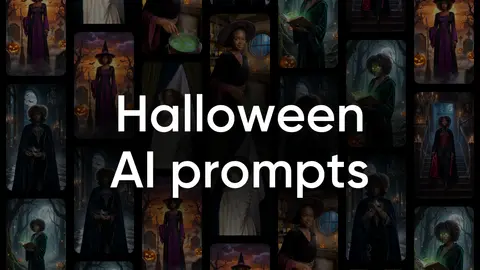
    The best Halloween prompts start from your own photo: they keep your face, swap in the costume and build the spooky set around you, then a second prompt animates the portrait into a short video. Below are six Halloween photo prompts and six video prompts that bring each portrait to life.

    PicsArt Blog12 min read
  • Halloween ads: 6 ready-made workflows in Picsart Flow

    The fastest way to make Halloween ads is to start from a workflow that already knows the season: upload one product photo, and the canvas builds the spooky scenes, sets the sale copy and animates the result.

    PicsArt Blog7 min read
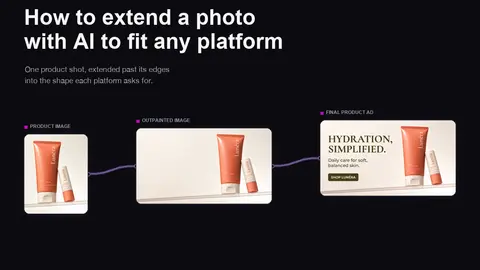
  • How to extend a photo with AI to fit any platform

    To extend a photo with AI, an image model generates new pixels past the original edges, so one shot can fill the shape each platform asks for without cropping or stretching the subject.

    PicsArt Blog7 min read
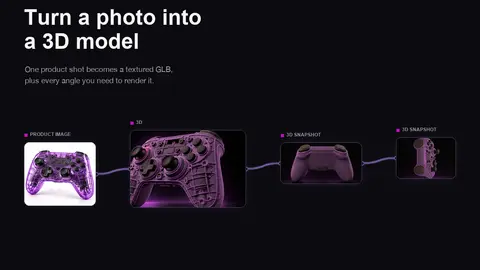
  • How to turn a photo into a 3D model of your product

    To turn a photo into a 3D model, connect one clear product shot to a 3D node in Picsart Flow, and the node rebuilds the object as a textured GLB model you can rotate, capture and download. Nothing has to be modeled by hand.

    PicsArt Blog7 min read
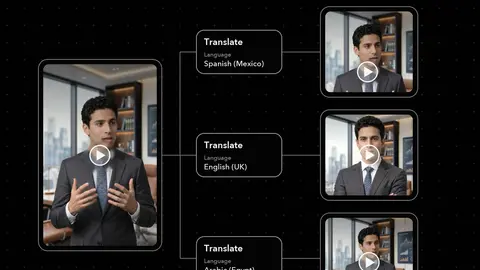
  • Picsart Flow now has an AI video translator with lip-sync

    The latest Picsart Flow release is live, and it puts an AI video translator right on the canvas: the new Translate node. Hand it a video of someone speaking, and it hands the video back in another language, in the same voice, with the lips moving to the new words.

    PicsArt Blog6 min read
  • AI 3D modeling is now live in Picsart Flow, from text or a photo

    Picsart Flow now does AI 3D modeling. The new 3D node turns a prompt or a photo into a textured 3D model you can spin right on the canvas. A product shot, a character sketch or a line of text goes in, and a live 3D model comes out, ready to download as a GLB … Continue reading "AI 3D modeling is…

    PicsArt Blog7 min read
  • Picsart Flow now adds AI captioning in 30 animated styles

    Picsart Flow now has AI captioning in one node. Connect a video to the new Captions node, pick a style and run. Speech is transcribed and burned in as animated, styled subtitles, ready for TikTok, Reels and Shorts.

    PicsArt Blog5 min read
  • How to use AI to decorate a room and tour it in Picsart Flow

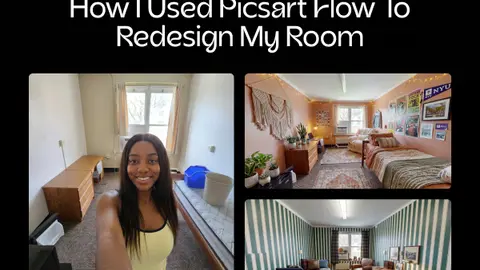
    To use AI to decorate a room, upload a photo of the space to Picsart Flow and describe each change in a prompt, so you can see the idea before committing to it. With just a few prompts, one college dorm room turns into four completely different redesign styles.

    PicsArt Blog9 min read

Showing 16 of 16 stories

You're all caught up.

AiByts Weekly Brief

Get the top AI news and tools straight to your inbox every week.

Weekly · AI news

Join 15,000+ AI enthusiasts