Know a great AI tool or AI news source? Submit it to AiByts

remote-desktop

12 stories

Stories

  • How to control your Mac mini from your iPhone [2026 Guide]

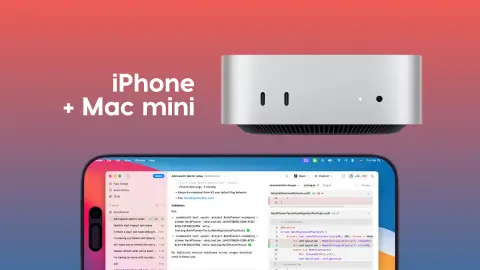
    A few weeks ago I was out running errands and I wanted to check in on my Mac mini. I had started an agent on an hours-long task before I left, and I hoped it would be all wrapped up when I got home. New to this? Start with our headless Mac mini setup guide.

    Astropad Workbench Blog7 min read
  • How to remotely access your Mac mini [2026 Guide]

    The Mac mini has become the go-to machine for running AI agents: It’s compact, Apple Silicon-powered, and affordable enough to dedicate entirely to the task. CNN Business called it “the hottest Apple product right now.” New to this? Start with our headless Mac mini setup guide.

    Astropad Workbench Blog11 min read
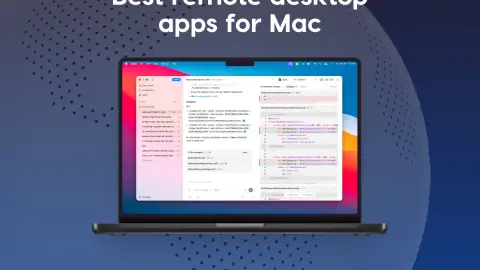
  • Best Remote Desktop Apps for Mac [2026 Guide]

    Remote desktop apps let users access and control their computers from another device, such as a smartphone, tablet, or another computer. They used to be primarily for IT support, but the use case has expanded since AI agents arrived.

    Astropad Workbench Blog18 min read
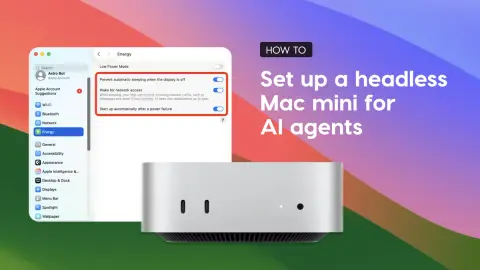
  • How to Set Up a Headless Mac mini for AI Agents [2026 Guide]

    The Mac mini is having a moment. Its small footprint, low power draw, and Apple Silicon performance make it a near-ideal always-on machine — perfect for hosting AI agents, serving files and media, or running local LLMs. This guide walks through everything you need to set up a headless Mac mini.

    Astropad Workbench Blog14 min read
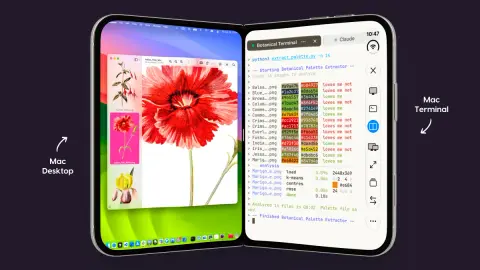
  • Workbench 1.4: Support for Terminal and iPhone Duo

    We just shipped Workbench 1.4 with two big additions: Terminal lets you open a command line session on your Mac from any of your devices. It keeps running after you disconnect, so you can check in on an agent without pulling up the whole desktop.

    Astropad Workbench Blog2 min read
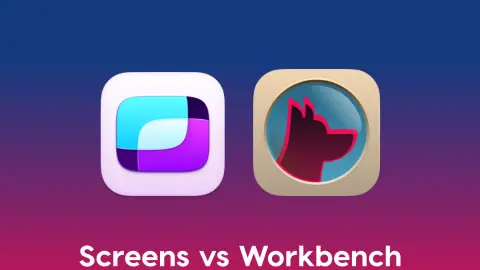
  • Workbench vs Screens Remote Desktop

    If you’re looking for remote desktop software for your Mac, Workbench and Screens will probably both come up. They’re two of the most popular options for Apple users, and on the surface they look similar: Both let you access a Mac from another device. Both have native iPhone and iPad apps.

    Astropad Workbench Blog8 min read
  • Dictate Into a Remote Desktop From Your Mac

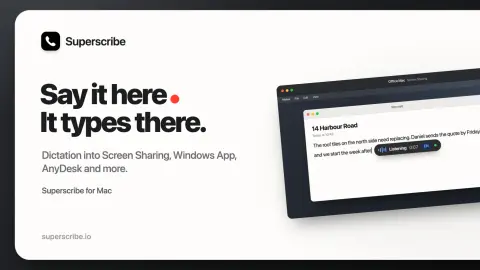
    Superscribe for Mac now types what you say into Screen Sharing, Windows App, AnyDesk, TeamViewer and other remote desktops, plus last week's fixes.

    Superscribe Blog3 min read
  • Workbench 1.3: Privacy curtain, watchdog & faster streaming

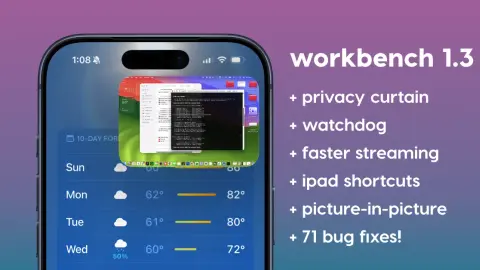
    We just shipped Workbench 1.3, the biggest update since we first launched this spring. This release focuses entirely on making Workbench faster and more dependable: How to update: Launch the apps on your devices and you’ll be prompted to download the latest version.

    Astropad Workbench Blog3 min read
  • Workbench vs TeamViewer

    If you’re looking for a way to access your Mac remotely, Workbench and TeamViewer will probably both come up in your research. They’re both widely used remote desktop tools, and on the surface they seem to solve the same problem. But they weren’t built for the same person.

    Astropad Workbench Blog9 min read
  • How to set up OpenClaw on Mac mini

    I’ve got a Mac mini sitting on a shelf in my office that handles a chunk of my busy work. It does sales reporting, scans my Shopify inventory, drafts social media content, and runs coding tasks that would typically tie up my MacBook for an hour.

    Astropad Workbench Blog10 min read
  • Workbench vs Jump Desktop

    If you’re looking for remote desktop software for your Mac, Workbench and Jump Desktop will probably both come up. They’re two of the most popular options, and on the surface they look similar: Both let you access a Mac from another device. Both work well. Both have strong reputations.

    Astropad Workbench Blog8 min read
  • Do You Need a Dummy Plug for a Headless Mac Mini?

    When I set up my first headless Mac mini, I was confused about whether or not I needed a dummy plug. Every guide I found was written for Intel Macs, and the answer was always yes: buy the dongle, plug it in, done. New to this? Start with our headless Mac mini setup guide.

    Astropad Workbench Blog5 min read

Showing 12 of 12 stories

You're all caught up.

AiByts Weekly Brief

Get the top AI news and tools straight to your inbox every week.

Weekly · AI news

Join 15,000+ AI enthusiasts