What’s New in Superscribe: November 2026
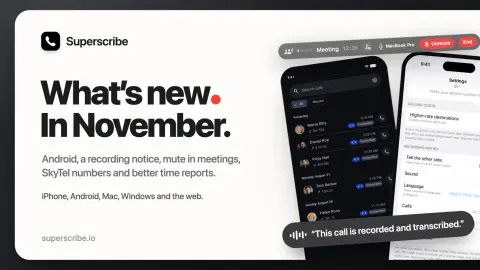
Everything new in Superscribe since mid October: the Android app, a recording notice, mute in meetings, SkyTel numbers, and better time reports.
Superscribe Blog4 min read
21 stories
Everything new in Superscribe since mid October: the Android app, a recording notice, mute in meetings, SkyTel numbers, and better time reports.
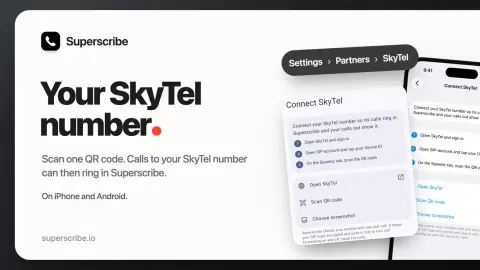
Superscribe on iPhone and Android now connects to your SkyTel number with one QR code. Calls to it can ring in Superscribe, and your calls out show it.
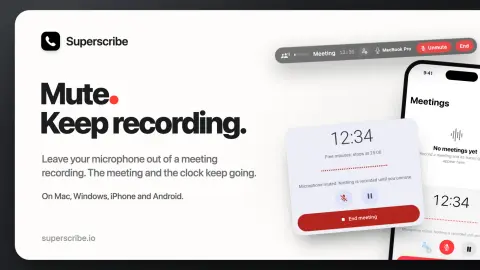
Superscribe now has a Mute button in meeting recordings on Mac, Windows, iPhone and Android. The meeting keeps recording, without your microphone.
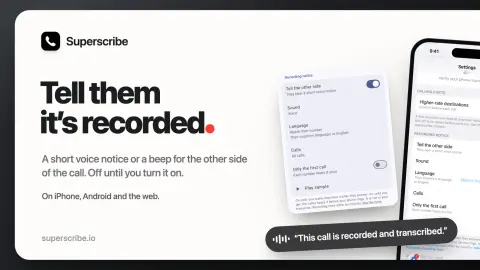
Superscribe can now play a short voice notice or a beep, so the other person knows the call is recorded. It is off until you turn it on.
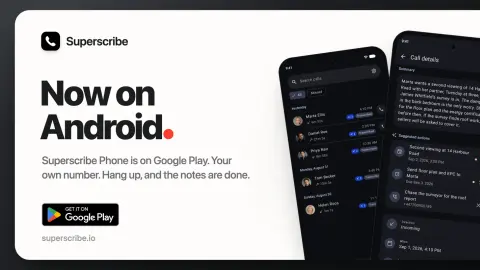
Superscribe Phone is on Google Play. Take work calls on your own number and get the summary, next steps and transcript after the call.
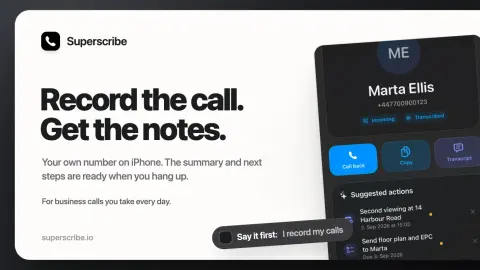
Apple's call recorder tells the other person and is not available in the EU. Here is how to record business calls on iPhone and get the notes.
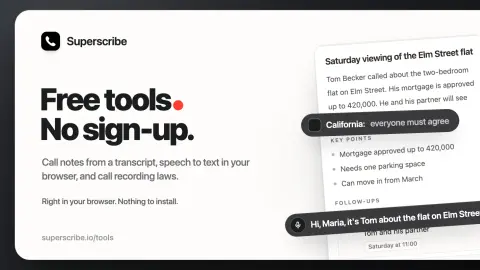
Free on superscribe.io: turn a call transcript into notes, turn speech into text in your browser, and check if you may record a call. No sign-up.
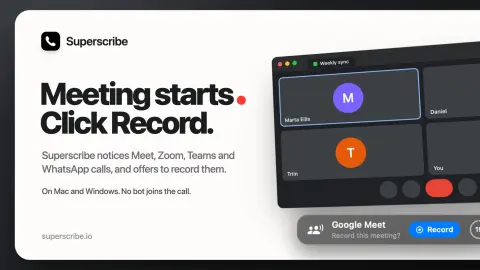
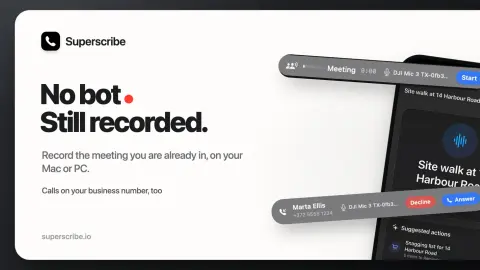
When a Meet, Zoom or Teams meeting or a WhatsApp call starts on your Mac or PC, Superscribe asks if you want to record it. One click, and no bot joins.
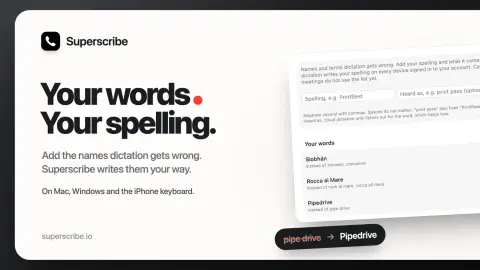
Add the names and terms dictation keeps getting wrong, and what it hears instead. Superscribe then writes your spelling on Mac, Windows and the iPhone keyboard.
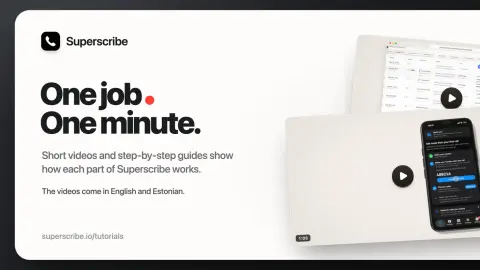
One-minute videos and step-by-step guides show how Superscribe works: the iPhone setup, how a call becomes notes, Pipedrive, meetings and dictation.
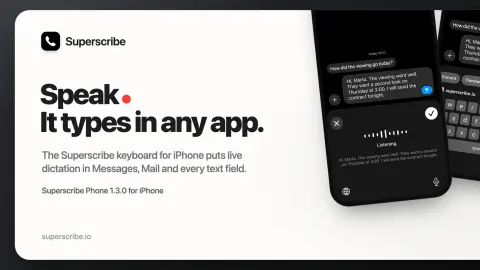
The Superscribe keyboard brings live dictation to Messages, Mail, Notes and the other apps on your iPhone, like the desktop app does on a computer.
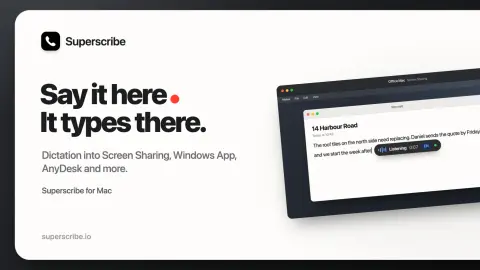
Superscribe for Mac now types what you say into Screen Sharing, Windows App, AnyDesk, TeamViewer and other remote desktops, plus last week's fixes.
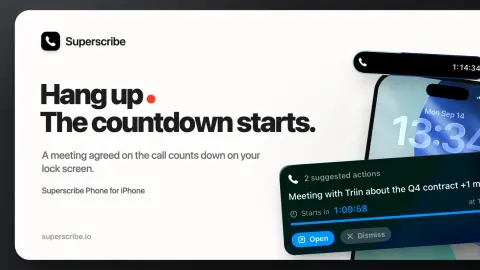
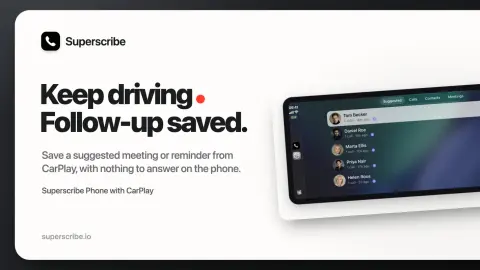
Superscribe Phone 1.2.4 counts down to a meeting agreed on a call, on the lock screen, in the Dynamic Island and in CarPlay. Reminders show their due day.
The Superscribe desktop app now records the video meeting you are already in, on Mac or Windows, with no bot joining. It also makes and answers calls on your business number.
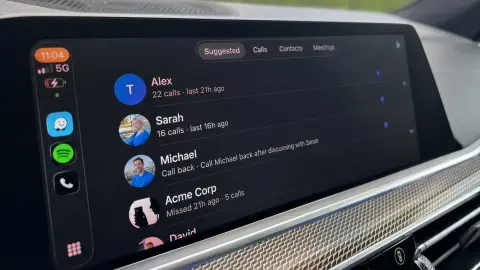
Superscribe 1.2.2 lets you save a suggested calendar event or reminder from CarPlay without the phone asking for anything, and a tap under Suggested opens the call instead of dialling.
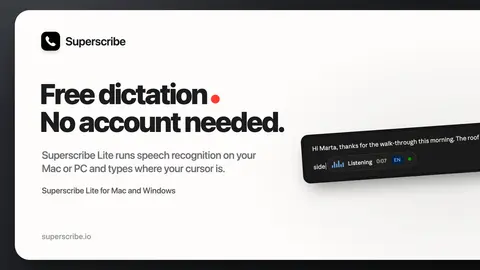
Superscribe Lite is free offline dictation for Mac and Windows. It needs no account, runs speech recognition locally and types where your cursor is.
Superscribe Phone now brings call notes, recordings, contacts, follow-ups and meeting controls to CarPlay. Here is what shipped in 1.2.1.
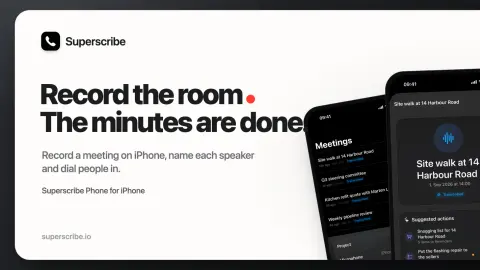
Record a meeting on iPhone, name each speaker, dial in remote participants and leave with a transcript, summary, decisions and follow-ups.
Showing 18 of 21 stories
Load more storiesGet the top AI news and tools straight to your inbox every week.
Weekly · AI news
Join 15,000+ AI enthusiasts