

How to Keep the Same Character Across AI Video Shots
Keep the same character across AI video shots using reference images, first frames and last-frame continuation in Seedance 2.5, Wan 3.0 and Kling 4.0.
WaveSpeed Blog8 min read
6 stories
Keep the same character across AI video shots using reference images, first frames and last-frame continuation in Seedance 2.5, Wan 3.0 and Kling 4.0.
The vertical 9:16 AI video settings for Shorts and Reels: aspect ratio, resolution, duration and audio on Seedance 2.5, Wan 3.0 and Kling 4.0, plus safe zones.
How to make an AI short drama end to end: script, character references, shot list, shots on Seedance 2.5, Wan 3.0 or Kling 4.0, and 9:16 delivery.
Seedance 2.5, WAN 3.0 and Kling 4.0 side by side on WaveSpeedAI: clip length, resolution ceiling, aspect ratios, reference inputs, edit and extend, and price per second, plus a plan for testing all three on your own prompts.
Try Topview: https://www.topview.ai/?via=ansh-mehra SCHOLARSHIP GIVEAWAY Comment your own notes from this video in the next 24 hours, written by you without AI. We will pick the three most interesting comments and give each of them a ₹24,000 scholarship at Cutting Edge Academy.
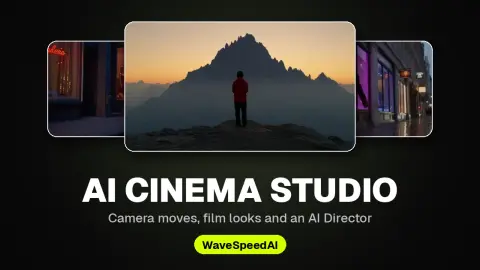
AI Cinema Studio lets you direct AI video like a filmmaker: pick genre, era, camera, lens, color palette and lighting, choose from 18 camera moves and add references. Every shot is planned like a director of photography would. Runs on Seedance 2.5, Seedance 2.0, Wan 3.0 and MiniMax H3.
Showing 6 of 6 stories
You're all caught up.
Get the top AI news and tools straight to your inbox every week.
Weekly · AI news
Join 15,000+ AI enthusiasts