

Atera IT Autopilot
Manages IT tickets, devices, patching, and security with autonomous AI agents.
- Paid
- Web


What is Atera IT Autopilot?
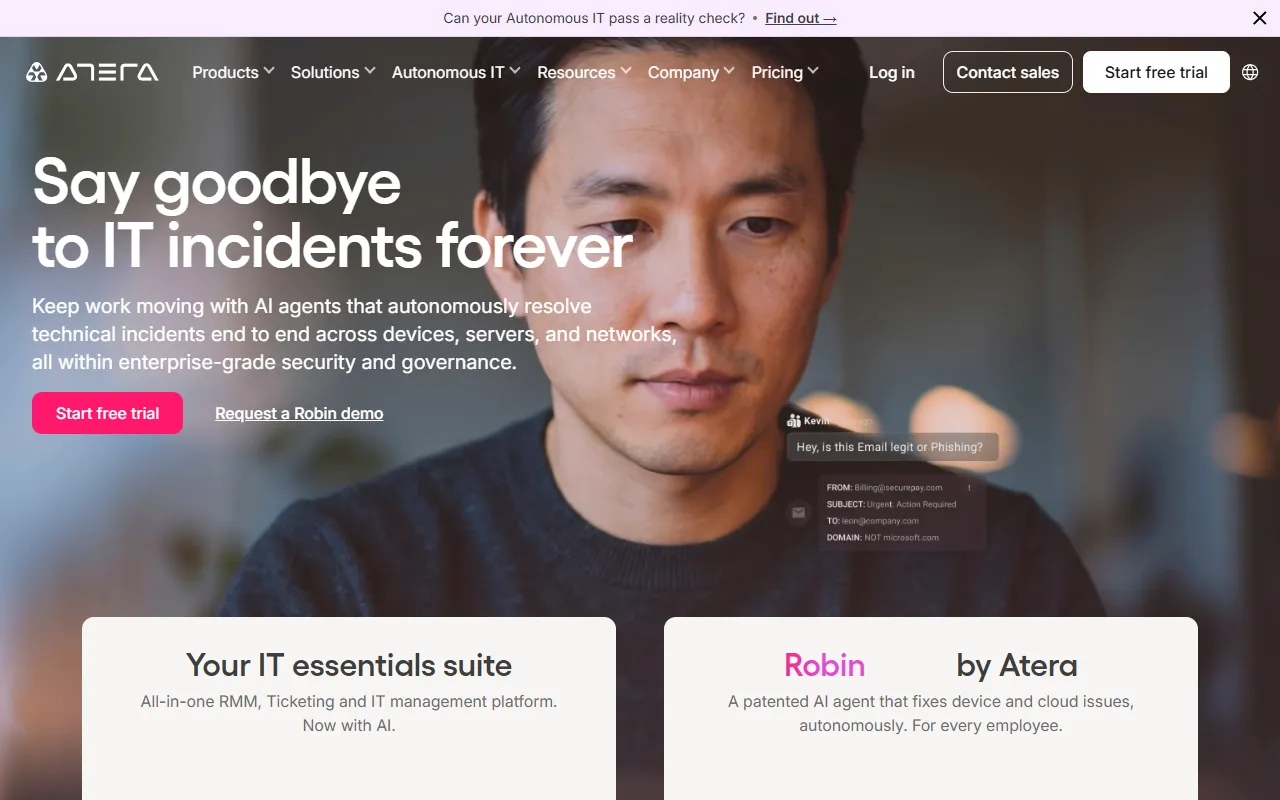
Atera IT Autopilot is an AI Automation tool that manages IT tickets, devices, patching, and security with autonomous AI agents. Atera IT Autopilot is a paid tool. A free trial of 30 days is available. It is available on Windows, Linux, Web App, iOS, Android, App Store (iOS) and Google Play (Android). It is aimed at it administrators, it support teams and managed service providers.
Atera IT Autopilot is an autonomous IT platform that uses AI agents to manage tickets, devices, patching, and security. It autonomously resolves technical incidents end to end, handling up to 40% of helpdesk tickets without human intervention.
Built for it administrators, it support teams and managed service providers.
Key capabilities
Features
AI Ticket Tagging
Ticket Automations
Remote Monitoring and Management
Software Installation
IT Automation
Real-Time Monitoring and Alerts
IT Reporting and Analytics
Complete Activity Log
SNMP Monitoring
Server Monitoring
Professional Services Automation
Use cases
- Automate routine IT support tasks using AI agents
- Resolve technical incidents end to end with autonomous AI agents
- Monitor and manage IT devices remotely with real-time alerts
- Generate IT reports and analytics for operational insights
Popular use cases
Who it's for
- IT Administrators
- IT Support Teams
- Managed Service Providers
Pros & cons
Pros
- Free trial available
- Custom and enterprise pricing available
Cons
No documented limitations yet.
Pricing
Paid. Free trial of 30 days available.
| Plan | Price |
|---|---|
| Expand your plan | Custom |
Integrations
Security & compliance
- SOC 2
- ISO 27001
- HIPAA
- Two-factor authentication
- Encryption
- Data deletion
As stated on Atera IT Autopilot's website — not independently verified by AiByts.
FAQ
What is Atera IT Autopilot?
Atera IT Autopilot is an AI Automation tool that manages IT tickets, devices, patching, and security with autonomous AI agents. Atera IT Autopilot is an autonomous IT platform that uses AI agents to manage tickets, devices, patching, and security. It autonomously resolves technical incidents end to end, handling up to 40% of helpdesk tickets without human intervention.
Is Atera IT Autopilot free?
No, Atera IT Autopilot is a paid tool. A free trial is available.
How much does Atera IT Autopilot cost?
Atera IT Autopilot offers one plan: Expand your plan (Custom).
What platforms does Atera IT Autopilot support?
Atera IT Autopilot is available on Windows, Linux, Web App, iOS, Android, App Store (iOS) and Google Play (Android).
Who should use Atera IT Autopilot?
Atera IT Autopilot is built for it administrators, it support teams and managed service providers. Common uses: automate routine IT support tasks using AI agents, resolve technical incidents end to end with autonomous AI agents, monitor and manage IT devices remotely with real-time alerts and generate IT reports and analytics for operational insights.
What does Atera IT Autopilot integrate with?
Atera IT Autopilot integrates with Google Calendar, QuickBooks and Xero.
What are the best alternatives to Atera IT Autopilot?
Similar tools on AiByts include PagerGPT, Pine AI, Bit Flows, Hexabot and Hexomatic.
Atera IT Autopilot news & updates

How to change the time zone in Windows 11 and fix time sync
A user can’t sign in, and the clock is five minutes off. Or an hour. Or it was right yesterday. Wrong time on Windows 11 comes from three places: a bad time zone, a broken sync, or a policy that quietly undoes every manual fix.
Atera IT Autopilot Blog18 min read
What is AIOps? A practical guide for IT teams
AIOps (artificial intelligence for IT operations) applies machine learning and analytics to the metrics, logs, events, and alerts IT teams already collect, so problems are found faster, grouped into one incident, and traced to a likely cause. The post What is AIOps?
Atera IT Autopilot Blog17 min read
How to fix low disk space in Windows and free up storage
A full C: drive is rarely one big file. It’s update caches, runaway logs, shadow copies, and a user Temp folder nobody has checked in years. Clear the wrong one and you break servicing or lose your recovery options.
Atera IT Autopilot Blog20 min read
How to fix a microphone not working in Windows 11
A dead mic is rarely the mic's fault. The problem usually sits somewhere upstream, and one test recording tells you where. From there, it’s a fix sequence that works on any single device, a deeper playbook for the cases where the usual steps fail, and a way to push the same checks across an entire…
Atera IT Autopilot Blog17 min read
Robin vs. Flow: comparing two different approaches to autonomous IT support
Robin by Atera and ServiceNow Flow both capture employee requests inside tools like Slack and email, but differ in how they solve them. This Robin vs. Flow comparison explains the differences and helps you choose the right one. The post Robin vs.
Atera IT Autopilot Blog10 min read
AI agents for MSPs: how Atera improves service delivery in 2026
AI agents for MSPs act on incidents instead of only advising human technicians. See how Robin by Atera diagnoses, remediates, verifies, and closes tickets autonomously, plus an eight-point implementation checklist.
Atera IT Autopilot Blog8 min read
What is autonomous remediation?
A restart that succeeds isn’t necessarily a fix that worked. Scripted remediation keeps the queue moving while hiding the cause, and automation can fail in ways it can’t repair.
Atera IT Autopilot Blog23 min readPSA RMM integration: what it is and why you may not need one
PSA RMM integration connects your alerts, tickets, assets, and billing so work doesn’t get re-entered by hand. But connecting two separate products takes real setup and breaks in predictable ways.
Atera IT Autopilot Blog6 min read
Local AI vs. cloud AI in IT support
Local AI isn’t free and cloud AI isn’t automatically risky. One hides hardware, power, and maintenance costs behind a one-time invoice; the other is only as safe as its controls and the technicians using it.
Atera IT Autopilot Blog17 min read
A guide to the new employee IT onboarding process
The account exists, the laptop shipped, and the ticket is closed. Then the new hire signs in and nothing works. Onboarding fails when “provisioned” gets mistaken for “ready”.
Atera IT Autopilot Blog13 min read
What is AI hallucination? Definition, types, and how IT teams can stop it
The dangerous AI mistakes aren’t the ones that fail. They’re the commands that run cleanly against the wrong server, the scripts that quietly drop error handling, and the answers pulled from documentation that went stale months ago.
Atera IT Autopilot Blog15 min readWhat is remote support software?
The tool your technicians use to reach every server and endpoint is also one of the most privileged systems you run. Supporting your team remotely means you need to handle unattended access when nobody’s at the machine, show what happened in each session, and stay patched faster than attackers…
Atera IT Autopilot Blog14 min read
The 5 Best Remote Support Software for 2026
Compare the 5 best remote support software for 2026. See how Atera, AnyDesk, Splashtop, TeamViewer, and ScreenConnect compare on features, AI, pricing, and ratings. The post The 5 Best Remote Support Software for 2026 appeared first on Atera.
Atera IT Autopilot Blog10 min read
How to prevent AI agent sprawl before it becomes a security risk
Every AI agent is an identity with keys to something like a service account. Build them faster than you track them, and you end up with agents nobody owns, permissions nobody approved, and dormant credentials that outlive the projects that created them.
Atera IT Autopilot Blog16 min read
How to approach machine identity management for AI agents
Your AI agent is only as trustworthy as the identity it runs on. Plug it into a shared service account or a technician’s credentials and it inherits every permission, every stale secret, and every gap in your audit trail.
Atera IT Autopilot Blog13 min read
How to address zero-day vulnerabilities
A zero-day gives you nothing to install and plenty to get wrong. Patching still matters, but it should only come after shrinking what attackers can reach, finding every vulnerable component, cutting off the exploit path with controls you’ve actually tested, and treating “remediated” as something…
Atera IT Autopilot Blog13 min read
How to run an AI readiness assessment for your IT organization
Most AI rollouts in IT don’t fail on the technology. They fail on stale asset data, overprivileged accounts, missing rollback plans, and technicians who’ve never been taught to question AI output. A readiness assessment exposes those gaps before production does.
Atera IT Autopilot Blog13 min read
How to write an AI acceptable use policy for your IT team
A list of approved AI tools stops nothing. Technicians paste configs into personal chatbots, and agents with write access can ignore the prompt telling them not to delete.
Atera IT Autopilot Blog16 min read
Details are compiled from Atera IT Autopilot's website and public sources, last verified Oct 3, 2026. Features and pricing change — confirm on the official site before you buy.
Try Atera IT Autopilot
Paid
Tags
- AI Agents
- IT Automation
- Data Analysis
Comments
Sign in to join the discussion.