

Capptivo
Free open-source screen recorder with smart zoom and on-device captions.
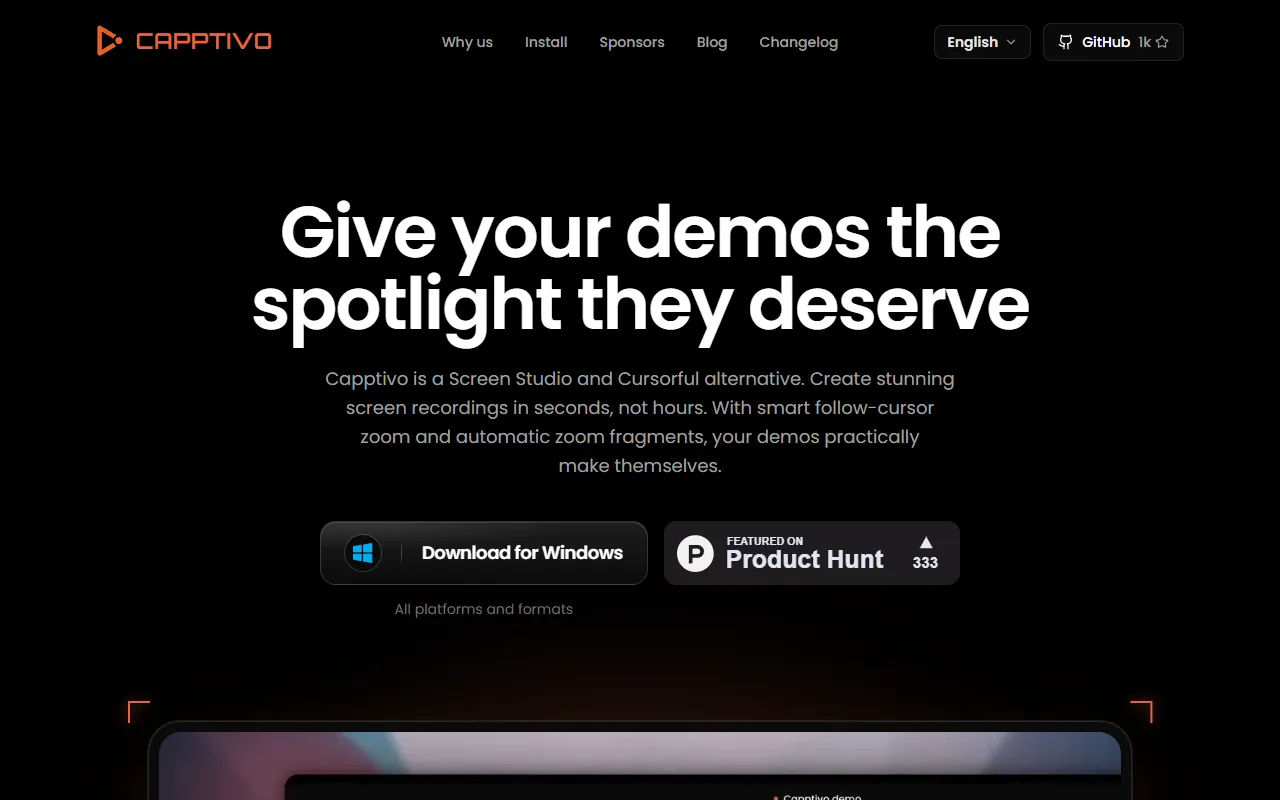
What is Capptivo?
Capptivo is a Screen Recording tool. Free open-source screen recorder with smart zoom and on-device captions. It is available on macOS, Windows and Linux. It is aimed at developers, educators and content creators.
Capptivo is a free, open-source screen recorder and demo editor for macOS, Windows, and Linux. It offers smart follow-cursor zoom, auto zooms, presets, and on-device captions, designed for local-first use. The tool emphasizes a clean, intuitive interface for focus and speed.
Built for developers, educators and content creators.
Key capabilities
Features
Smart Zoom and Motion
On-Device Captions
Adds captions locally without cloud processing.
Custom Cursor
Draw and Highlight
Simple Timeline Editing
Export in Multiple Sizes
Intuitive Interface
Designed for focus and speed with a clean layout.
Desktop Apps
Available as desktop applications for all major platforms.
Presets
Includes predefined settings for quick setup.
Use cases
- Record and edit screen demonstrations with smart zoom adjustments
- Add on-device captions to video content during recording
- Customize the on-screen cursor for better visibility during recordings
- Draw and highlight elements on the screen while recording
- Export recorded videos in multiple sizes for different platforms
- Edit video content using a simple timeline interface
Popular use cases
Who it's for
Pros & cons
Pros
- Free and open-source software
- Local-first approach for privacy
- Cross-platform desktop apps
Cons
No documented limitations yet.
Developer & API
Open source· MIT· 1K stars· 97 forks
FAQ
What is Capptivo?
Capptivo is a Screen Recording tool. Free open-source screen recorder with smart zoom and on-device captions. Capptivo is a free, open-source screen recorder and demo editor for macOS, Windows, and Linux. It offers smart follow-cursor zoom, auto zooms, presets, and on-device captions, designed for local-first use. The tool emphasizes a clean, intuitive interface for focus and speed.
What platforms does Capptivo support?
Capptivo is available on macOS, Windows and Linux.
Who should use Capptivo?
Capptivo is built for developers, educators and content creators. Common uses: record and edit screen demonstrations with smart zoom adjustments, add on-device captions to video content during recording, customize the on-screen cursor for better visibility during recordings and draw and highlight elements on the screen while recording.
Is Capptivo open source?
Yes, Capptivo is open source under the MIT license.
What are the best alternatives to Capptivo?
Similar tools on AiByts include Pane Studio (Beta), Screen Studio, ScreenSmooth, Annotate and Capso.
Details are compiled from Capptivo's website and public sources, last verified Oct 5, 2026. Features and pricing change — confirm on the official site before you buy.
Try Capptivo
Visit the official website
Tags
- On-Device Captions
- Smart Zoom
- Custom Cursor
- Draw and Highlight
- Export Sizes
- Intuitive Interface
- Desktop Apps
Comments
Sign in to join the discussion.