

Flicka
Screen recorder with auto-zoom for product demos
- Freemium· from $5/month
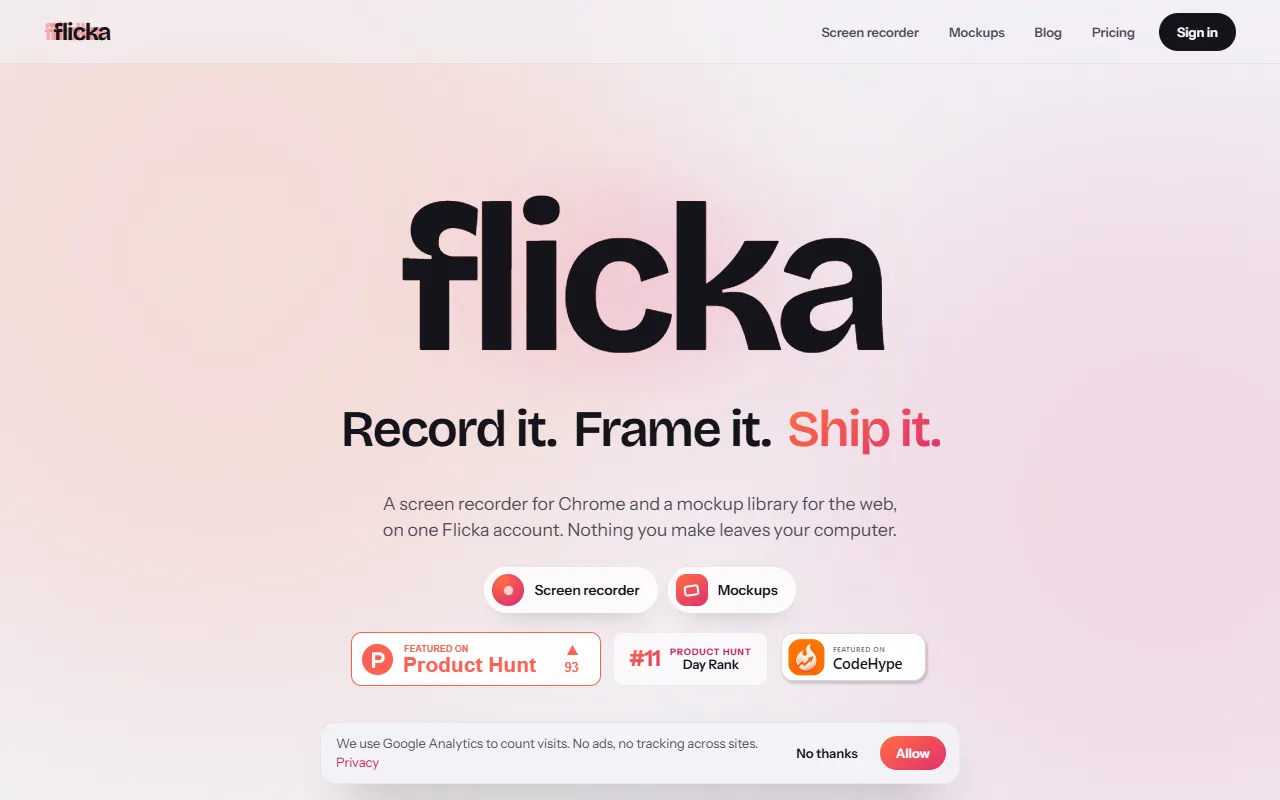
What is Flicka?
Flicka is a Screen Recording tool. Screen recorder with auto-zoom for product demos. Flicka is freemium: it has a free plan, and paid plans start at $5/month. It is available on Windows, macOS and Linux. It is aimed at product managers, developers and marketers.
Flicka is a screen recorder that automatically zooms in on cursor clicks, offering cinematic effects, timeline editing, and local-first processing. It exports to MP4, WebM, or GIF with no uploads.
Built for product managers, developers and marketers.
Key capabilities
Features
Cinematic Auto-Zoom
Automatically zooms in on cursor clicks for dynamic visuals
Spring-Smoothed Cursor
Timeline Editing
Edit videos with cuts, trims, and zoom blocks
Screenshot Annotator
Add annotations and device mockups to screenshots
Webcam Layer
Overlay webcam in picture-in-picture
Backdrops and Frames
Apply device frames, shadows, and padding
Export Options
Export to MP4, WebM, or GIF with platform presets
Local-First Processing
Chrome Extension
Works as a Chrome extension for Windows and Mac
Designed Layouts
Real Device Frames
Use cases
- Record product demos with auto-zoom on cursor clicks
- Edit videos using timeline cuts and trims
- Annotate screenshots with device mockups
- Overlay webcam in picture-in-picture during recordings
- Export videos to MP4 or GIF with no watermark
- Create demo videos using pre-designed layouts
Popular use cases
Who it's for
Pros & cons
Pros
- Free plan available
- No files are uploaded
- Exports to MP4 and 4K
Cons
No documented limitations yet.
Pricing
Freemium — paid plans start at $5/month.
| Plan | Price |
|---|---|
| Flicka Free | Free |
| Flicka Pro — Monthly | $5 / month |
| Flicka Pro — Yearly | $30 / year |
| Flicka Pro — Lifetime | $80 |
Security & compliance
- Data deletion
As stated on Flicka's website — not independently verified by AiByts.
FAQ
What is Flicka?
Flicka is a Screen Recording tool. Screen recorder with auto-zoom for product demos. Flicka is a screen recorder that automatically zooms in on cursor clicks, offering cinematic effects, timeline editing, and local-first processing. It exports to MP4, WebM, or GIF with no uploads.
Is Flicka free?
Flicka has a free plan; advanced features require a paid plan.
How much does Flicka cost?
Flicka offers 4 plans: Flicka Free (Free), Flicka Pro — Monthly ($5 / month), Flicka Pro — Yearly ($30 / year) and Flicka Pro — Lifetime ($80).
What platforms does Flicka support?
Flicka is available on Windows, macOS and Linux.
Who should use Flicka?
Flicka is built for product managers, developers and marketers. Common uses: record product demos with auto-zoom on cursor clicks, edit videos using timeline cuts and trims, annotate screenshots with device mockups and overlay webcam in picture-in-picture during recordings.
What are the best alternatives to Flicka?
Similar tools on AiByts include Capptivo, Lumiko, Annotate, Screen Studio and Capso.
Flicka news & updates
Details are compiled from Flicka's website and public sources, last verified Oct 5, 2026. Features and pricing change — confirm on the official site before you buy.
Try Flicka
Freemium · from $5/month
Tags
- Product Demo
- Auto-Zoom
- No Watermark
- Chrome Extension
Comments
Sign in to join the discussion.