

fylm.ai
AI-powered colour grading and cloud collaboration tool
- Freemium· from $7/month
- Web
What is fylm.ai?
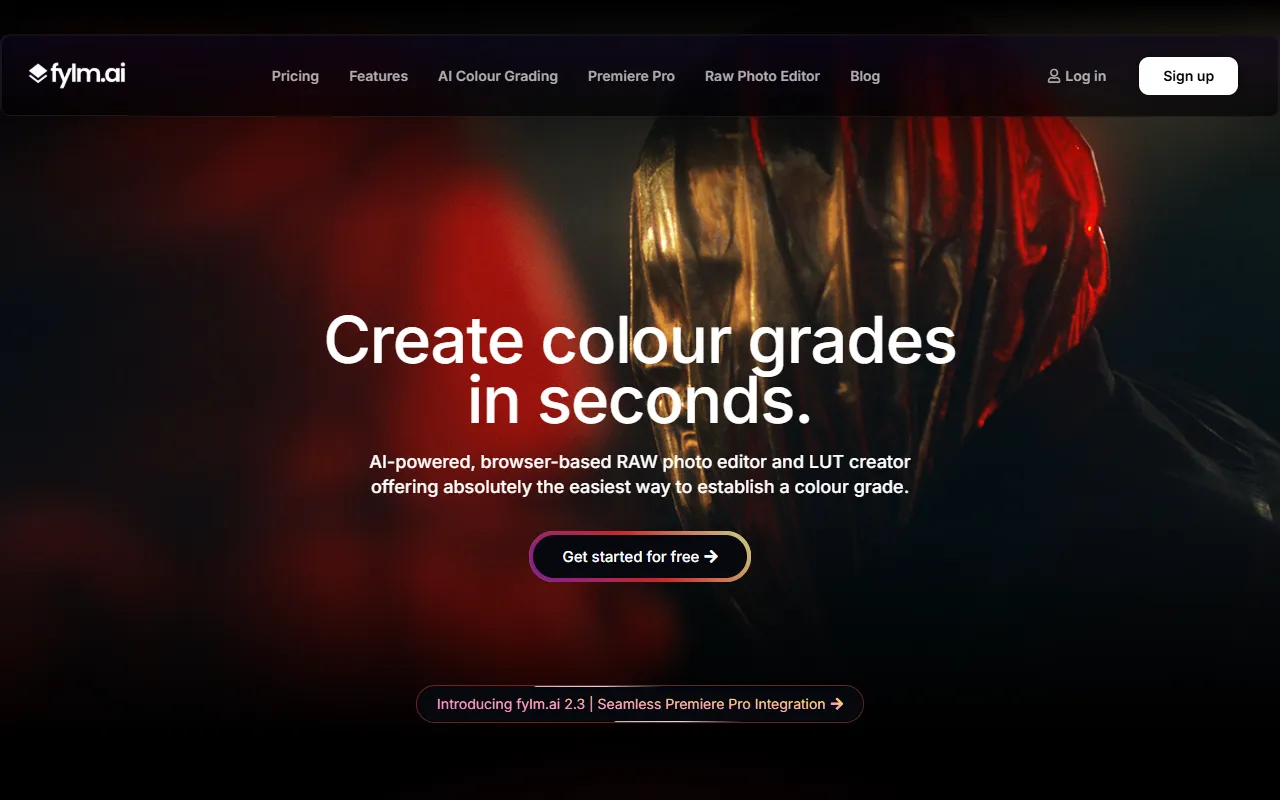
fylm.ai is an Image Editing tool. AI-powered colour grading and cloud collaboration tool. fylm.ai is freemium: it has a free plan, and paid plans start at $7/month. It is available on Web App. It is aimed at professional editors, film studios and photographers.
AI-powered colour grading and cloud collaboration tool. Uses AI to grade photos and footage, match shots, emulate film stocks, and export reusable looks. Designed for private team and client collaboration.
Built for professional editors, film studios and photographers.
Features
ACES Colour Managed
Raw Files Support
Private Collaboration
Private team and client collaboration
Single Asset Hub
All assets in one place
Global Access
Access from anywhere in the world
Use cases
- Export colour grades in any format
- Create and share reusable colour looks
- Collaborate privately with team or clients
Who it's for
- Professional Editors
- Film Studios
- Photographers
Pros & cons
Pros
- Free plan available
- Paid plans from USD 7/month
- Custom/enterprise pricing available
Cons
No documented limitations yet.
Pricing
Freemium — paid plans start at $7/month.
| Plan | Price |
|---|---|
| Free | Free |
| Lite | $7 / month |
| Pro | $15 / month |
| Team | $30 / month |
| Custom pricing | Custom |
Integrations
Security & compliance
- Data deletion
As stated on fylm.ai's website — not independently verified by AiByts.
FAQ
What is fylm.ai?
fylm.ai is an Image Editing tool. AI-powered colour grading and cloud collaboration tool. AI-powered colour grading and cloud collaboration tool. Uses AI to grade photos and footage, match shots, emulate film stocks, and export reusable looks. Designed for private team and client collaboration.
Is fylm.ai free?
fylm.ai has a free plan; advanced features require a paid plan.
How much does fylm.ai cost?
fylm.ai offers 5 plans: Free (Free), Lite ($7 / month), Pro ($15 / month), Team ($30 / month) and Custom pricing (Custom).
What platforms does fylm.ai support?
fylm.ai is available on Web App.
Who should use fylm.ai?
fylm.ai is built for professional editors, film studios and photographers. Common uses: export colour grades in any format, create and share reusable colour looks and collaborate privately with team or clients.
What does fylm.ai integrate with?
fylm.ai integrates with Adobe Photoshop and DaVinci Resolve.
What are the best alternatives to fylm.ai?
Similar tools on AiByts include Artflow, Craiyon, DeepAI, Live3D AI Image Editor and Profile Pic Maker.
fylm.ai news & updates

fylm.ai 2.3 Update – Premiere Pro extension, ACES 2.0 support, enhanced custom LUT tool and more
Premiere Pro extension for seamless collaboration and full remote grading, ACES 2.0 support to leverage the latest transforms and advanced colour management, and an upgraded custom LUT tool that lets you set input and output colour spaces, making virtually any LUT compatible. Source
fylm.ai Blog2 min read
fylm.ai 2.2 Update – Tetrahedral interpolation, dedicated skin tone editor, Improved AI Colour Match and AI Auto Correct and more
fylm.ai 2.2 introduces whole new Tetrahedral interpolation tool, vastly improved AI Colour Match and AI Auto Correct, dedicated skin tone editor tool, improved raw files handling and Guest Downloads option that allows guests to download a high-resolution graded image. Source
fylm.ai Blog3 min read
fylm.ai 2.1 Update – Introducing NeuralFilmAI
fylm.ai 2.1 update introduces NeuralFilmAI - smart, colour-aware, AI powered film emulation tool. Additionally, 2.1 update introduces a bunch of bug fixes, smaller improvements and slightly redesigned Controls tab for more streamlined workflow. Source
fylm.ai Blog3 min read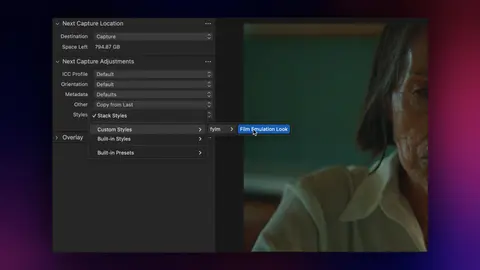
How to convert LUTs to ICC profiles for Capture One using fylm.ai
In this tutorial we'll learn how to convert a .cube LUT into an ICC profile you can use in Capture One. Additionally, we'll learn how you can convert any existing fylm.ai colour grade as an ICC profile and a Capture One style. Source
fylm.ai Blog3 min read
fylm.ai 2.0 Update – Introducing Capture One ICC export, revamped AI Magic Mode, streamlined new design and much more
fylm.ai 2.0 update introduces ICC profiles and styles export for Capture One, new AI-powered Magic Mode and a streamlined new design. In addition, fylm.ai 2.0 introduces improved Raw files handling, opacity control for every tool for more granular control over your grades and new Vibrance tool.
fylm.ai Blog4 min read
Black Friday 2023
40% OFF on fylm.ai Pro. Sign up before November 30th and lock your discount forever. Experience NeuralToneAI – your virtual colourist copilot. Discount applied automatically at checkout. Source
fylm.ai Blog2 min read
fylm.ai 1.7 Update – Introducing NeuralToneAI, Compare View, Candidates batch save and more
fylm.ai 1.7 update introduces NeuralToneAI, a virtual colourist assistant. NeuralToneAI will automatically generate a colour grade based on the context of your image.
fylm.ai Blog4 min read
fylm.ai 1.6 Update – import custom LUTs, LUT packs, LogC4 export and more
fylm.ai 1.6 update introduces the option to import custom LUT files, newly introduced scene-referred and stress-tested Lutify.me LUT packs, a free LUT pack available to all users and the ability to export a LUT tailored for the LogC4 pipeline for Arri Alexa 35 cameras. Source
fylm.ai Blog4 min read
fylm.ai 1.5 Update – setting the foundations for exciting updates to come
fylm.ai 1.5 update introduces several new features and bug fixes, but above all, it sets the foundations to allow us to introduce better, faster and smarter colour grading solutions in the next updates. Source
fylm.ai Blog3 min read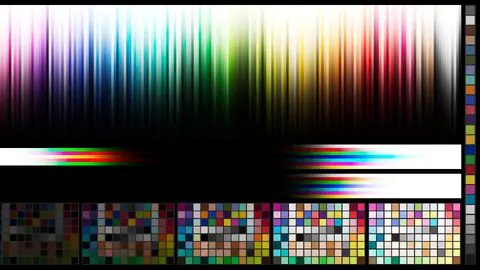
fylm.ai 1.4 Update – ACES reference gamut compression, new AI model, multi-format image save and more
fylm.ai 1.4 update adds support for the ACES reference gamut compression, introduces a new AI colour transfer model, further improves DaVinci Wide Gamut support and offers a multi-format image save. Source
fylm.ai Blog6 min read
Details are compiled from fylm.ai's website and public sources, last verified Oct 2, 2026. Features and pricing change — confirm on the official site before you buy.
Try fylm.ai
Freemium · from $7/month
Tags
- Color Grading
- Film Stocks
- LUT Creation
Comments
Sign in to join the discussion.