

IvyForms
Builds WordPress forms with no code needed
What is IvyForms?
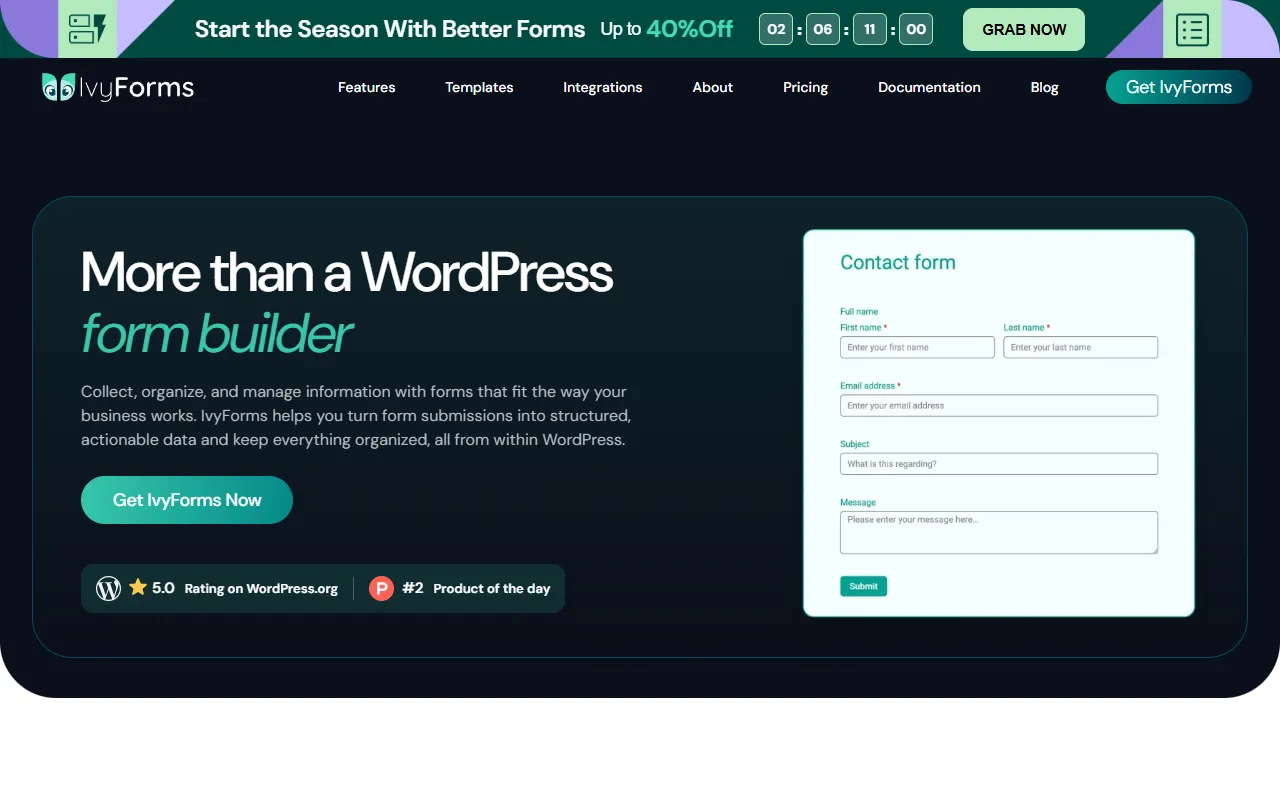
IvyForms is an AI Website Builder tool that builds WordPress forms with no code needed. IvyForms is freemium: it has a free plan plus paid upgrades. It is aimed at wordpress users, marketers and developers.
IvyForms is a WordPress form builder that allows users to create surveys, calculations, and custom contact forms without coding. It offers AI-powered form management and ready-to-use templates for efficient form creation.
Built for wordpress users, marketers, developers and business owners.
Features
AI-powered form management
AI form builder
Ready-to-use form templates
Conditional logic
Multi-step forms
Form customization
Conversational forms
Data collection & management
Embedded form
Form submission confirmation
Form notifications
Use cases
- Create surveys and custom contact forms
- Build calculations and structured workflows
- Manage form submissions and data collection
- Set up conditional logic for forms
- Use ready-to-use form templates
- Customize forms with multiple fields
Who it's for
- WordPress users
- Marketers
- Developers
- Business owners
- Administrators
- Content creators
Pros & cons
Pros
- Free plan available
- Public API available
- Integrates with Slack, Google Sheets, Mailchimp
- GDPR Compliant
Cons
No documented limitations yet.
Pricing
Freemium.
| Plan | Price |
|---|---|
| Free (IvyForms Lite) | Free |
| Essentials | €49 |
| Growth | €109 |
| Agency | €229 |
| Elite (Lifetime) | €399 |
Integrations
Developer & API
Public REST API available
- Webhooks
- Supported
Security & compliance
- GDPR
- Data deletion
As stated on IvyForms's website — not independently verified by AiByts.
FAQ
What is IvyForms?
IvyForms is an AI Website Builder tool that builds WordPress forms with no code needed. IvyForms is a WordPress form builder that allows users to create surveys, calculations, and custom contact forms without coding. It offers AI-powered form management and ready-to-use templates for efficient form creation.
Is IvyForms free?
IvyForms has a free plan; advanced features require a paid plan.
How much does IvyForms cost?
IvyForms offers 5 plans: Free (IvyForms Lite) (Free), Essentials (€49), Growth (€109), Agency (€229) and Elite (Lifetime) (€399).
Does IvyForms have an API?
Yes, IvyForms offers a public REST API with webhooks for building custom integrations.
Who should use IvyForms?
IvyForms is built for wordpress users, marketers, developers, business owners and administrators. Common uses: create surveys and custom contact forms, build calculations and structured workflows, manage form submissions and data collection and set up conditional logic for forms.
What does IvyForms integrate with?
IvyForms integrates with Slack, Google Sheets and Mailchimp.
What are the best alternatives to IvyForms?
Similar tools on AiByts include Angie, FoxyApps, Linear, Lovable and Mirage.
IvyForms news & updates
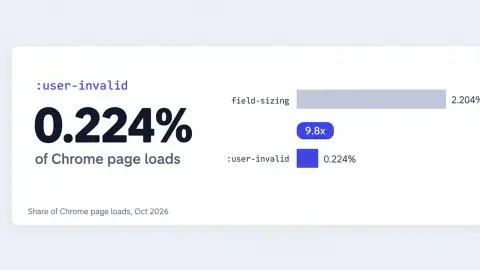
The Form Validation CSS Almost Nobody Uses: 0.2% of Chrome Page Loads
Of the native CSS form features now shipping, field-sizing (the property that sizes a textarea to its content) appears on about 2.204% of Chrome page loads. :user-invalid, the selector that...
IvyForms Blog17 min read
How Did You Hear About Us? – 9 Templates & Options
Google Analytics files plenty of visits under direct that were never direct. In a 2023 experiment by SparkToro and Really Good Data, covering 1,113 test visits across 11 networks, 100%... The post How Did You Hear About Us?
IvyForms Blog18 min read
WordPress Form Security: How to Protect Your Forms
Most WordPress attacks don’t start at the login page. They start at a form, because a form is the one part of a site built to accept whatever a stranger... The post WordPress Form Security: How to Protect Your Forms appeared first on IvyForms - The most innovative WordPress Form Builder.
IvyForms Blog16 min read
Lead Generation for Accountants: The 5 Minute Response Rule
A new client doesn’t sign with an accounting firm because a landing page convinced them. They sign because someone they trust vouched for the firm, or because the firm showed...
IvyForms Blog17 min read
Form Fields Explained: Every Type and When to Use Them
Every input box on a page is doing one job: catching a single piece of data before it moves anywhere else. A name, a date, an email address. Type it,... The post Form Fields Explained: Every Type and When to Use Them appeared first on IvyForms - The most innovative WordPress Form Builder.
IvyForms Blog25 min read
Form Optimization Tips: How Many Fields Is Too Many
A form is usually the last thing standing between a visitor and whatever you actually want them to do: buy something, sign up, ask a question. Optimizing that form means...
IvyForms Blog17 min read
Details are compiled from IvyForms's website and public sources, last verified Oct 6, 2026. Features and pricing change — confirm on the official site before you buy.
Try IvyForms
Freemium
Tags
- Form Templates
- Conditional Logic
- Multi-step Forms
- Data Collection
- Form Customization
Comments
Sign in to join the discussion.