

Kling 3.0
Create high-quality AI videos and images
- Freemium
- Web
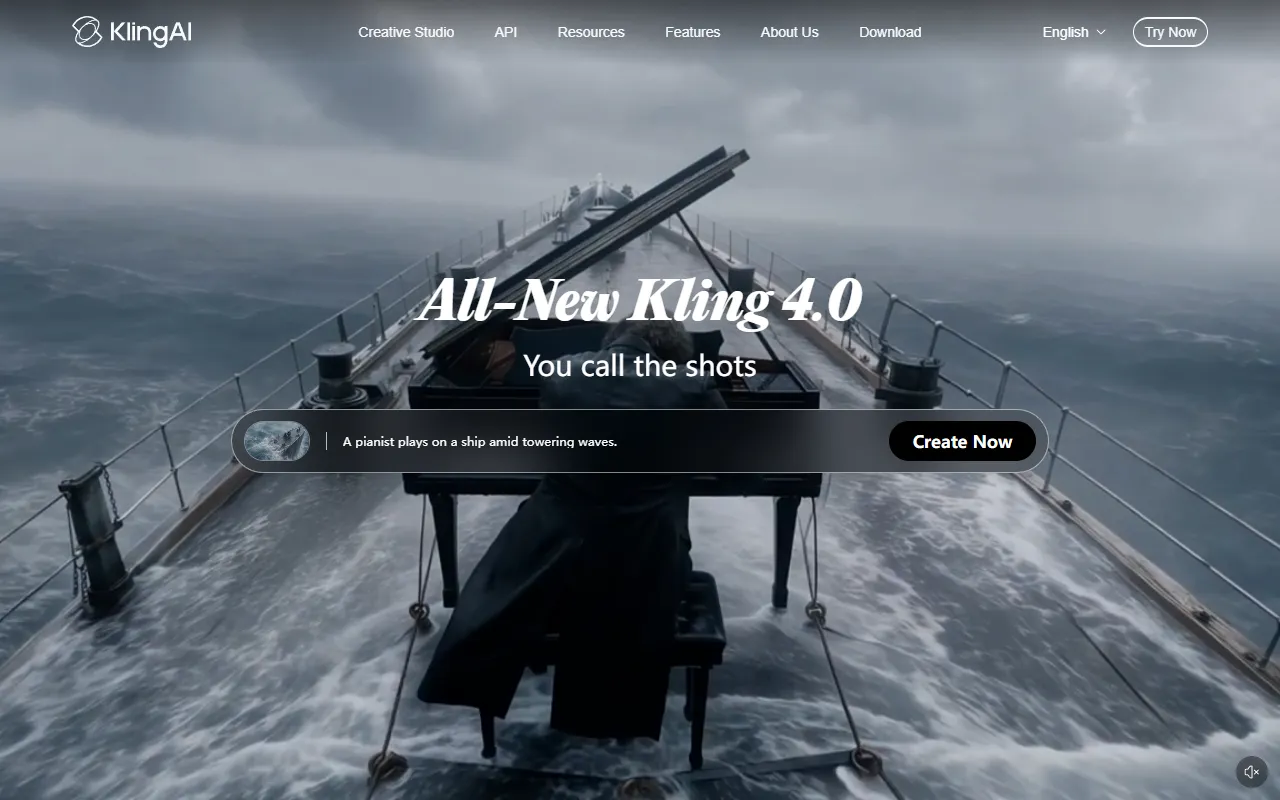
What is Kling 3.0?
Kling 3.0 is a Text to Video tool. Create high-quality AI videos and images. Kling 3.0 is freemium: it has a free plan plus paid upgrades. It is available on macOS, Web App, Windows, iOS and Android. It is aimed at marketers, developers and creative professionals.
Kling AI generates high-quality videos and images using text, images, and references. It offers a unified studio for multimodal creative content creation.
Built for marketers, developers and creative professionals.
Key capabilities
Features
All-in-One Reference
Native Audio Generation
AI Image Generation
Creates images with native 2K/4K output
SmartLab Visual Workflow
Canvas
Industry Applications
Use cases
- Generate AI videos from text and images
- Create high-quality images with 2K/4K output
- Produce native audio for videos
Popular use cases
Who it's for
Pros & cons
Pros
- Free plan available
- Custom enterprise pricing
Cons
No documented limitations yet.
Pricing
Freemium.
| Plan | Price |
|---|---|
| Standard Package 1 | $700 |
| Standard Package 2 | $2,100 |
| Standard Package 3 | $3,780 |
| Standard Package 4 | $5,670 |
| Standard Package 5 | $7,560 |
| Business Inquiry | Custom |
AI models
Security & compliance
- Data deletion
As stated on Kling 3.0's website — not independently verified by AiByts.
FAQ
What is Kling 3.0?
Kling 3.0 is a Text to Video tool. Create high-quality AI videos and images. Kling AI generates high-quality videos and images using text, images, and references. It offers a unified studio for multimodal creative content creation.
Is Kling 3.0 free?
Kling 3.0 has a free plan; advanced features require a paid plan.
How much does Kling 3.0 cost?
Kling 3.0 offers 6 plans: Standard Package 1 ($700), Standard Package 2 ($2,100), Standard Package 3 ($3,780), Standard Package 4 ($5,670), Standard Package 5 ($7,560) and Business Inquiry (Custom).
What platforms does Kling 3.0 support?
Kling 3.0 is available on macOS, Web App, Windows, iOS and Android.
Who should use Kling 3.0?
Kling 3.0 is built for marketers, developers and creative professionals. Common uses: generate AI videos from text and images, create high-quality images with 2K/4K output and produce native audio for videos.
What are the best alternatives to Kling 3.0?
Similar tools on AiByts include Funy AI, Kling AI, Dreamlux AI, Seedance and KaraVideo.
Details are compiled from Kling 3.0's website and public sources, last verified Oct 3, 2026. Features and pricing change — confirm on the official site before you buy.
Try Kling 3.0
Freemium
Tags
- Native 4K
- AI Video Generator
- AI Image Generator
- Audio Generation
Comments
Sign in to join the discussion.