

Loqua
Context-aware voice typing for Mac and Windows
- Paid· from $10/month
- API Available
What is Loqua?
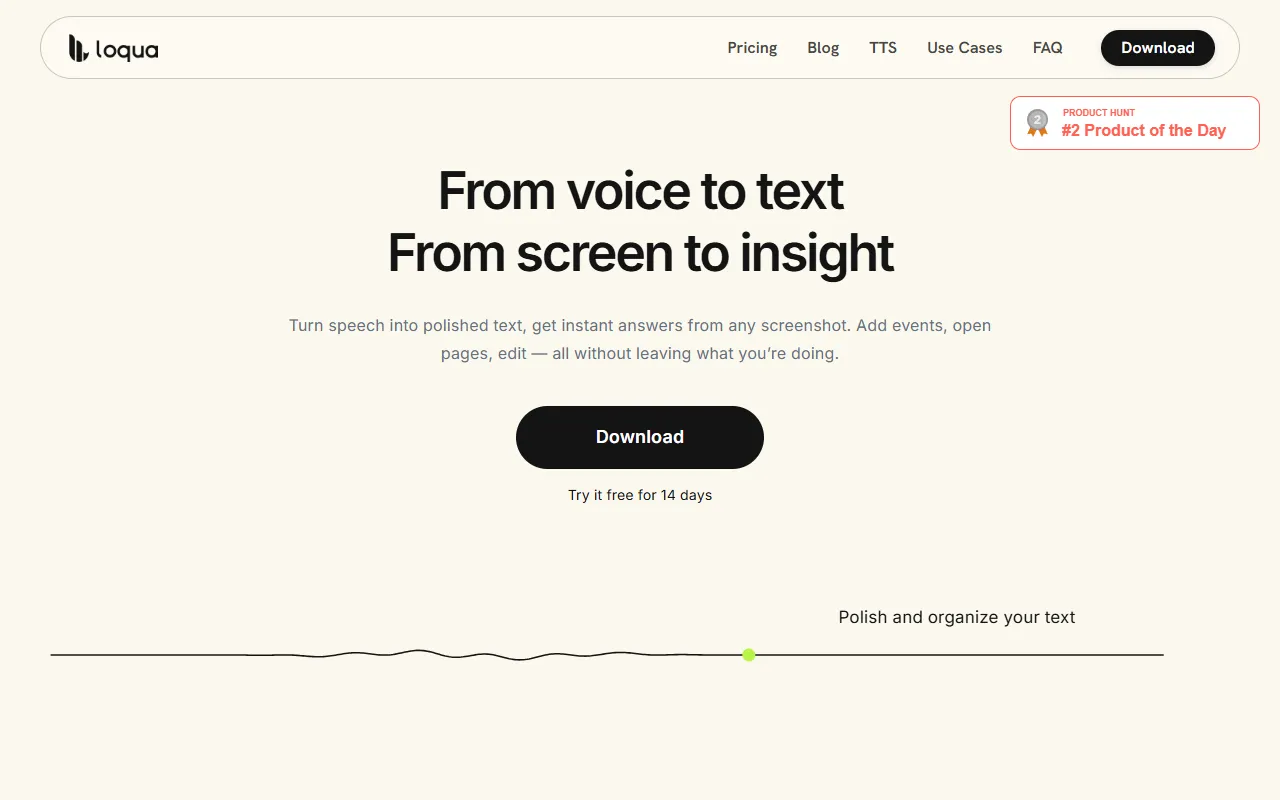
Loqua is a Voice Agents tool. Context-aware voice typing for Mac and Windows. Loqua is a paid tool, starting at $10/month. A free trial of 14 days is available. It is available on macOS and Windows. It is aimed at professionals, students and remote workers.
Loqua is AI voice typing and dictation software designed for Mac and Windows. It understands user intent beyond just capturing speech, offering accurate transcription and text generation. Built for productivity, it helps users convert spoken words into clean, structured text.
Built for professionals, students and remote workers.
Key capabilities
Features
Context-Aware Voice Typing
Understands user intent beyond just capturing speech
Speech to Text
Converts spoken words into text
Text to Speech
Generates audio from text
Integrations
Connects with apps like Slack, Notion, and Google Docs
Public API
Productivity Tools
Use cases
- Convert spoken words into clean, structured text
- Transcribe meetings and notes efficiently
Popular use cases
Who it's for
Pros & cons
Pros
- Public API available
- Free trial available
Cons
- No free plan available
Pricing
Paid — paid plans start at $10/month. Free trial of 14 days available.
| Plan | Price |
|---|---|
| Free | $12 / month |
| Pro | $10 / month |
Integrations
Developer & API
Public API available
Security & compliance
- GDPR
- Data deletion
As stated on Loqua's website — not independently verified by AiByts.
FAQ
What is Loqua?
Loqua is a Voice Agents tool. Context-aware voice typing for Mac and Windows. Loqua is AI voice typing and dictation software designed for Mac and Windows. It understands user intent beyond just capturing speech, offering accurate transcription and text generation. Built for productivity, it helps users convert spoken words into clean, structured text.
Is Loqua free?
No, Loqua is a paid tool. A free trial is available.
How much does Loqua cost?
Loqua offers 2 plans: Free ($12 / month) and Pro ($10 / month).
Does Loqua have an API?
Yes, Loqua offers a public API for building custom integrations.
What platforms does Loqua support?
Loqua is available on macOS and Windows.
Who should use Loqua?
Loqua is built for professionals, students and remote workers. Common uses: convert spoken words into clean, structured text and transcribe meetings and notes efficiently.
What does Loqua integrate with?
Loqua integrates with Slack, Discord, Notion, Google Docs, Google Sheets, Gmail, Zoom and Outlook, among 23 integrations.
What are the best alternatives to Loqua?
Similar tools on AiByts include Retell AI, NovaVoice, Phantom, Dograh and Bland AI.
Loqua news & updates
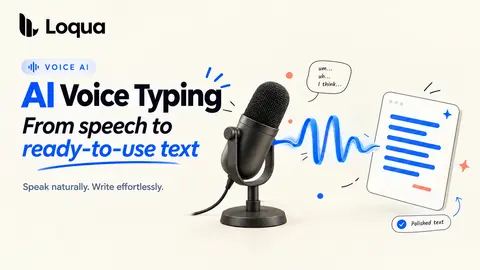
What Is AI Voice Typing Software—and How Is It Different from Traditional Dictation?
From speech to ready-to-use text: how AI voice typing understands meaning, context, and the way you work.
Loqua Blog4 min read
How to explain a code error with AI
Capture a code error, ask what happened, and keep the context. A practical guide to AI error analysis, screenshot understanding, and voice follow-ups.
Loqua Blog3 min read
Ask Anything: how to get instant answers from whatever is on your screen
Select anything on your screen, ask a question by voice, and get an instant answer without switching tabs, copying, or writing a prompt.
Loqua Blog3 min read
Voice productivity stack: 9 tools we actually use to write, ship, and think
Voice productivity stack guide: Loqua, Claude Code, Cursor, Obsidian, Granola, Linear, Raycast, Things 3, and Spark.
Loqua Blog9 min read
Omni-modal voice typing: multimodal understanding, MoE, and streaming text output
Omni-modal voice typing needs a split pipeline, streaming audio, and Mac-local context. A look inside Loqua's voice stack.
Loqua Blog10 min read
Voice first workflow: a day in our voice-first workday
Voice first workflow notes from Loqua's founder: inbox, standup, code review, spec drafting, Slack, and journaling.
Loqua Blog7 min read
Voice for thinking with AI: why your keyboard is the wrong tool
Voice for thinking with AI helps preserve half-formed ideas before the keyboard compresses them into brittle prompts.
Loqua Blog7 min read
Mac meeting notes voice: from voice to done with notes and action items
Mac meeting notes voice workflow: capture notes, action items, Notion bullets, Things tasks, and follow-ups without leaving your call.
Loqua Blog7 min read
Voice typing workflows: 8 underrated workflows for daily AI work
Voice typing workflows for AI work: commits, PRs, Linear issues, replies, brainstorms, specs, code comments, and standups.
Loqua Blog7 min read
Audio event detection dictation: sounds with meaning beyond words
Audio event detection dictation is a research direction at Loqua: laughter, pauses, and sound cues as optional context for structured writing.
Loqua Blog7 min read
Multimodal voice recognition: building a listener that sees what you see
Multimodal voice recognition helps Loqua resolve homophones, code identifiers, and app context by combining audio with local screen cues.
Loqua Blog7 min read
Reinforcement learning voice typing: GRPO, DPO, and on-policy distillation in our voice stack
Reinforcement learning voice typing helps Loqua improve rare terms, latency, and natural output after supervised training stops paying off.
Loqua Blog8 min read
Voice meets vision: how omni-modal models unlock multimodal voice typing
Why multimodal voice typing needs audio plus screen context, what the omni-modal research shows, and what Loqua applies on Mac.
Loqua Blog5 min read
Loqua vs Typeless: a Mac-native Typeless alternative for context, coding, and depth
A Typeless alternative comparison for Mac: Loqua vs Typeless on context awareness, coding workflows, privacy posture, and pricing.
Loqua Blog8 min read
Hands-free dictation for writers: how to draft 3000 words of novel, essay, or long-form in one sitting
A dictation for writers workflow: cleaner drafts, character dictionaries, app-aware formatting, editing by voice, and long-form practice.
Loqua Blog9 min read
Voice typing architecture: inside Loqua's three-model voice typing stack
A blog-level look at Loqua's voice typing architecture — why three purpose-trained models (speech recognition, language intelligence, screen context) beat one.
Loqua Blog10 min read
Private voice dictation Mac edition: how Loqua's hybrid voice typing stack keeps your data on your side
A private voice dictation Mac architecture: what Loqua keeps local, when optional cloud processing can be used, and how privacy boundaries actually work.
Loqua Blog8 min read
How to dictate code on Mac: a complete guide for Cursor, VS Code, and Claude Code
How to dictate code on Mac with Loqua — camel-case identifiers, commit messages that pass review, PR descriptions in your voice. Six worked examples + setup.
Loqua Blog9 min read
Details are compiled from Loqua's website and public sources, last verified Oct 6, 2026. Features and pricing change — confirm on the official site before you buy.
Try Loqua
Paid · from $10/month
Comments
Sign in to join the discussion.