

MiroMiro
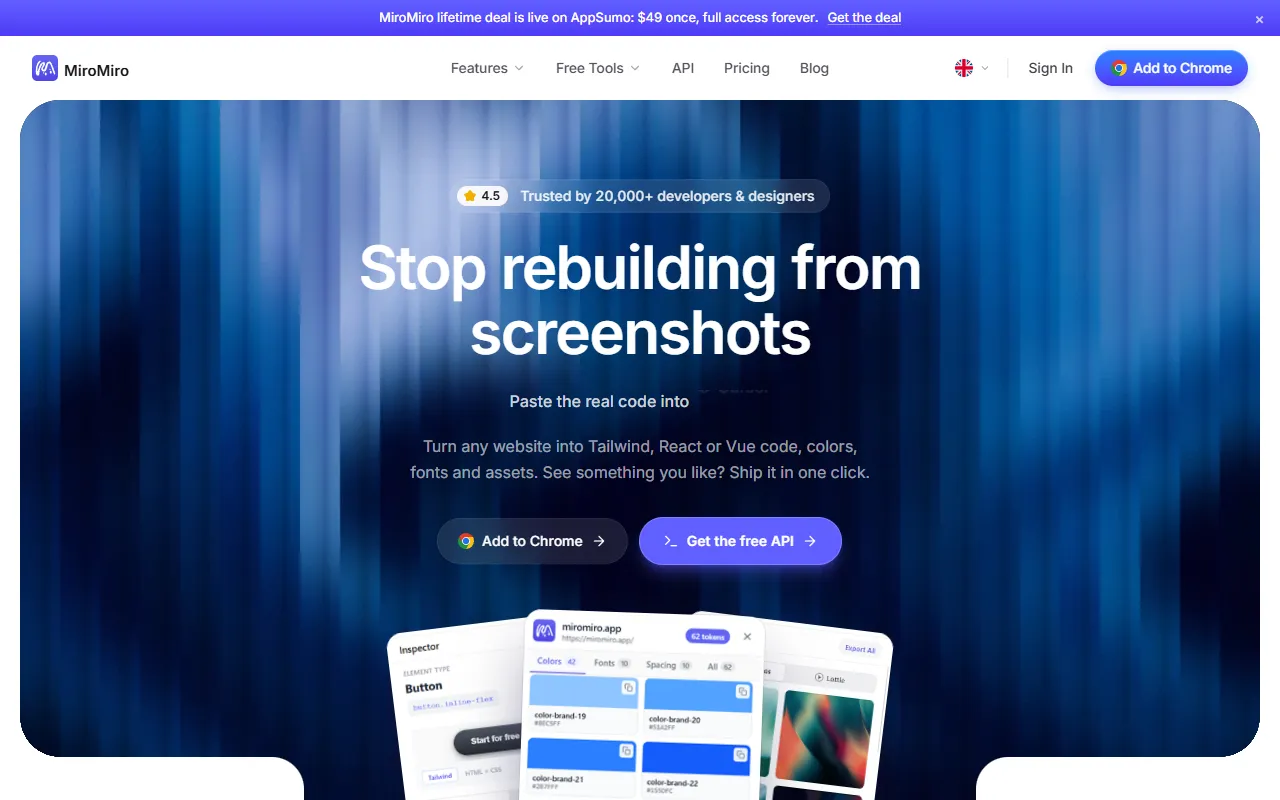
Converts website UI into Tailwind, React, or Vue code with assets
What is MiroMiro?
MiroMiro is an UI Generation tool that converts website UI into Tailwind, React, or Vue code with assets. MiroMiro is freemium: it has a free plan plus paid upgrades. A free trial of 3 days is available. It is available on Web App and Chrome. It is aimed at frontend developers, ui/ux designers and web designers.
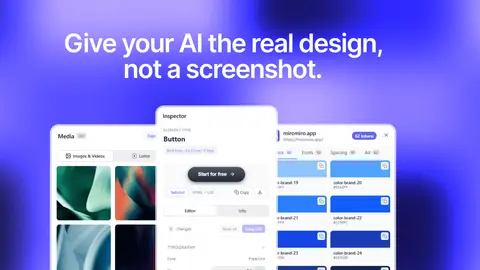
MiroMiro extracts website UI elements, converting them into clean Tailwind, React, or Vue code. It provides color, font, and spacing detection, along with asset exports like images, SVGs, and Lottie animations. The tool supports bulk media downloads and design token discovery from CSS files.
Built for frontend developers, ui/ux designers and web designers.
Features
CSS Extraction
Extracts CSS from any website element
Color and Font Detection
Identifies colors, fonts, and spacing from website elements
Bulk Media Downloads
Downloads images and videos in bulk
SVG Export
Lottie Export
Semantic CSS Patterns
Extracts semantic CSS patterns from website code
Design Token Discovery
Discovers design tokens from CSS files
No DevTools Required
Allows copying elements without DevTools
Asset Library Export
WCAG Contrast Check
Code Export
Exports code in CSS and Tailwind formats
Website to Code Conversion
Use cases
- Convert website sections into Tailwind, React, or Vue code
- Extract CSS from any website element for reuse
- Download bulk images and videos from websites
- Export SVGs and Lottie animations from website elements
- Discover design tokens from CSS files for consistent styling
- Check WCAG contrast compliance of website elements
Who it's for
- Frontend Developers
- UI/UX Designers
- Web Designers
Pros & cons
Pros
- Public API available
- Free plan with 3-day trial
- Integrates with WordPress, Figma, and Chrome
Cons
- 60 API calls per minute limit
Pricing
Freemium. Free trial of 3 days available.
| Plan | Price |
|---|---|
| Free | Free |
| Pro | €9 |
| Lifetime Pro | €69 |
| Free Plan | Free |
Developer & API
Public REST API available
- Authentication
- API Key, Bearer Token
Open source· MIT· 0 stars· 0 forks
Security & compliance
- Data deletion
As stated on MiroMiro's website — not independently verified by AiByts.
FAQ
What is MiroMiro?
MiroMiro is an UI Generation tool that converts website UI into Tailwind, React, or Vue code with assets. MiroMiro extracts website UI elements, converting them into clean Tailwind, React, or Vue code. It provides color, font, and spacing detection, along with asset exports like images, SVGs, and Lottie animations. The tool supports bulk media downloads and design token discovery from CSS files.
Is MiroMiro free?
MiroMiro has a free plan; advanced features require a paid plan.
How much does MiroMiro cost?
MiroMiro offers 4 plans: Free (Free), Pro (€9), Lifetime Pro (€69) and Free Plan (Free).
Does MiroMiro have an API?
Yes, MiroMiro offers a public REST API for building custom integrations.
What platforms does MiroMiro support?
MiroMiro is available on Web App and Chrome.
Who should use MiroMiro?
MiroMiro is built for frontend developers, ui/ux designers and web designers. Common uses: convert website sections into Tailwind, React, or Vue code, extract CSS from any website element for reuse, download bulk images and videos from websites and export SVGs and Lottie animations from website elements.
What does MiroMiro integrate with?
MiroMiro integrates with WordPress, Figma, Stripe, Anthropic and Chrome.
Is MiroMiro open source?
Yes, MiroMiro is open source under the MIT license.
What are the best alternatives to MiroMiro?
Similar tools on AiByts include AppWizzy, Bilt.me, BASE44, CatDoes and FlutterFlow.
MiroMiro news & updates
How to Convert Any Website or HTML Page to Elementor (2026)
Four ways to get an existing website or HTML page into Elementor - rebuild, paste, convert or export - what each one keeps, what it breaks, and the fastest route that works with the free plugin.
MiroMiro Blog5 min readHow to Move a Webflow or Framer Site to WordPress with Elementor (2026)
Moving a Webflow or Framer site to WordPress? What transfers, what doesn't, and a page-by-page way to rebuild the design in Elementor without starting from a blank canvas.
MiroMiro Blog5 min readHow to Inspect Element on Any Device or Browser (2026 Guide)
Inspect element on any device or browser. Keyboard shortcuts for Mac, Windows, and Chromebook, the truth about phones, plus how to reuse the code you find.
MiroMiro Blog10 min readClone a Website with AI for Free: Methods & Their Limits (2026)
Clone a website with AI free using screenshot-to-code tools, but the results drift. Here are the free methods, their real limits, and a more accurate route.
MiroMiro Blog7 min readHow to Inspect Element on Mac: Shortcut, Safari, Chrome (2026)
How to inspect element on a Mac in every browser: the Cmd+Option+I shortcut, Safari's Develop menu, Chrome, Firefox, and how to actually use the panel.
MiroMiro Blog7 min readHow to Send Figma Designs to Claude Code (2026)
How to send Figma designs to Claude Code so it builds matching UI. Image input drifts, so here are the cleaner ways to hand Claude real design context.
MiroMiro Blog7 min readBest AI Website Cloners Compared (2026, Honest Review)
Website clone AI tools all promise a one-click copy. Here's an honest 2026 comparison of AI cloners, full-site downloaders, and live-DOM extraction, with real drawbacks and pricing.
MiroMiro Blog9 min readHow to Clone a Website from a URL into Clean Code (2026)
Clone a website from a URL into clean, reusable code. Extract the real HTML, Tailwind, fonts, and spacing a live page renders, no screenshots needed.
MiroMiro Blog6 min readInspect Element Shortcut: Every Key for Chrome, Mac & Windows
The inspect element shortcut for every browser and OS: F12, Ctrl+Shift+I, Cmd+Option+I, plus the DevTools commands and how to reuse what you find as real code.
MiroMiro Blog9 min readHow to Open Inspect Element (All Methods & Shortcuts)
How to open Inspect Element in any browser: right-click Inspect, the keyboard shortcut (F12 / Ctrl+Shift+I), and the menu. Plus how to enable it if greyed out.
MiroMiro Blog6 min readHow to Inspect Element on iPhone (2026 Guide)
How to inspect element on iPhone the honest way: connect to a Mac and use Safari Web Inspector, plus no-computer workarounds and how to view page source.
MiroMiro Blog7 min readHow to Clone a Website: Step-by-Step Guide (2026)
How to clone a website the right way: pick what to copy, then follow three step-by-step methods (browser extension, AI from a screenshot, full mirror).
MiroMiro Blog9 min readHow to Clone a Website's Design into Clean, Reusable Code
Cloning a website usually means a lossy AI guess or a messy full scrape. Here's what cloning really means, how to do it without the slop, and the fastest way to turn any live site into clean, reusable HTML and CSS.
MiroMiro Blog7 min readHow to Design in Cursor: Give the AI Real Design Context (2026)
Want to design in Cursor without generic results? The fix isn't better prompts, it's better input. Feed Cursor real, extracted design context from any website.
MiroMiro Blog5 min readScreenshot to Code in 2026: How Accurate Are v0, Cursor and Claude Really?
Screenshot-to-code in v0, Cursor, Claude and the open-source project all share one ceiling: fonts, spacing and hex values drift because a PNG never contained them. Here's why it happens, what each tool is good for, and the one case where you can skip the guessing entirely.
MiroMiro Blog5 min readImage to Code: The Honest Guide (and the Cleaner Alternative)
Image-to-code with AI sounds magic, but the output is a pixel-level guess. Here's how it actually works, where it fails, and the cleaner way to get real code.
MiroMiro Blog6 min readHow to Copy Code From Any Website: Inspect Element, View Source, or One Click
Copy a website's HTML and CSS three ways: the Ctrl+U view-source shortcut, DevTools 'Copy element' from Inspect, and a one-click export that keeps the styles. Includes what each method misses and when to use which.
MiroMiro Blog6 min readBest Tools to Export Any Website to Clean Code in 2026 (Honest Comparison)
9 tools that promise to turn a live website into clean React, Tailwind or HTML - ranked honestly. Pricing, output quality, real drawbacks, and which one is worth a one-time payment instead of another monthly bill.
MiroMiro Blog11 min read
Details are compiled from MiroMiro's website and public sources, last verified Oct 5, 2026. Features and pricing change — confirm on the official site before you buy.
Try MiroMiro
Freemium
Tags
- UI Component Extraction
- Design Tokens
- CSS Extraction
- Lottie Export
- SVG Export
Comments
Sign in to join the discussion.