

Paste
Clipboard manager for Mac, iPhone, and iPad that organizes and syncs copied content across devices.
- Paid· from $3.99/month
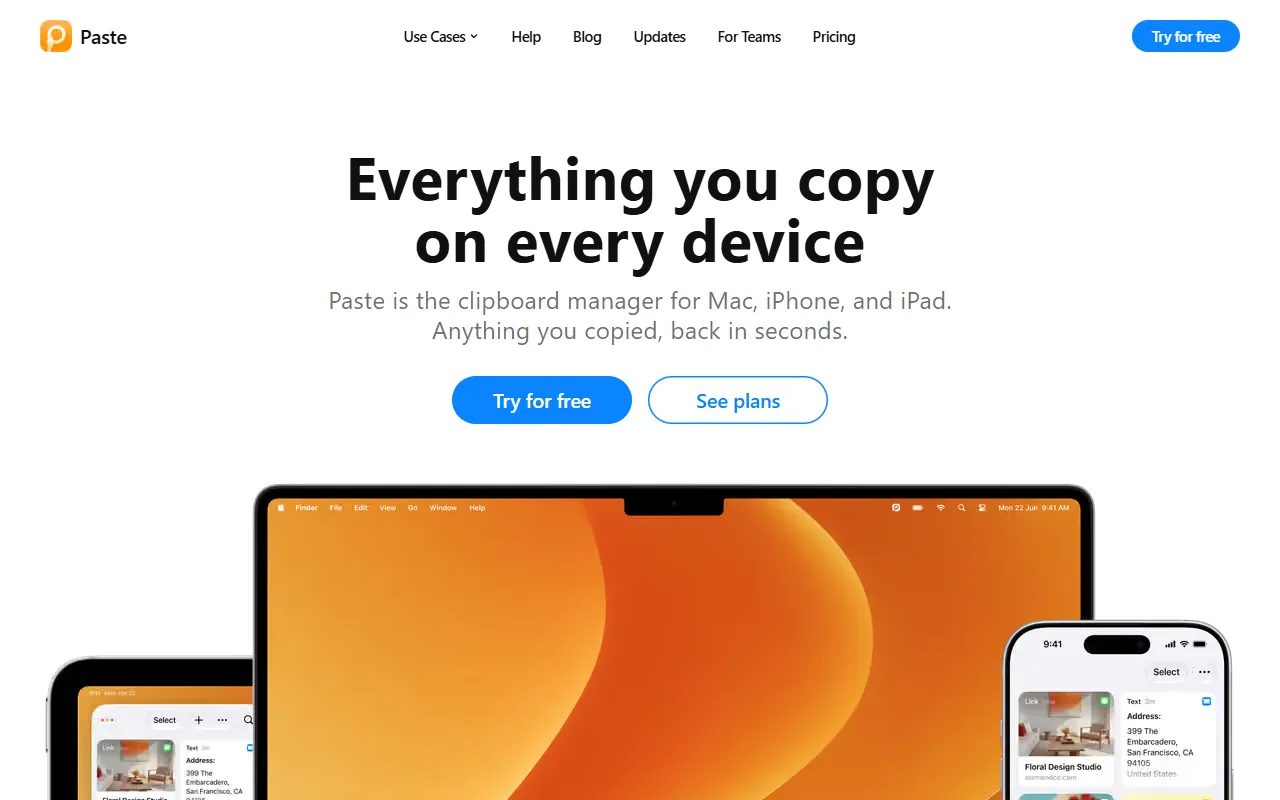
What is Paste?
Paste is an AI Marketing tool. Clipboard manager for Mac, iPhone, and iPad that organizes and syncs copied content across devices. Paste is a paid tool, starting at $3.99/month. A free trial of 7 days is available. It is available on macOS, iOS and App Store (iOS). It is aimed at productivity users and marketers.
Paste is a clipboard manager that remembers all copied content, keeping it organized, searchable, and synced across Mac, iPhone, and iPad. It ensures nothing is lost and allows quick access to previously copied items. The tool is designed for seamless integration with AI tools and prioritizes privacy.
Built for productivity users and marketers.
Key capabilities
Features
Clipboard History
Stores all copied content for later retrieval.
Cross-Device Sync
Synchronizes copied content across Mac, iPhone, and iPad.
Searchable Clipboard
AI Integration
Allows use of clipboard content with AI tools.
Private Design
Use cases
- Search for previously copied items across devices
- Sync clipboard content between Mac, iPhone, and iPad
- Integrate clipboard content with AI tools
Who it's for
Pros & cons
Pros
- Free trial available
- Paid plans start at USD 3.99/month
Cons
No documented limitations yet.
Pricing
Paid — paid plans start at $3.99/month. Free trial of 7 days available.
See current pricing on Paste's website (opens in a new tab)Security & compliance
- Data deletion
As stated on Paste's website — not independently verified by AiByts.
FAQ
What is Paste?
Paste is an AI Marketing tool. Clipboard manager for Mac, iPhone, and iPad that organizes and syncs copied content across devices. Paste is a clipboard manager that remembers all copied content, keeping it organized, searchable, and synced across Mac, iPhone, and iPad. It ensures nothing is lost and allows quick access to previously copied items. The tool is designed for seamless integration with AI tools and prioritizes privacy.
Is Paste free?
No, Paste is a paid tool. A free trial is available.
How much does Paste cost?
Paste is a paid tool, starting at $3.99/month. A free trial of 7 days is available.
What platforms does Paste support?
Paste is available on macOS, iOS and App Store (iOS).
Who should use Paste?
Paste is built for productivity users and marketers. Common uses: search for previously copied items across devices, sync clipboard content between Mac, iPhone, and iPad and integrate clipboard content with AI tools.
What are the best alternatives to Paste?
Similar tools on AiByts include Dub.co, Podify.io, Anysite.io, Attention Insight and Figo.
Paste news & updates
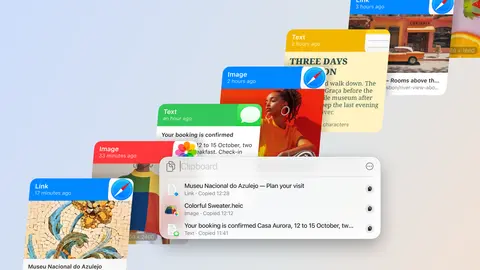
How to see clipboard history on a Mac
Your Mac keeps a short clipboard history in Spotlight. Paste turns it into one that lasts and follows you to every device.
Paste Blog4 min read
Intelligent Clipboard: one step ahead of you
Paste can now suggest which of your copied items you'll most likely paste next, based on what you're working on.
Paste Blog3 min read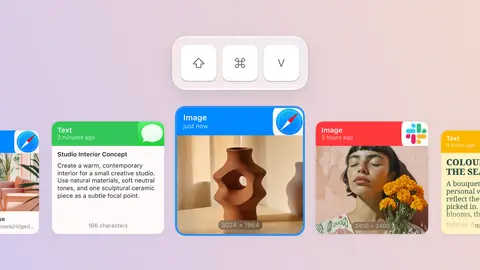
Mac clipboard shortcuts: when to use each one
The clipboard shortcuts macOS gives you, the job each one is for, and where Paste picks up when they run out.
Paste Blog6 min read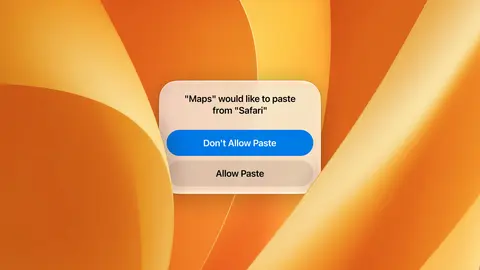
Allow Paste on iPhone: how to stop the pop-up
Stop the Allow Paste pop-up for any app in one setting, and keep every copy in Paste.
Paste Blog5 min read
How to see clipboard history on iPhone
iPhone keeps one copy at a time. Paste turns that into a clipboard history you can search on every device.
Paste Blog6 min read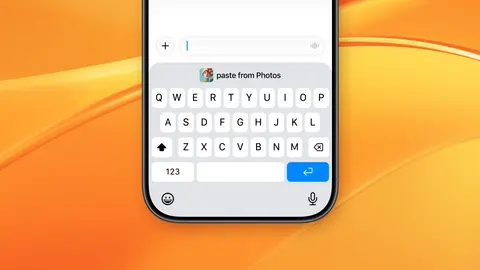
Making the most of iOS 27's new paste button
iOS 27's new paste button makes pasting quicker, and Paste adds the clipboard history to go with it.
Paste Blog4 min read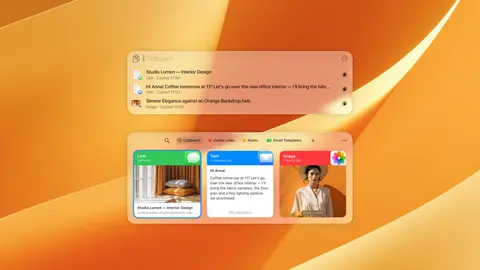
macOS Tahoe clipboard history: how far it goes
macOS Tahoe keeps a short clipboard history in Spotlight. Here's what it covers, and what Paste adds on top.
Paste Blog6 min read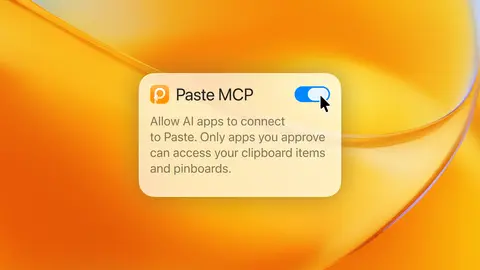
Best MCP servers for productivity in 2026
A practical guide to the MCP servers worth connecting to your AI tools, from your files and tasks to your clipboard history in Paste.
Paste Blog9 min read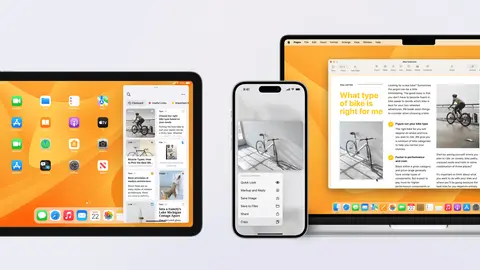
How to copy and paste between iPhone and Mac
Copy on your iPhone and paste on your Mac with Universal Clipboard, then keep every copy you make with Paste's searchable history, synced across all your devices.
Paste Blog4 min read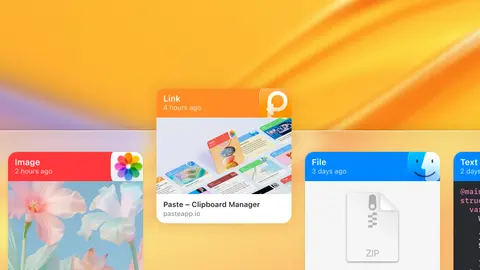
The best clipboard manager for Mac in 2026
An honest guide to the best clipboard managers for Mac, weighing the strengths and trade-offs of each so you can find the right pick for you.
Paste Blog11 min read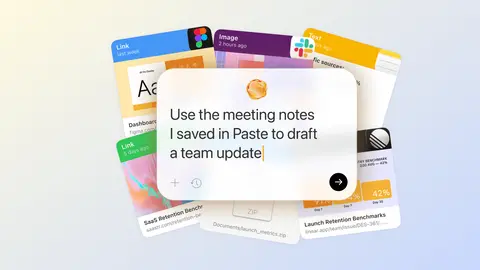
Paste MCP: Turn clipboard history into context for AI tools
Connect Paste to Claude, Codex, or other AI tools, then use clipboard history as context without leaving your AI tool.
Paste Blog5 min read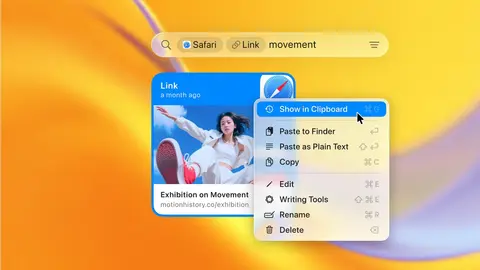
Jump to History: finding something is only half the problem
How moving from a search result to its original location in your clipboard changes the way you work.
Paste Blog2 min read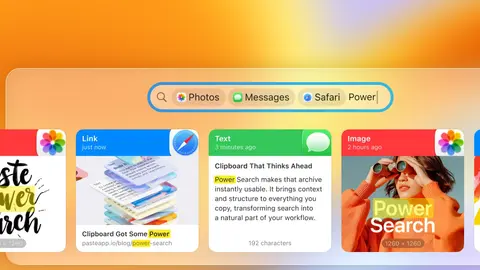
Power Search: your clipboard just got some power
Explore Power Search in Paste, the smarter way to find anything you copy. Use filters, suggestions, and text recognition to rediscover what matters.
Paste Blog4 min read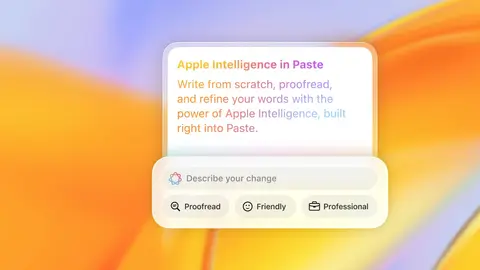
Apple Intelligence in Paste: small edits, big impact
Discover how Apple Intelligence transforms Paste into a smarter clipboard, helping you write, proofread, and refine your words across every device.
Paste Blog3 min read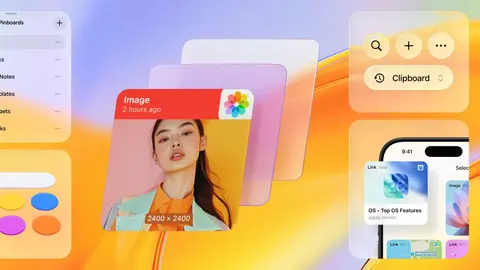
Paste 6 in Liquid Glass
Paste 6 is reimagined in Liquid Glass. Discover the new design for macOS 26 and iOS 26.
Paste Blog3 min read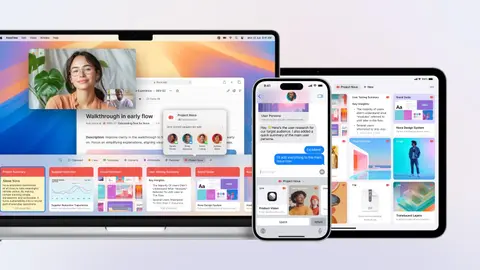
Improving your workflow with collaborative clipboard
How teams, creators, and friends use Shared Pinboards to stay organized and work better together in Paste
Paste Blog4 min read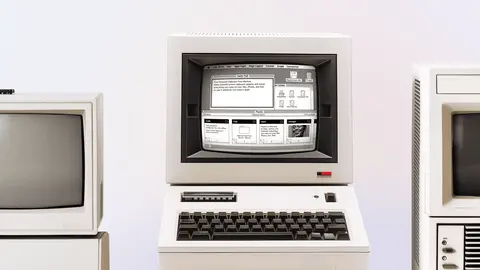
Beyond copy and paste: the legacy of Xerox and Apple
Uncover the history of the clipboard, starting with Xerox and refined by Apple, now perfected by Paste.
Paste Blog3 min read
Web design journey at Paste
Dive into our journey, overcoming challenges and bringing our creative visions to life with the perfect set of tools.
Paste Blog3 min read
Details are compiled from Paste's website and public sources, last verified Oct 6, 2026. Features and pricing change — confirm on the official site before you buy.
Try Paste
Paid · from $3.99/month
Tags
- Cross-Device Sync
- Private Design
Comments
Sign in to join the discussion.