
Riverside.fm
Online studio for high-quality podcast and video recording and editing.
- Freemium
- Web
What is Riverside.fm?
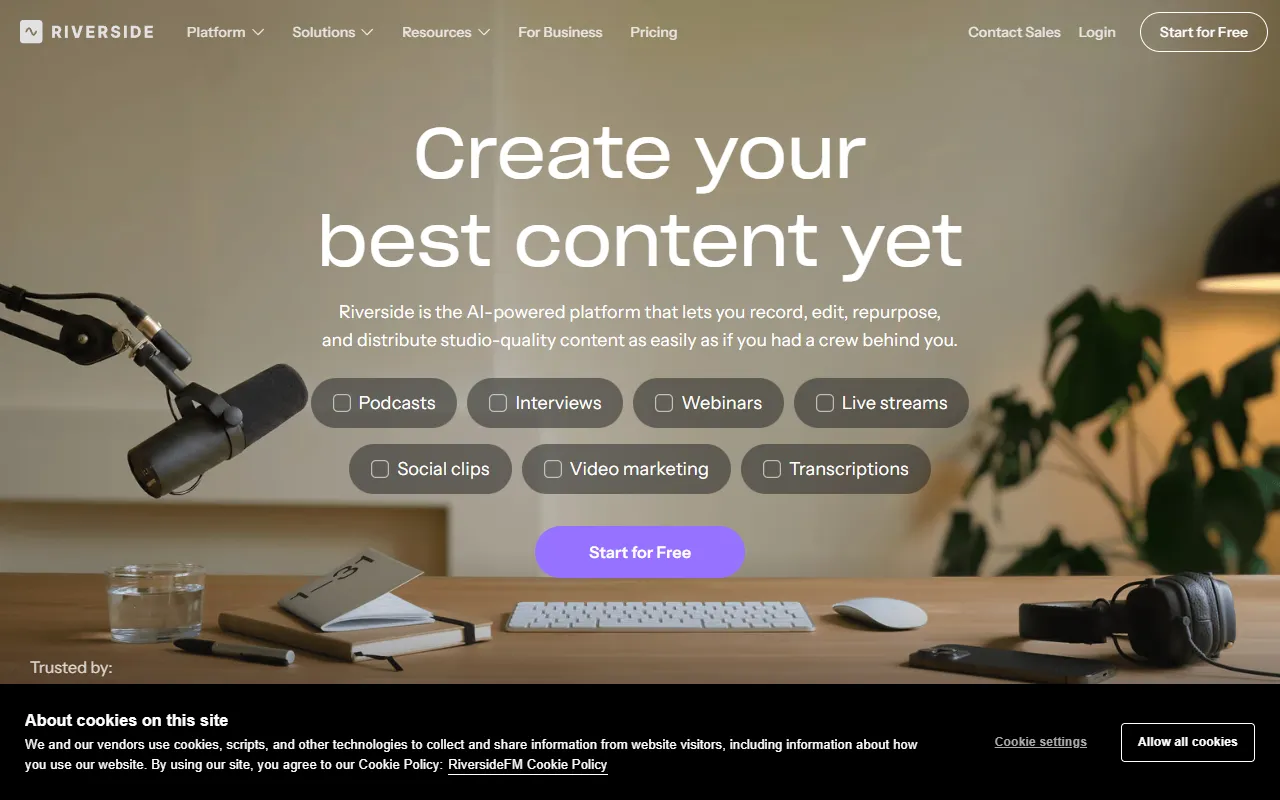
Riverside.fm is a Video Editing tool. Online studio for high-quality podcast and video recording and editing. Riverside.fm is freemium: it has a free plan plus paid upgrades. A free trial of 14 days is available. It is available on Web App, macOS, iOS, Android, App Store (iOS) and Google Play (Android). It is aimed at content creators, podcasters and marketers.
Riverside is an online studio for high-quality podcast and video recording and editing. It offers AI-powered tools for remote recording and editing, with features like real-time transcriptions and easy editing.
Built for content creators, podcasters and marketers.
Key capabilities
Features
Edit Recordings Like A Doc
Multi-track Editing
Look And Sound On-brand
End To End Content Creation
End to end content creation. All in one flow.
Record
Edit
Repurpose
Stream
Publish
From Concept To Content
From concept to content, without ever leaving Riverside.
Studio-level Quality
Achieve studio-level quality without a studio.
Use cases
- Record high-quality podcasts and videos remotely
- Edit recordings with multi-track editing
- Add captions that match your vibe
- Publish content directly from the platform
- Repurpose content for different platforms
- Stream content live
Popular use cases
Who it's for
Pros & cons
Pros
- Free plan available
- Integrates with multiple platforms
- Supports multiple devices
Cons
No documented limitations yet.
Pricing
Freemium. Free trial of 14 days available.
| Plan | Price |
|---|---|
| Free | Free |
| Pro | $288 |
| Business | Custom |
Security & compliance
- SOC 2
- ISO 27001
- SSO
- Data deletion
As stated on Riverside.fm's website — not independently verified by AiByts.
FAQ
What is Riverside.fm?
Riverside.fm is a Video Editing tool. Online studio for high-quality podcast and video recording and editing. Riverside is an online studio for high-quality podcast and video recording and editing. It offers AI-powered tools for remote recording and editing, with features like real-time transcriptions and easy editing.
Is Riverside.fm free?
Riverside.fm has a free plan; advanced features require a paid plan.
How much does Riverside.fm cost?
Riverside.fm offers 3 plans: Free (Free), Pro ($288) and Business (Custom).
What platforms does Riverside.fm support?
Riverside.fm is available on Web App, macOS, iOS, Android, App Store (iOS) and Google Play (Android).
Who should use Riverside.fm?
Riverside.fm is built for content creators, podcasters and marketers. Common uses: record high-quality podcasts and videos remotely, edit recordings with multi-track editing, add captions that match your vibe and publish content directly from the platform.
What does Riverside.fm integrate with?
Riverside.fm integrates with Outlook, HubSpot, Final Cut Pro, YouTube, TikTok, Instagram, LinkedIn and X, among 10 integrations.
What are the best alternatives to Riverside.fm?
Similar tools on AiByts include Riverside Audio Transcription, VEED AI Video, ClipFlare, Puppetry and Wavel AI.
Riverside.fm news & updates
10 Best Free & Paid WebinarJam Alternatives & Competitors (2026)
Looking for a WebinarJam alternative? Here’s a full review of 10 of the top webinarjam competitors and what they’re best for.
Riverside Audio Transcription Blog1 min read
10 Best Restream Alternatives: Free & Paid Options (2026)
Explore top Restream alternatives for HD video streaming. We cover both free & paid options plus share considerations when choosing software.
Riverside Audio Transcription Blog1 min read
StreamYard vs. OBS: Which Is Better for You?
In this guide, we’ll compare StreamYard vs. OBS to help you understand where each tool shines, and which is the better fit for your workflow.
Riverside Audio Transcription Blog1 min read
10 Best Video Editing Software for YouTube (2026)
Check out our 11 best video editing software for Youtube makers. Elevate your content with powerful editing tools and features.
Riverside Audio Transcription Blog21 min read
Best Podcast Microphones: 8 Mics I Tested in 2026
Here’s my list of the best podcast microphones after testing each one with raw audio samples, with no EQ or processing.
Riverside Audio Transcription Blog18 min read
Best Podcast Equipment in 2026: What to Buy at Every Budget
Our top podcast equipment picks after 15+ years and 500+ episodes. From a sub-$200 starter kit to a full pro studio, here is the exact gear we recommend.
Riverside Audio Transcription Blog19 min read
How to add subtitles and captions to a video (2026)
Add subtitles or captions to any video in a few minutes. Step-by-step methods for every platform, plus which file types each one accepts.
Riverside Audio Transcription Blog10 min read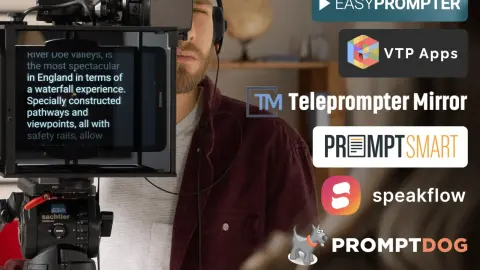
10 Best Teleprompter Software for Mac & Windows (2026)
Compare the 10 best teleprompter software options for Mac and Windows, with real testing notes on overlay support, voice scrolling and pricing.
Riverside Audio Transcription Blog25 min read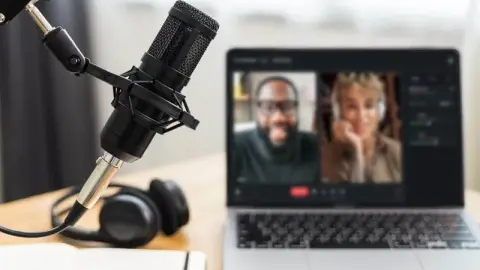
Best Podcast Recording Software: 8 Tools Tested & Compared
We tested 8 podcast recording tools for audio quality, remote recording, editing, and ease of use. See which software is best for your workflow and budget.
Riverside Audio Transcription Blog17 min read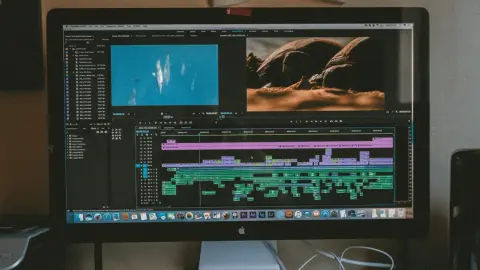
9 Best Video & Screen Recording Tools We Tested (2026)
We tested 9 video and screen recording tools for quality, separate tracks, and speed. See which fits your setup, your device, and your budget.
Riverside Audio Transcription Blog21 min read
How to Create a Split-Screen Video: 8 Best Editors Tested
Learn how to create a split-screen video step by step. Compare 7 of the best split-screen video editors and explore options for every device.
Riverside Audio Transcription Blog21 min read
Podcast Interview Preparation: How to Find, Invite & Prep Guests [Free Guide]
Discover how to find, invite, and prepare guests for a podcast interview that will appeal to your target audience and expand your listenership.
Riverside Audio Transcription Blog16 min read
8 Best Remote Podcast Recording Software (Free & Paid Options)
Discover the top 8 remote podcast recording software for professional and seamless recordings. Elevate your podcasting game with these quality tools.
Riverside Audio Transcription Blog20 min read
RSS.Com Review & Walkthrough: Easy, All-Round Podcast Host
RSS.com is an all-round podcast host for beginners and pros. Read our RSS.com review to find out more on its unique features and what it offers.
Riverside Audio Transcription Blog12 min read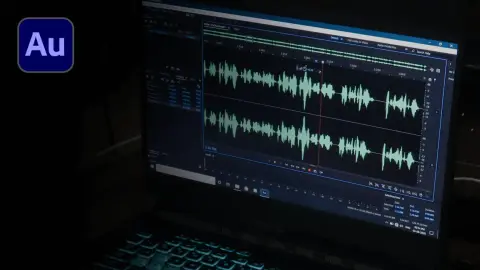
How to Use Adobe Audition for Podcasts: Complete Tutorial
Learn how to navigate Adobe Audition for podcasts. Here is your ultimate step-by-step walkthrough on how to record and edit podcasts on Audition.
Riverside Audio Transcription Blog12 min read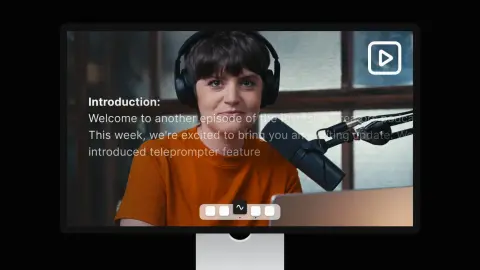
10 Best Teleprompter Apps for Mac in 2026 (Free & Paid)
Looking for a great teleprompter tool? Here are 10 of the best free and paid teleprompter apps for Mac devices in 2026!
Riverside Audio Transcription Blog10 min read
Video Podcast Examples: What You Can Learn From The Best?
We analyzed some of the best video podcasts to explain what makes a video podcast good and highlight some lessons you can use starting today.
Riverside Audio Transcription Blog12 min read
How to Set up a Zoom Webinar | Full Step-by-Step Guide
Wondering how to set up a Zoom webinar? We’ll show you how to schedule your webinar, set up registration, and more!
Riverside Audio Transcription Blog11 min read
Details are compiled from Riverside.fm's website and public sources, last verified Oct 3, 2026. Features and pricing change — confirm on the official site before you buy.
Try Riverside.fm
Freemium
Tags
- AI-Powered
- Real-Time Transcriptions
- On-Brand Content
- Captioning
- Content Repurposing
- Publishing
- Multi-track Editing
Comments
Sign in to join the discussion.