

ScreenCursor
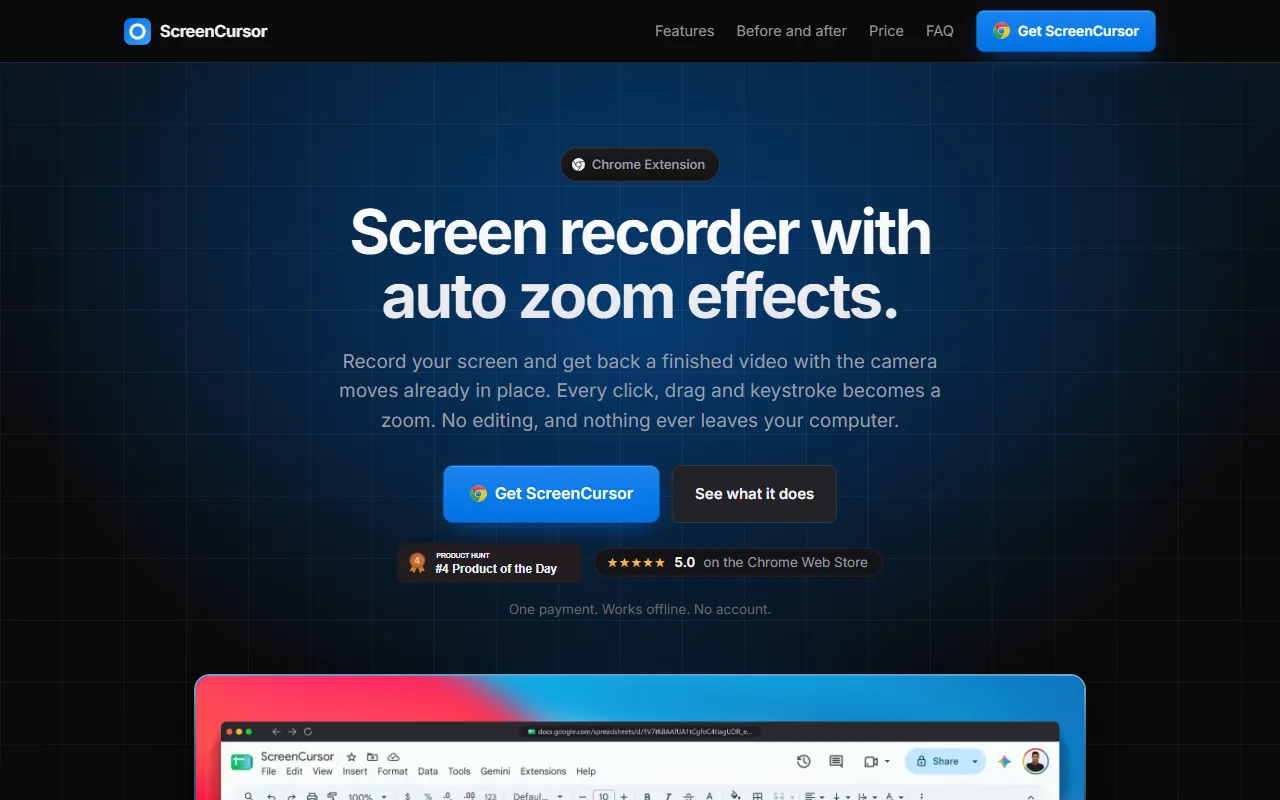
Chrome screen recorder with auto zoom effects for capturing and editing clicks, drags, and keystrokes.
What is ScreenCursor?
ScreenCursor is a Video Editing tool. Chrome screen recorder with auto zoom effects for capturing and editing clicks, drags, and keystrokes. It is available on Windows, macOS and Linux. It is aimed at educators, content creators and software developers.
Records screen activity with automatic zoom effects on every click, drag, and keystroke. Edits recordings by trimming, splitting, and adjusting zoom timing, depth, and position. Exports 1080p MP4 videos with H.264 and AAC formats. Works offline without account or upload.
Built for educators, content creators, software developers and technical support staff.
Key capabilities
Features
Automatic Zoom
Zooms in on every click, drag, and keystroke.
Zoom Editing
Adjusts zoom timing, depth, and position per zoom.
Trim and Split
Trims, splits, and adjusts speed of any part of the recording.
Backgrounds and Blur
Applies backgrounds, blur, browser frames, and aspect ratios.
Screen Recording
Records browser tabs or the entire screen, including other applications.
Offline Use
Works without internet connection and no account required.
Auto Editing
Edits boring parts automatically.
Camera Moves
Converts clicks, drags, and keystrokes into camera moves.
Zoom Customization
Allows changing or removing any zoom effect.
Focus Zoom
Points zoom at specific areas of interest.
Visual Enhancements
Adds wallpapers, frames, and breathing room to recordings.
Use cases
- Trim, split, and adjust speed of any part of the recording
- Export 1080p MP4 videos with H.264 and AAC formats
- Record browser tabs or the entire screen, including other applications
- Work offline without an internet connection or account
- Automatically edit boring parts of the recording
- Convert clicks, drags, and keystrokes into camera moves
Who it's for
- Educators
- Content Creators
- Software Developers
- Technical Support Staff
Pros & cons
Pros
- Exports 1080p MP4 videos with H.264 and AAC formats
- Works offline without account or upload
- Automatically edits boring parts of the recording
- Converts clicks, drags, and keystrokes into camera moves
- Supports Windows, macOS, and Linux
Cons
No documented limitations yet.
Security & compliance
- Data deletion
As stated on ScreenCursor's website — not independently verified by AiByts.
FAQ
What is ScreenCursor?
ScreenCursor is a Video Editing tool. Chrome screen recorder with auto zoom effects for capturing and editing clicks, drags, and keystrokes. Records screen activity with automatic zoom effects on every click, drag, and keystroke. Edits recordings by trimming, splitting, and adjusting zoom timing, depth, and position. Exports 1080p MP4 videos with H.264 and AAC formats. Works offline without account or upload.
What platforms does ScreenCursor support?
ScreenCursor is available on Windows, macOS and Linux.
Who should use ScreenCursor?
ScreenCursor is built for educators, content creators, software developers and technical support staff. Common uses: trim, split, and adjust speed of any part of the recording, export 1080p MP4 videos with H.264 and AAC formats, record browser tabs or the entire screen, including other applications and work offline without an internet connection or account.
What are the best alternatives to ScreenCursor?
Similar tools on AiByts include Icon, Wave.video, Slideshot, Highlight Studio and Clipwing.
Details are compiled from ScreenCursor's website and public sources, last verified Oct 5, 2026. Features and pricing change — confirm on the official site before you buy.
Try ScreenCursor
Visit the official website
Tags
- Auto Zoom
- Camera Moves
- 1080p Export
- Screen Recording
- Auto Editing
Comments
Sign in to join the discussion.