
Skyvern
Automate browser workflows with AI.


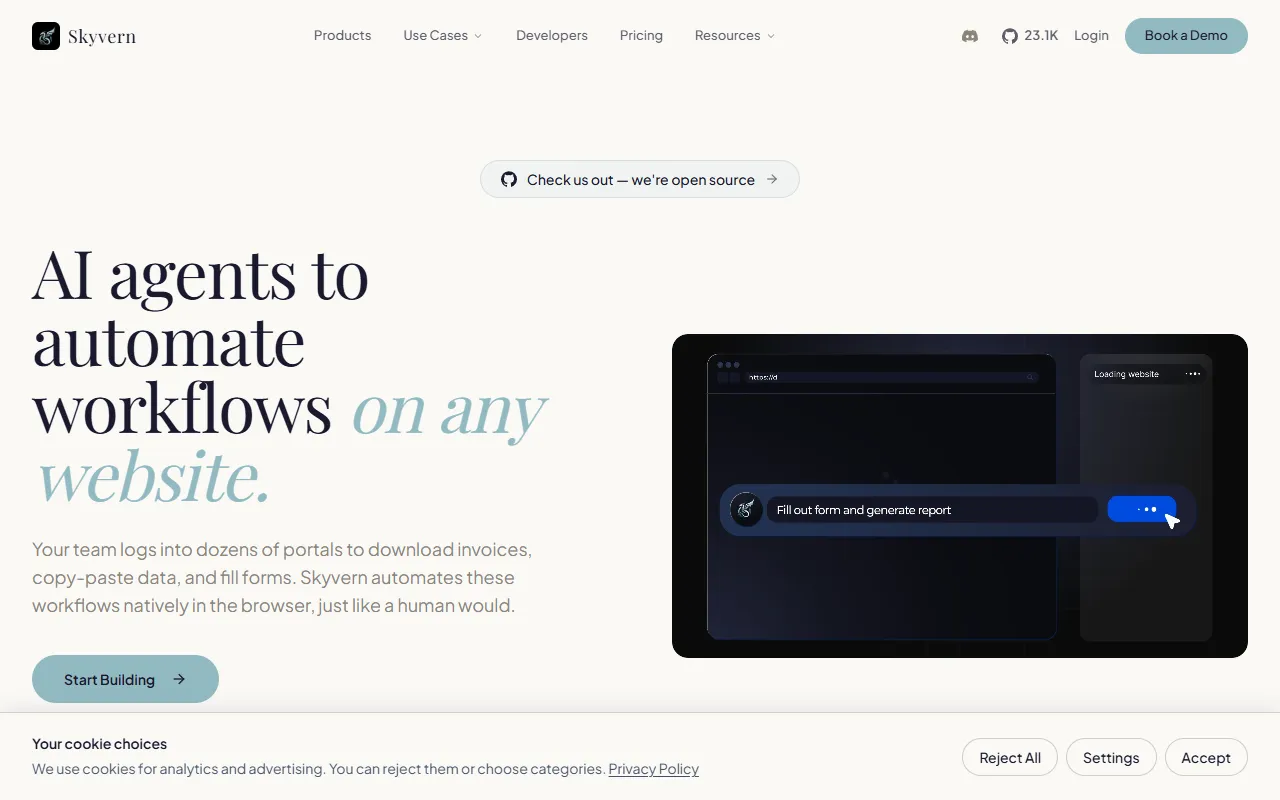
What is Skyvern?
Skyvern is a Browser Automation tool. Automate browser workflows with AI. Skyvern is free to use. It is available on Web App and Windows. It is aimed at developers, automation enthusiasts and it professionals.
Automates browser-based workflows using AI. Enables tasks like data extraction and handling CAPTCHAs and 2FA. Designed for developers and automation enthusiasts.
Built for developers, automation enthusiasts and it professionals.
Key capabilities
Features
AI-Powered Page Commands
AI-Augmented Playwright Actions
Core AI Commands
Quick Start Examples
Advanced Usage
Connect Skyvern Cloud
Connects to Skyvern Cloud for local browser use.
Consistent Output Schema
Ensures consistent output schema from runs.
Debugging Commands
Provides helpful commands for debugging.
Skyvern Tasks
Use cases
- Automate data extraction from web pages
- Handle CAPTCHAs and 2FA during automation
- Control Chrome browser for automated tasks
- Connect Skyvern Cloud to local browser for automation
- Ensure consistent output schema for automation runs
- Debug automation issues with provided commands
Who it's for
Pros & cons
Pros
- Free (open source) plan available
- HIPAA and SOC2 compliance
Cons
No documented limitations yet.
Pricing
Free.
Developer & API
Open source· 23.1K stars· 2.2K forks
Security & compliance
- SOC 2
- HIPAA
- Two-factor authentication
- Encryption
As stated on Skyvern's website — not independently verified by AiByts.
FAQ
What is Skyvern?
Skyvern is a Browser Automation tool. Automate browser workflows with AI. Automates browser-based workflows using AI. Enables tasks like data extraction and handling CAPTCHAs and 2FA. Designed for developers and automation enthusiasts.
Is Skyvern free?
Yes, Skyvern is free to use.
How much does Skyvern cost?
Skyvern is free to use.
What platforms does Skyvern support?
Skyvern is available on Web App and Windows.
Who should use Skyvern?
Skyvern is built for developers, automation enthusiasts and it professionals. Common uses: automate data extraction from web pages, handle CAPTCHAs and 2FA during automation, control Chrome browser for automated tasks and connect Skyvern Cloud to local browser for automation.
Is Skyvern open source?
Yes, Skyvern is open source.
What are the best alternatives to Skyvern?
Similar tools on AiByts include Airtop, Hyperbrowser, AI Assistant for SMBs, Plouton AI and Fellou.
Skyvern news & updates
Skyvern Changelog - October 2026
Everything we shipped in October 2026 - weeks of September 28, October 5, 12, 19, and 26.
Skyvern Blog6 min read
CVO Credentialing vs an In-House Team: When to Outsource and When to Automate
A credentials verification organization (CVO) checks a healthcare provider’s credentials with the original sources and reports the results to your organization. Outsourcing that work can make sense when you need outside expertise or extra capacity.
Skyvern Blog12 min read
HIPAA-Compliant AI Agents for Healthcare Operations: BAA, PHI and What Skyvern Stores
An AI agent can be used in a HIPAA-compliant way when its vendor signs a business associate agreement (BAA) with you, protects patient data with the safeguards the HIPAA Security Rule requires, and is set up to handle only the protected health information (PHI) the task needs.
Skyvern Blog10 min read
CAPTCHA Bypass in Browser Automation: What Works, and When a Person Should Solve It
CAPTCHA bypass in browser automation means getting an automated run past a CAPTCHA, either by solving the challenge, by triggering fewer of them, or by handing the challenge to a person. If you automate work on websites, you will meet CAPTCHAs at some point.
Skyvern Blog12 min read
What Is Intelligent Automation? Components, Examples, and How It Differs From RPA
Intelligent automation (IA) is the use of artificial intelligence together with process automation tools, mainly robotic process automation (RPA) and business process management (BPM), to run business processes that involve reading, deciding and acting.
Skyvern Blog10 min read
Insurance Eligibility Verification Software: Clearinghouses, Services and Portal Automation Compared
HIPAA was passed in 1996, beginning the move toward national standards for electronic healthcare transactions, including X12 270/271 eligibility inquiries and responses.
Skyvern Blog13 min read
OIG Exclusion List (LEIE): How to Run the Monthly Check for Your Whole Roster
The OIG exclusion list, officially the List of Excluded Individuals/Entities (LEIE), is the HHS Office of Inspector General's list of people and organizations barred from Medicare, Medicaid and all other federal health care programs (OIG).
Skyvern Blog13 min read
AI Agents vs RPA: Key Differences, When Each Wins, and How to Run Both
AI agents and robotic process automation (RPA) are two ways to automate work that people do in software. RPA repeats a set of steps and rules written in advance. A browser-using AI agent starts from a goal, reads the screen in front of it, and decides each next step.
Skyvern Blog12 min read
Healthcare BPO vs Automation for Prior Authorization: Growing Volume Without Growing the Team
Healthcare BPO, or business process outsourcing, means hiring another company to handle administrative work such as billing, insurance checks and prior authorization. It helps your practice growing without recruiting an internal team for every task.
Skyvern Blog8 min read
Revenue Cycle Management Automation: What to Automate and How to Measure Results
In an earlier article on prior authorization automation, I wrote about how a small change to a payer portal can break a browser script. But even when the script works perfectly, the claim can still be stuck.
Skyvern Blog12 min read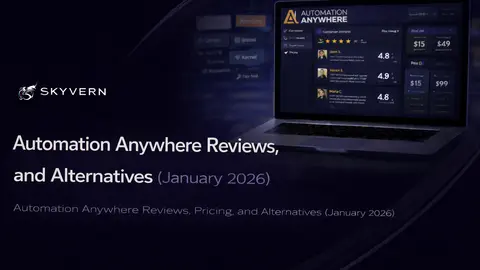
Automation Anywhere Alternatives: 6 Options and What AA Really Costs
If you’re looking for an Automation Anywhere alternative, you’re probably unhappy with something: the price, a workflow builder that feels clunky, or the effort it takes to keep your automations running. Those frustrations show up in Automation Anywhere’s reviews.
Skyvern Blog8 min read
How to Automate KYB Verification Across Business Registries
KYB, or Know Your Business, is the process of checking who you’re doing business with. Before you onboard a business customer, supplier, or partner, you confirm its registration details, understand who owns or controls it, and check for risks such as sanctions exposure.
Skyvern Blog11 min read
EMR & EHR Data Extraction: How to Automate It Without an API
Choose an EMR/EHR extraction method, collect provider productivity and billing data, and build a recurring report export in Skyvern without writing code.
Skyvern Blog12 min read
AI Automation for EOB Processing: Tools & Workflows (2026)
If you're looking into EOB processing, there's probably someone on your team spending hours downloading insurance payment documents and copying the numbers into billing software. They log in to one insurer's website, find the right document, save it, and move on to the next.
Skyvern Blog7 min read
How to do Bank Statement Automation with AI
Learn how to use Skyvern to download bank statements, extract transaction data, and schedule monthly collection for your reconciliation workflow.
Skyvern Blog8 min read
Top 5 UiPath Alternatives Compared in 2026
Compare five UiPath alternatives for browser and desktop workflows, including their strengths, trade-offs, pricing, and migration effort.
Skyvern Blog8 min read
Government Forms Automation with AI: Fast & Flexible Tools in 2026
A practical guide to automating government forms with AI, from data and logins to reusable workflows, run records, and integrations.
Skyvern Blog7 min read
The 2026 Enterprise Guide to Agentic Process Automation
A practical guide to agentic process automation for enterprise teams, covering workflow selection, platform evaluation, costs, and the steps from pilot to production.
Skyvern Blog11 min read
Details are compiled from Skyvern's website and public sources, last verified Oct 3, 2026. Features and pricing change — confirm on the official site before you buy.
Try Skyvern
Free
Comments
Sign in to join the discussion.