

Snapr
Free screen recorder and screenshot tool with annotation and video editing.
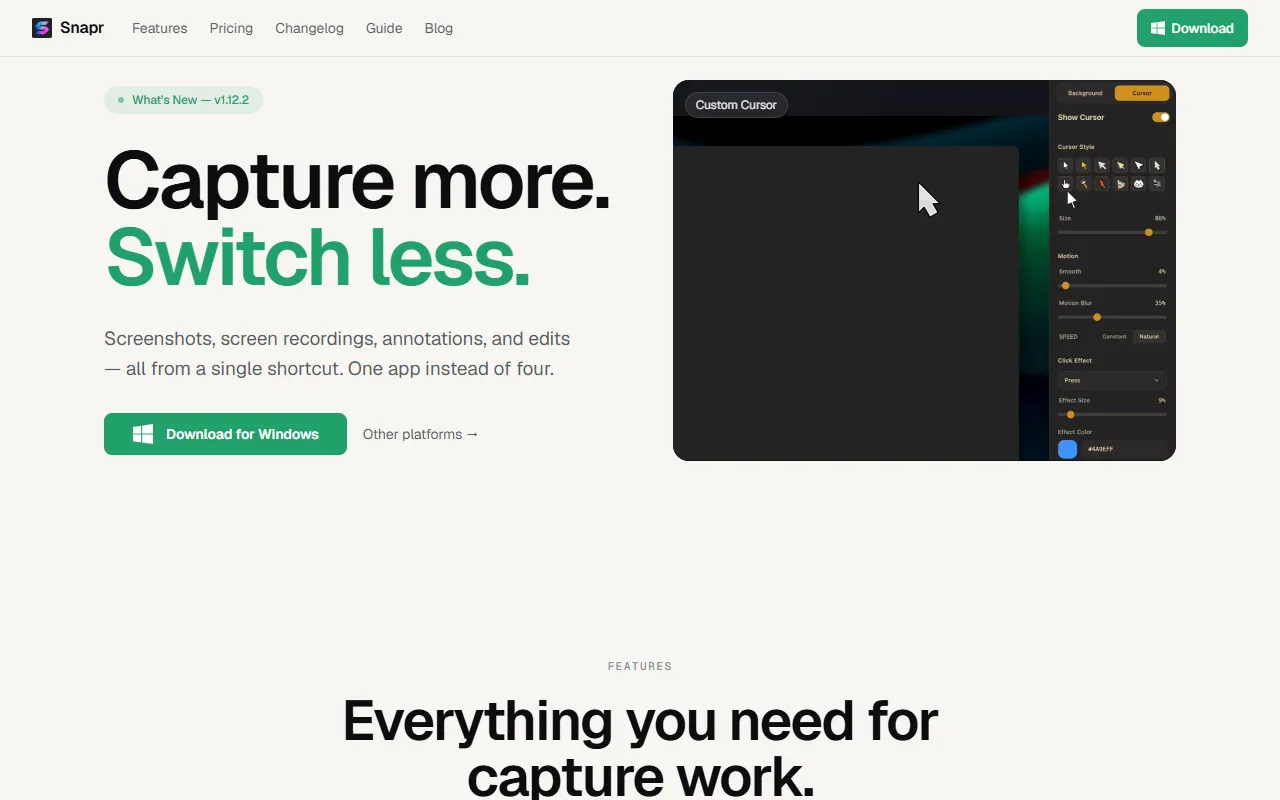
What is Snapr?
Snapr is a Video Editing tool. Free screen recorder and screenshot tool with annotation and video editing. Snapr is free to use. It is available on macOS and Windows. It is aimed at content creators, educators and technical support staff.
Free screen recorder and screenshot tool with built-in annotation, video editing, and 4K export. One app for screen capture, recording, and editing on macOS and Windows.
Built for content creators, educators and technical support staff.
Features
Annotation
Add notes directly on captures.
Cinematic Zoom
Scroll Capture
Customizable Capture Bar
Super Quick Capture
Camera Overlay
iOS Device Capture
Use cases
- Capture and annotate screenshots for documentation
- Record and edit screen videos with cinematic effects
- Capture full web pages as single images
Popular use cases
Who it's for
- Content Creators
- Educators
- Technical Support Staff
Pros & cons
Pros
- Free plan available
Cons
No documented limitations yet.
Pricing
Free.
FAQ
What is Snapr?
Snapr is a Video Editing tool. Free screen recorder and screenshot tool with annotation and video editing. Free screen recorder and screenshot tool with built-in annotation, video editing, and 4K export. One app for screen capture, recording, and editing on macOS and Windows.
Is Snapr free?
Yes, Snapr is free to use.
How much does Snapr cost?
Snapr is free to use.
What platforms does Snapr support?
Snapr is available on macOS and Windows.
Who should use Snapr?
Snapr is built for content creators, educators and technical support staff. Common uses: capture and annotate screenshots for documentation, record and edit screen videos with cinematic effects and capture full web pages as single images.
What are the best alternatives to Snapr?
Similar tools on AiByts include Highlight Studio, Wavel AI, Wondershare Filmora, Based AI and Arsaze.
Snapr news & updates
Details are compiled from Snapr's website and public sources, last verified Oct 5, 2026. Features and pricing change — confirm on the official site before you buy.
Try Snapr
Free
Tags
- Screen Capture
- Screen Recording
- Screenshot Tool
- Video Editor
Comments
Sign in to join the discussion.