

Superscribe
Automates call and meeting notes, tasks, and Pipedrive entries after calls.
- Freemium· from €18/month
- API Available


What is Superscribe?
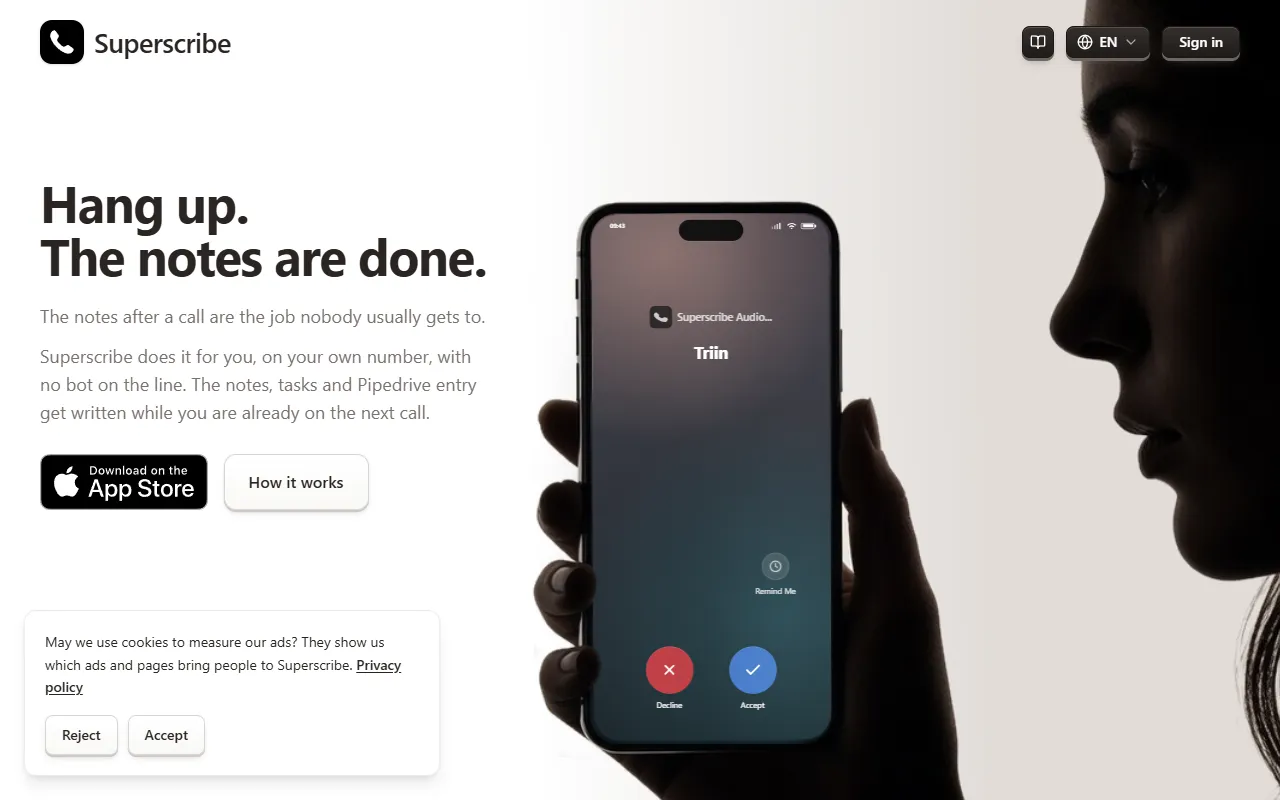
Superscribe is a Speech to Text tool that automates call and meeting notes, tasks, and Pipedrive entries after calls. Superscribe is freemium: it has a free plan, and paid plans start at €18/month. It is available on Windows, macOS, iOS and App Store (iOS). It is aimed at sales agents, recruiters and consultants.
Automates call and meeting notes, tasks, and Pipedrive entries after calls. Transcribes voice in real time and logs billable hours as you dictate. Includes PDF invoice export for dictation and time tracking.
Built for sales agents, recruiters, consultants and brokers.
Key capabilities
Features
Call Notes
Automates call and meeting notes, tasks, and Pipedrive entries after calls.
Real Time Transcription
Invoice Export
Includes PDF invoice export for dictation and time tracking.
API Access
Public API available for integration.
Webhooks
Use cases
- Automate call and meeting notes, tasks, and Pipedrive entries after calls
- Transcribe voice in real time and log billable hours as you dictate
- Export PDF invoices for dictation and time tracking
Popular use cases
Who it's for
- Sales Agents
- Recruiters
- Consultants
- Brokers
Pros & cons
Pros
- Public API available
- Free iPhone app for agents, recruiters, consultants and brokers
Cons
No documented limitations yet.
Pricing
Freemium — paid plans start at €18/month.
| Plan | Price |
|---|---|
| Pro | €18 / month |
Developer & API
Public REST API available
- Authentication
- API Key, Bearer Token
- SDKs
- Python, Node.js, Ruby, PHP
- Webhooks
- Supported
Security & compliance
- Encryption
- Data deletion
As stated on Superscribe's website — not independently verified by AiByts.
FAQ
What is Superscribe?
Superscribe is a Speech to Text tool that automates call and meeting notes, tasks, and Pipedrive entries after calls. Automates call and meeting notes, tasks, and Pipedrive entries after calls. Transcribes voice in real time and logs billable hours as you dictate. Includes PDF invoice export for dictation and time tracking.
Is Superscribe free?
Superscribe has a free plan; advanced features require a paid plan.
How much does Superscribe cost?
Superscribe offers one plan: Pro (€18 / month).
Does Superscribe have an API?
Yes, Superscribe offers a public REST API with webhooks for building custom integrations.
What platforms does Superscribe support?
Superscribe is available on Windows, macOS, iOS and App Store (iOS).
Who should use Superscribe?
Superscribe is built for sales agents, recruiters, consultants and brokers. Common uses: automate call and meeting notes, tasks, and Pipedrive entries after calls, transcribe voice in real time and log billable hours as you dictate and export PDF invoices for dictation and time tracking.
What are the best alternatives to Superscribe?
Similar tools on AiByts include EKHOS AI, VoiceAppear, Otter.ai, Rev.ai and AssemblyAI.
Superscribe news & updates
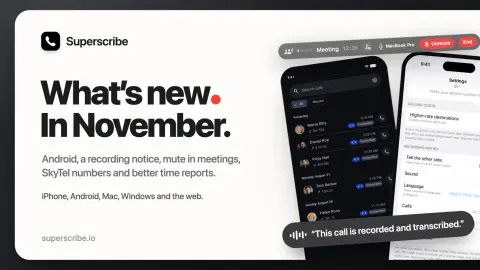
What’s New in Superscribe: November 2026
Everything new in Superscribe since mid October: the Android app, a recording notice, mute in meetings, SkyTel numbers, and better time reports.
Superscribe Blog4 min read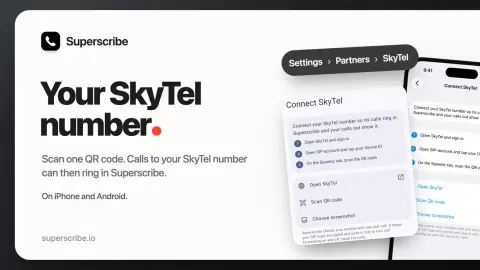
Connect Your SkyTel Number to Superscribe
Superscribe on iPhone and Android now connects to your SkyTel number with one QR code. Calls to it can ring in Superscribe, and your calls out show it.
Superscribe Blog3 min read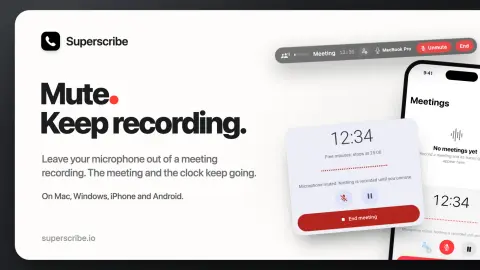
Mute in Meetings: the Recording Keeps Going
Superscribe now has a Mute button in meeting recordings on Mac, Windows, iPhone and Android. The meeting keeps recording, without your microphone.
Superscribe Blog3 min read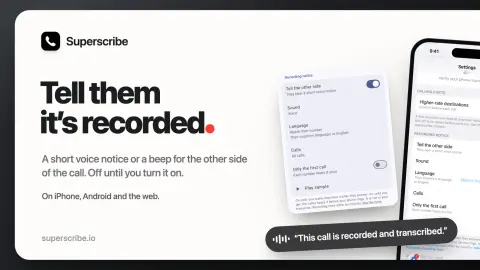
Recording Notice: Tell the Other Side a Call Is Recorded
Superscribe can now play a short voice notice or a beep, so the other person knows the call is recorded. It is off until you turn it on.
Superscribe Blog2 min read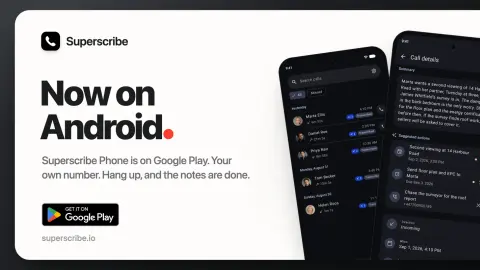
Superscribe Phone Is Now on Android
Superscribe Phone is on Google Play. Take work calls on your own number and get the summary, next steps and transcript after the call.
Superscribe Blog2 min read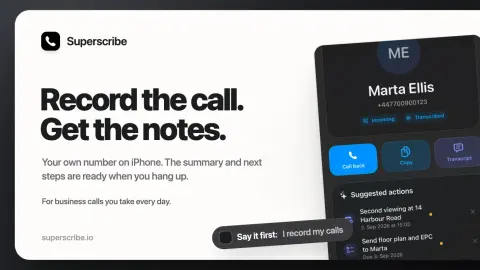
How to Record a Phone Call on iPhone and Get the Notes
Apple's call recorder tells the other person and is not available in the EU. Here is how to record business calls on iPhone and get the notes.
Superscribe Blog5 min read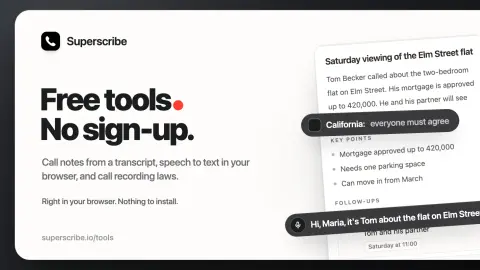
Three Free Tools for Calls, Notes and Dictation
Free on superscribe.io: turn a call transcript into notes, turn speech into text in your browser, and check if you may record a call. No sign-up.
Superscribe Blog4 min read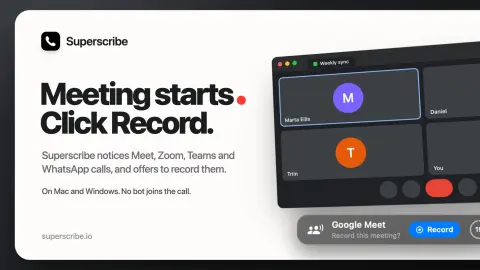
Join a Meeting and Superscribe Asks to Record It
When a Meet, Zoom or Teams meeting or a WhatsApp call starts on your Mac or PC, Superscribe asks if you want to record it. One click, and no bot joins.
Superscribe Blog4 min read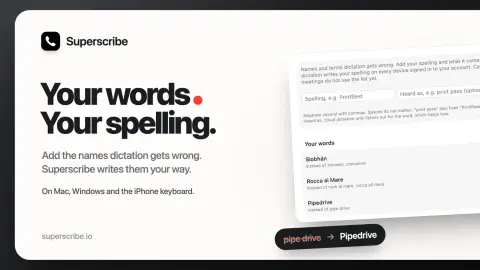
Teach Superscribe the Names It Gets Wrong
Add the names and terms dictation keeps getting wrong, and what it hears instead. Superscribe then writes your spelling on Mac, Windows and the iPhone keyboard.
Superscribe Blog3 min read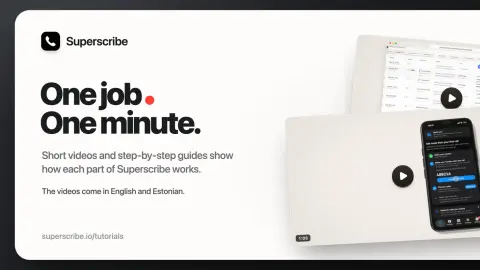
Short Videos That Show How Superscribe Works
One-minute videos and step-by-step guides show how Superscribe works: the iPhone setup, how a call becomes notes, Pipedrive, meetings and dictation.
Superscribe Blog2 min read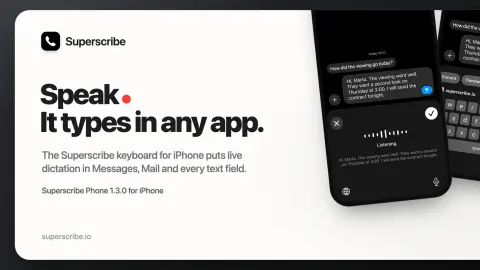
Dictate Into Any App on iPhone With the Superscribe Keyboard
The Superscribe keyboard brings live dictation to Messages, Mail, Notes and the other apps on your iPhone, like the desktop app does on a computer.
Superscribe Blog4 min read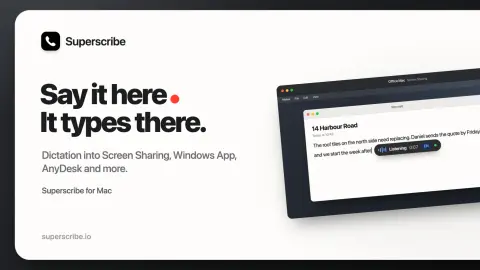
Dictate Into a Remote Desktop From Your Mac
Superscribe for Mac now types what you say into Screen Sharing, Windows App, AnyDesk, TeamViewer and other remote desktops, plus last week's fixes.
Superscribe Blog3 min read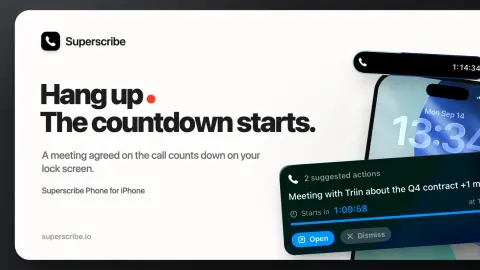
Your Lock Screen Counts Down to the Meeting You Agreed On
Superscribe Phone 1.2.4 counts down to a meeting agreed on a call, on the lock screen, in the Dynamic Island and in CarPlay. Reminders show their due day.
Superscribe Blog2 min read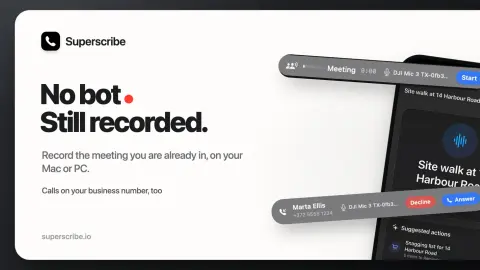
Record the Meeting You Are Already In, on Your Mac
The Superscribe desktop app now records the video meeting you are already in, on Mac or Windows, with no bot joining. It also makes and answers calls on your business number.
Superscribe Blog3 min read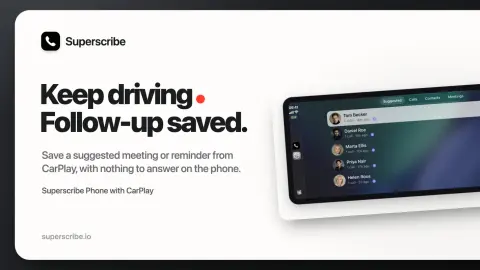
Saving a Follow-Up From the Car Without Touching the Phone
Superscribe 1.2.2 lets you save a suggested calendar event or reminder from CarPlay without the phone asking for anything, and a tap under Suggested opens the call instead of dialling.
Superscribe Blog3 min read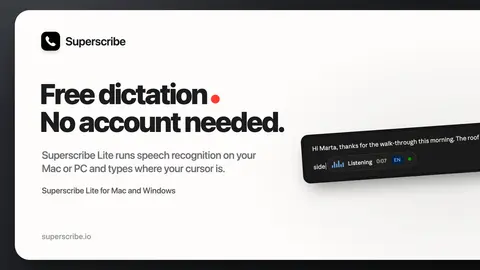
Superscribe Lite: Free Offline Dictation
Superscribe Lite is free offline dictation for Mac and Windows. It needs no account, runs speech recognition locally and types where your cursor is.
Superscribe Blog5 min read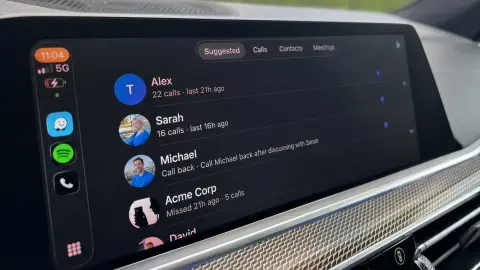
Call Notes in CarPlay: Superscribe 1.2.1
Superscribe Phone now brings call notes, recordings, contacts, follow-ups and meeting controls to CarPlay. Here is what shipped in 1.2.1.
Superscribe Blog5 min read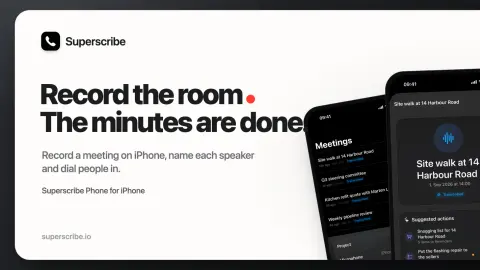
Record a Meeting on iPhone and Get Minutes
Record a meeting on iPhone, name each speaker, dial in remote participants and leave with a transcript, summary, decisions and follow-ups.
Superscribe Blog4 min read
Details are compiled from Superscribe's website and public sources, last verified Oct 3, 2026. Features and pricing change — confirm on the official site before you buy.
Try Superscribe
Freemium · from €18/month
Tags
- Call Notes
- Automatic Call Notes
- Business Call Transcription
- Phone Call Notes
- AI Call Notes
- iPhone Call Transcription
- Voice to Text
- Time Tracking
- Billable Hours
- Work Reports
Comments
Sign in to join the discussion.