

TerminalWidget
Displays text, progress bars, charts, and images in widgets for developers and power users to monitor scripts and automations.
What is TerminalWidget?
TerminalWidget is a Terminal Assistants tool that displays text, progress bars, charts, and images in widgets for developers and power users to monitor scripts and automations. It is available on macOS, iOS and App Store (iOS). It is aimed at developers and power users.
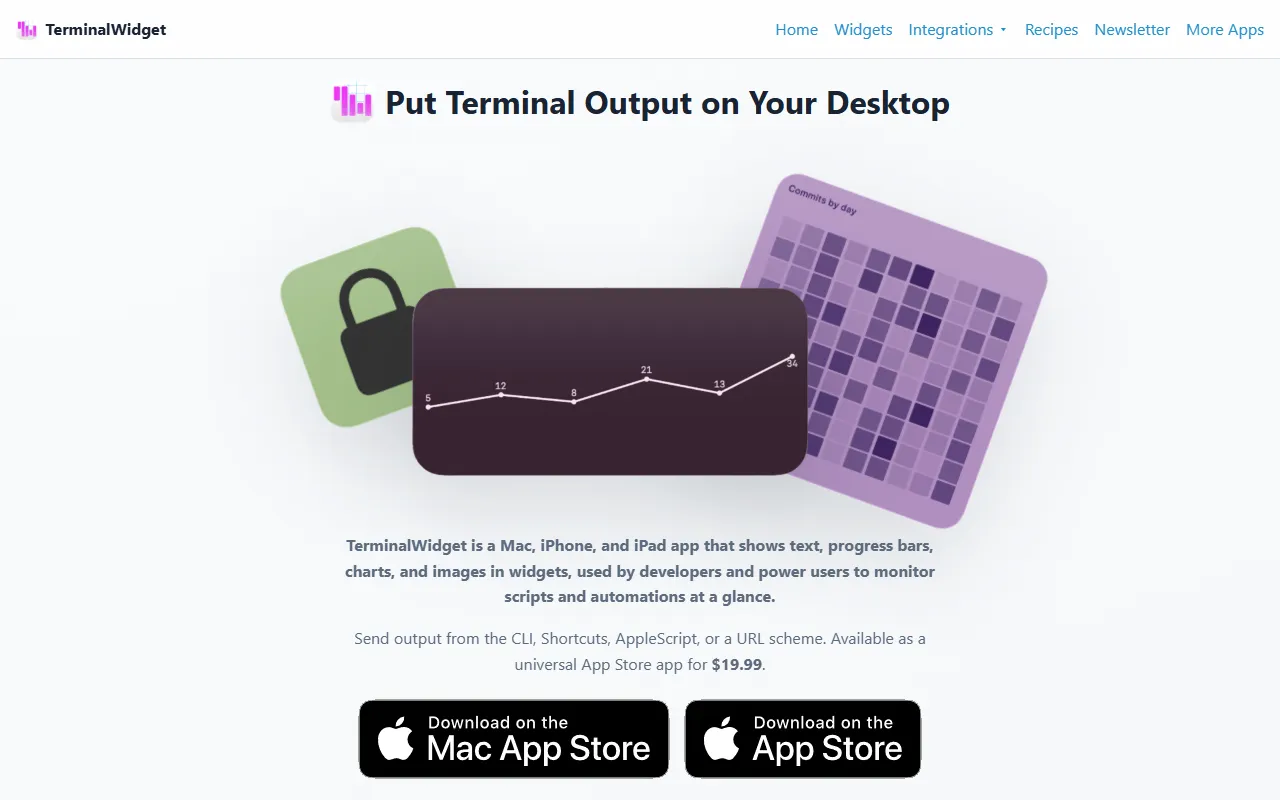
TerminalWidget is a Mac, iPhone, and iPad app that shows text, progress bars, charts, and images in widgets. It is used by developers and power users to monitor scripts and automations at a glance. The app supports customizable widgets with full CLI and automation features.
Built for developers and power users.
Key capabilities
Features
Customizable Widgets
Control colors, fonts, icons, titles, and captions on every update.
CLI Integration
Full command-line interface included for automation and scripting.
iCloud Sync
Rapid sync on iOS via iCloud for seamless data transfer.
Widget Display
Display command output, progress, sparklines, and images in widgets.
Cross-Platform Support
Use cases
- Monitor scripts and automations using widgets that display text, progress bars, charts, and images
- Automate tasks with the full CLI and Shortcuts integration for macOS and iOS
- Sync data across devices using iCloud for rapid access to command outputs and widget updates
Popular use cases
Who it's for
Pros & cons
Pros
- Includes full CLI for automation and scripting
- Supports iCloud sync for iOS devices
- Customizable widgets for detailed control over appearance and updates
Cons
No documented limitations yet.
FAQ
What is TerminalWidget?
TerminalWidget is a Terminal Assistants tool that displays text, progress bars, charts, and images in widgets for developers and power users to monitor scripts and automations. TerminalWidget is a Mac, iPhone, and iPad app that shows text, progress bars, charts, and images in widgets. It is used by developers and power users to monitor scripts and automations at a glance. The app supports customizable widgets with full CLI and automation features.
What platforms does TerminalWidget support?
TerminalWidget is available on macOS, iOS and App Store (iOS).
Who should use TerminalWidget?
TerminalWidget is built for developers and power users. Common uses: monitor scripts and automations using widgets that display text, progress bars, charts, and images, automate tasks with the full CLI and Shortcuts integration for macOS and iOS and sync data across devices using iCloud for rapid access to command outputs and widget updates.
What are the best alternatives to TerminalWidget?
Similar tools on AiByts include Orca, Pi Coding Agent, Otty, CtrlOps and ChatWithCloud.
Details are compiled from TerminalWidget's website and public sources, last verified Oct 5, 2026. Features and pricing change — confirm on the official site before you buy.
Try TerminalWidget
Visit the official website
Tags
- Widget Display
- iCloud Sync
Comments
Sign in to join the discussion.