

Amp
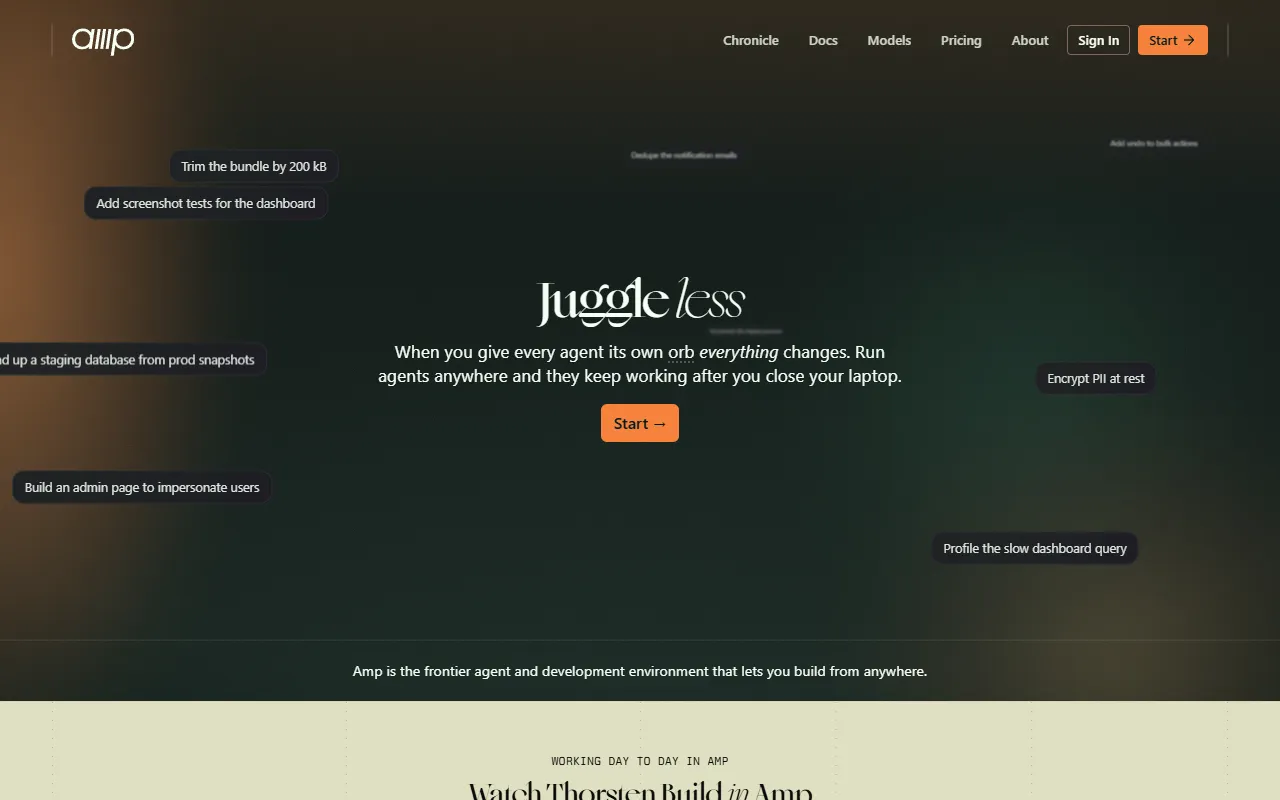
A coding agent and development environment for autonomous AI-driven development.
- Paid
- Web
What is Amp?
Amp is an AI Code Editor tool. A coding agent and development environment for autonomous AI-driven development. Amp is a paid tool. It is available on macOS, Web App, Windows, Linux and iOS. It is aimed at developers and ai researchers.
Amp is a coding agent and development environment designed for autonomous AI-driven development. It allows users to build applications using orbs that run the agent without supervision or on their own machine via CLI and runner. The tool integrates with multiple AI models to enhance coding capabilities.
Built for developers and ai researchers.
Features
Orbs
Run the agent without supervision from anywhere.
CLI and Runner
Multi-Model Integration
Uses multiple AI models to enhance coding capabilities.
Use cases
- Build applications using orbs that run the agent without supervision
- Run the agent on your own machine via CLI and runner
- Leverage multiple AI models for enhanced coding tasks
Who it's for
Pros & cons
Pros
- Usage-based pricing with custom/enterprise options available
- Supports SAML/OIDC SSO for secure access
Cons
- No free plan available; only paid plans
AI models
- GPT 5
- Claude Opus 5.5
Security & compliance
- SOC 2
- SSO
- SAML
- Encryption
- Data deletion
As stated on Amp's website — not independently verified by AiByts.
FAQ
What is Amp?
Amp is an AI Code Editor tool. A coding agent and development environment for autonomous AI-driven development. Amp is a coding agent and development environment designed for autonomous AI-driven development. It allows users to build applications using orbs that run the agent without supervision or on their own machine via CLI and runner. The tool integrates with multiple AI models to enhance coding capabilities.
Is Amp free?
No, Amp is a paid tool.
How much does Amp cost?
Amp is a paid tool.
What platforms does Amp support?
Amp is available on macOS, Web App, Windows, Linux and iOS.
Who should use Amp?
Amp is built for developers and ai researchers. Common uses: build applications using orbs that run the agent without supervision, run the agent on your own machine via CLI and runner and leverage multiple AI models for enhanced coding tasks.
What are the best alternatives to Amp?
Similar tools on AiByts include Sourcegraph Cody, X Island, stagewise, Contral and CybeDefend.
Amp news & updates

Take Puck with You
You can now talk to Puck from ChatGPT, Claude, and other agents via MCP. After developing an idea with ChatGPT's voice mode on a walk, send it directly to Puck for implementation. Puck knows your projects in Amp and routes it to the right orb.
Amp Blog1 min read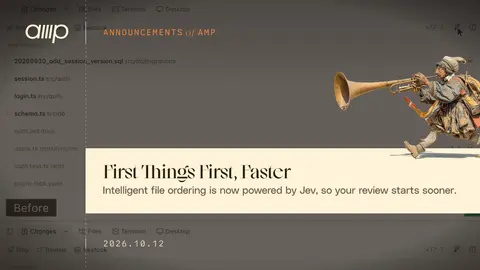
First Things First, Faster
The Changes pane now automatically puts files in an intelligent order. Amp reads the diff, identifies the files that are essential to the change, and puts them first. If the diff changes, Amp computes an updated order without rearranging the files while you’re reviewing them.
Amp Blog1 min read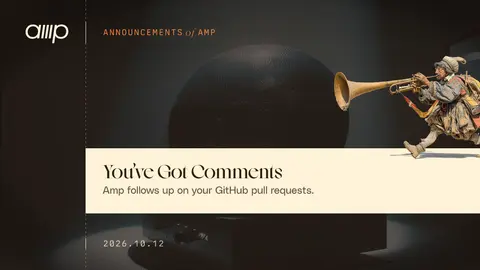
You've Got Comments
Amp now follows up on GitHub pull requests it opens. Comments, reviews, and CI results show up in the same thread. When Amp opens a PR, the agent can now subscribe to the PR's comments, reviews, and CI for its latest commit.
Amp Blog2 min read
Use Your Claude Plan in Amp
You can now use your Claude Pro/Max subscription in Amp. It's free and available for everyone now. When creating a new thread, just pick Mode > Claude Code. It'll ask to link your Claude sub if you haven't already done that.
Amp Blog1 min read
Many, Many Pucks
You can now have multiple separate conversations with Puck. We know you love Puck. We also know you've been asking Puck about your recent orbs, a bug fix, and dinner plans, all in the same conversation. Now each of those can be its own conversation, and each one gets its own Puck.
Amp Blog1 min read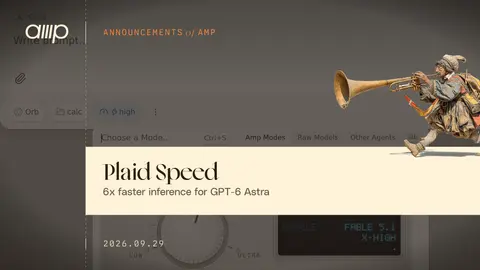
Plaid Speed
Amp now supports Plaid speed for modes that use GPT-6 Astra. Plaid uses OpenAI's ultrafast speed tier, which enables inference requests to run up to 6× faster, with 6× cost per token.
Amp Blog1 min read
Opus 5.5
article[data-news-slug="opus-5.5"] .prose li blockquote, article[data-news-slug="opus-5.5"] .prose li blockquote p { font-size: inherit !important; font-weight: inherit !important; line-height: inherit !important; color: inherit; text-indent: 0; } Claude Opus 5.5 now powers Amp's medium mode by…
Amp Blog4 min read
Less Noise
@media (min-width: 1200px) { article[data-news-slug="less-noise"] > .cell-pad.overflow-x-clip { overflow-x: visible; } .less-noise-illustration { display: block; width: min(calc(100vw - 12rem), calc(100% + 50rem)); max-width: none; margin-left: 50%; transform: translateX(-50%); }…
Amp Blog1 min read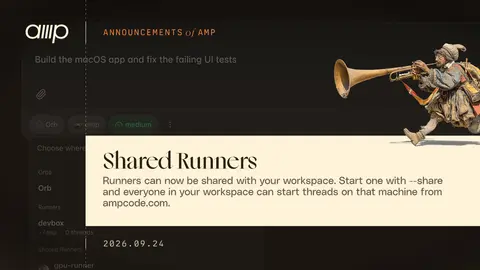
Shared Runners
You can now share a runner with your workspace. Start it with --share and everyone in your workspace can start threads on that machine from ampcode.com.
Amp Blog1 min read
The Mac App Is Your Runner
The Amp app for macOS now starts a runner for you. You no longer need amp --no-tui open in a terminal to run threads on your Mac. Open App Settings… (⌘⇧,), go to Runner, and click + to add a folder or one of your projects. Start a thread and your Mac is right there in the picker, marked This Mac.
Amp Blog1 min read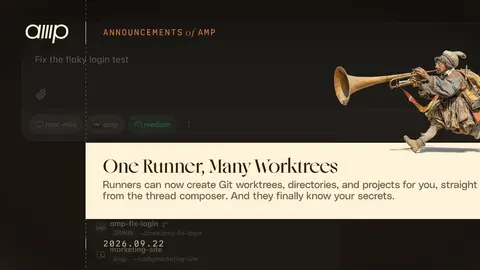
One Runner, Many Worktrees
A runner can now create Git worktrees. Pick a repository the runner serves, hit Tab, name the branch, and the thread starts in a fresh checkout. Your main checkout stays untouched. In the directory picker, every Git checkout on the runner gets a New Worktree option next to it.
Amp Blog2 min read
One Runner Is Now Enough
A runner can now serve many directories, not just the one it was started in. You can point it at specific projects and directories or let it find your Git repositories. Start a runner and tell it which directories to serve with --dir.
Amp Blog2 min read
Free Agent
Amp is now free to use when you bring your own compute and model subscriptions/keys. No monthly plan is required anymore to use your ChatGPT subscription with Amp. No BYOK token fees or limits for anyone (except our Enterprise tier).
Amp Blog3 min read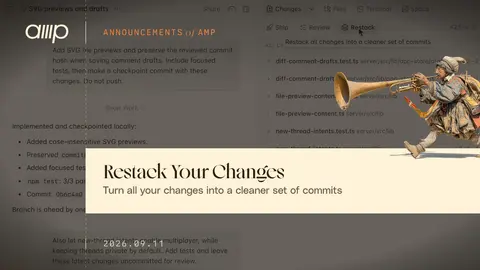
Restack Your Changes
We've added a Restack button that organizes all of your thread's changes into a cleaner set of commits. Use it to split a large diff into logical pieces for review, clean up an agent's intermediate commits before merging, or combine small related commits. The final file contents stay the same.
Amp Blog1 min read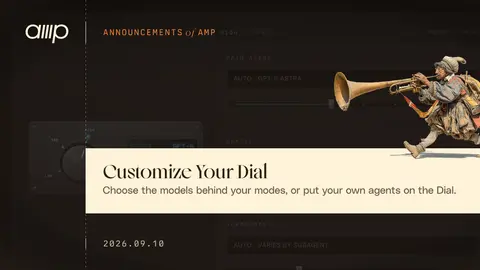
Customize Your Dial
You can now choose the models behind Amp's builtin modes and put your own agents on the Dial. There are two tabs in Settings → Mode Dial. Tune Your Modes In Tune Modes, choose the model and reasoning effort for a builtin mode's main agent, Oracle, or subagents.
Amp Blog2 min read
Steer, Don't Queue
When you send a message while the agent is working, it's now delivered at the next possible opportunity, instead of being queued until the agent finishes its turn. This means the agent acts on your feedback sooner and doesn't waste time on unnecessary verification steps.
Amp Blog1 min read
Desktop
Your orb now has a desktop you can see and control. Use the Desktop tab in any orb thread to get a high-resolution interactive Linux desktop. It's useful for verifying the agent's work when developing for Linux, Android, or the Chrome extension API, or when working with file formats that need to be…
Amp Blog1 min read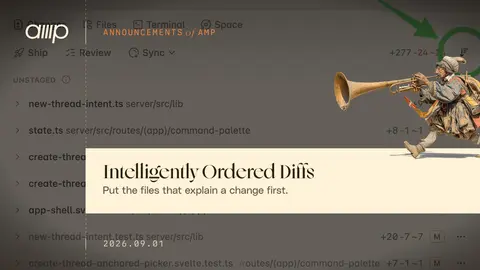
Intelligently Ordered Diffs
The first challenge in code review is figuring out which files to read first. Amp now orders diffs intelligently and highlights which files contain the essential changes. Click the file order button to toggle between alphabetical and intelligent order.
Amp Blog1 min read
Details are compiled from Amp's website and public sources, last verified Oct 4, 2026. Features and pricing change — confirm on the official site before you buy.
Try Amp
Paid
Comments
Sign in to join the discussion.