

Lumiko
Free browser screen recorder with cursor zoom and editing tools.
What is Lumiko?
Lumiko is a Screen Recording tool. Free browser screen recorder with cursor zoom and editing tools. Lumiko is freemium: it has a free plan plus paid upgrades. It is available on Web App, Windows, macOS and Chrome. It is aimed at content creators, remote workers and software developers.
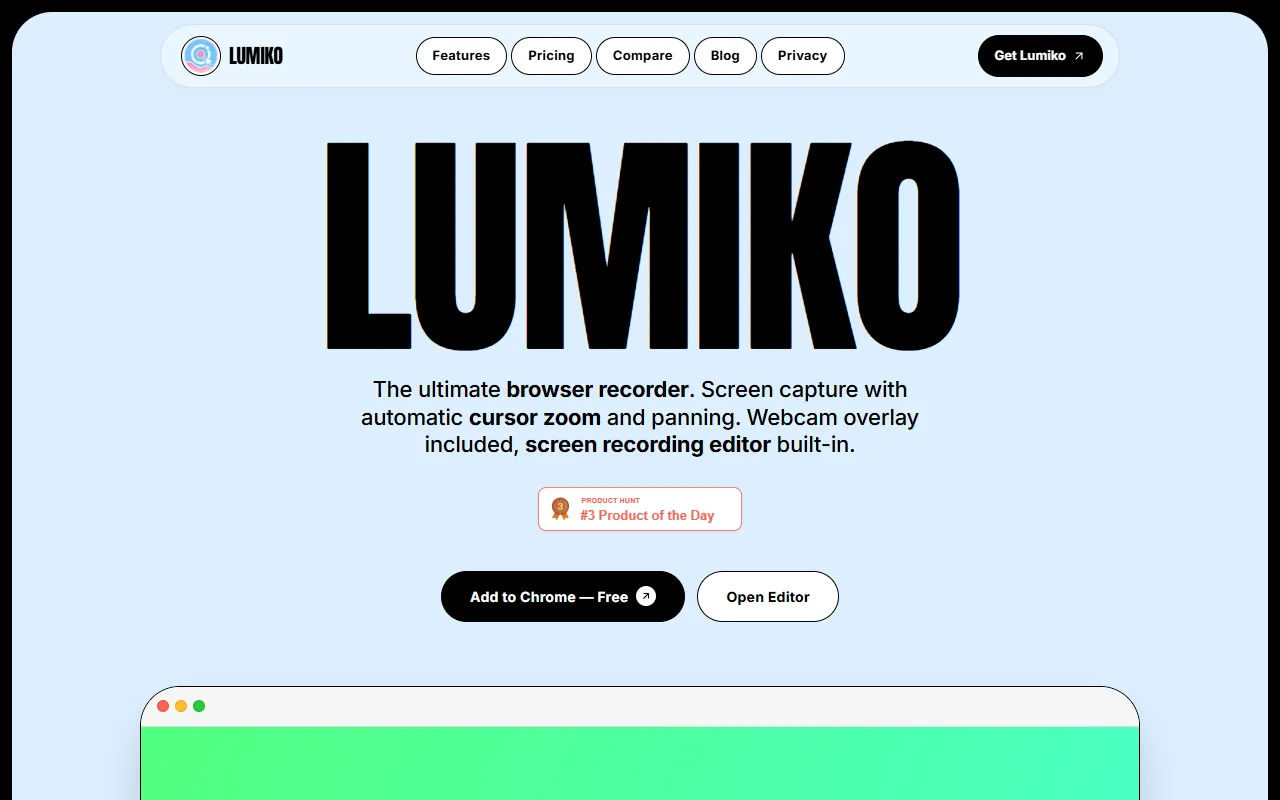
Lumiko is a free browser screen recorder that offers automatic cursor zoom, panning, and a built-in screen recording editor. It allows users to capture and edit screen footage while working, with features like smart privacy blur and hardware-accelerated local video rendering.
Built for content creators, remote workers and software developers.
Features
Cursor Zoom
Automatically zooms in on the cursor during recordings.
Screen Recording Editor
Allows editing of recorded footage with timeline splitting.
Smart Privacy Blur
Blurs sensitive data in recordings.
Hardware-Accelerated Rendering
Webcam Overlay
Adds a webcam feed with a premium drop-shadow effect.
White-Labeled Output
Provides polished, ready-to-use recordings for clients.
Use cases
- Record and edit screen footage with automatic cursor zoom
- Edit recorded videos by splitting and reordering clips
- Blur sensitive data in screen recordings for privacy
Popular use cases
Pros & cons
Pros
- Free plan available
- Public API available
- Integrates with Slack, Zoom, Figma, VS Code, and Chrome
Cons
No documented limitations yet.
Pricing
Freemium.
| Plan | Price |
|---|---|
| Lumiko Free Browser Recorder | Free |
| Lumiko Pro Lifetime | $9 |
Developer & API
Public API available
FAQ
What is Lumiko?
Lumiko is a Screen Recording tool. Free browser screen recorder with cursor zoom and editing tools. Lumiko is a free browser screen recorder that offers automatic cursor zoom, panning, and a built-in screen recording editor. It allows users to capture and edit screen footage while working, with features like smart privacy blur and hardware-accelerated local video rendering.
Is Lumiko free?
Lumiko has a free plan; advanced features require a paid plan.
How much does Lumiko cost?
Lumiko offers 2 plans: Lumiko Free Browser Recorder (Free) and Lumiko Pro Lifetime ($9).
Does Lumiko have an API?
Yes, Lumiko offers a public API for building custom integrations.
What platforms does Lumiko support?
Lumiko is available on Web App, Windows, macOS and Chrome.
Who should use Lumiko?
Lumiko is built for content creators, remote workers and software developers. Common uses: record and edit screen footage with automatic cursor zoom, edit recorded videos by splitting and reordering clips and blur sensitive data in screen recordings for privacy.
What does Lumiko integrate with?
Lumiko integrates with Slack, Zoom, Figma, VS Code and Chrome.
What are the best alternatives to Lumiko?
Similar tools on AiByts include Capso, Pane Studio (Beta), Screen Studio, ScreenSmooth and Capptivo.
Details are compiled from Lumiko's website and public sources, last verified Oct 5, 2026. Features and pricing change — confirm on the official site before you buy.
Try Lumiko
Freemium
Tags
- Screen Capture
- Cursor Zoom
- Video Editor
- Privacy Blur
- Webcam Overlay
Comments
Sign in to join the discussion.