

FocuSee
AI-powered screen recorder with auto zoom, cursor tracking, and audio enhancement.
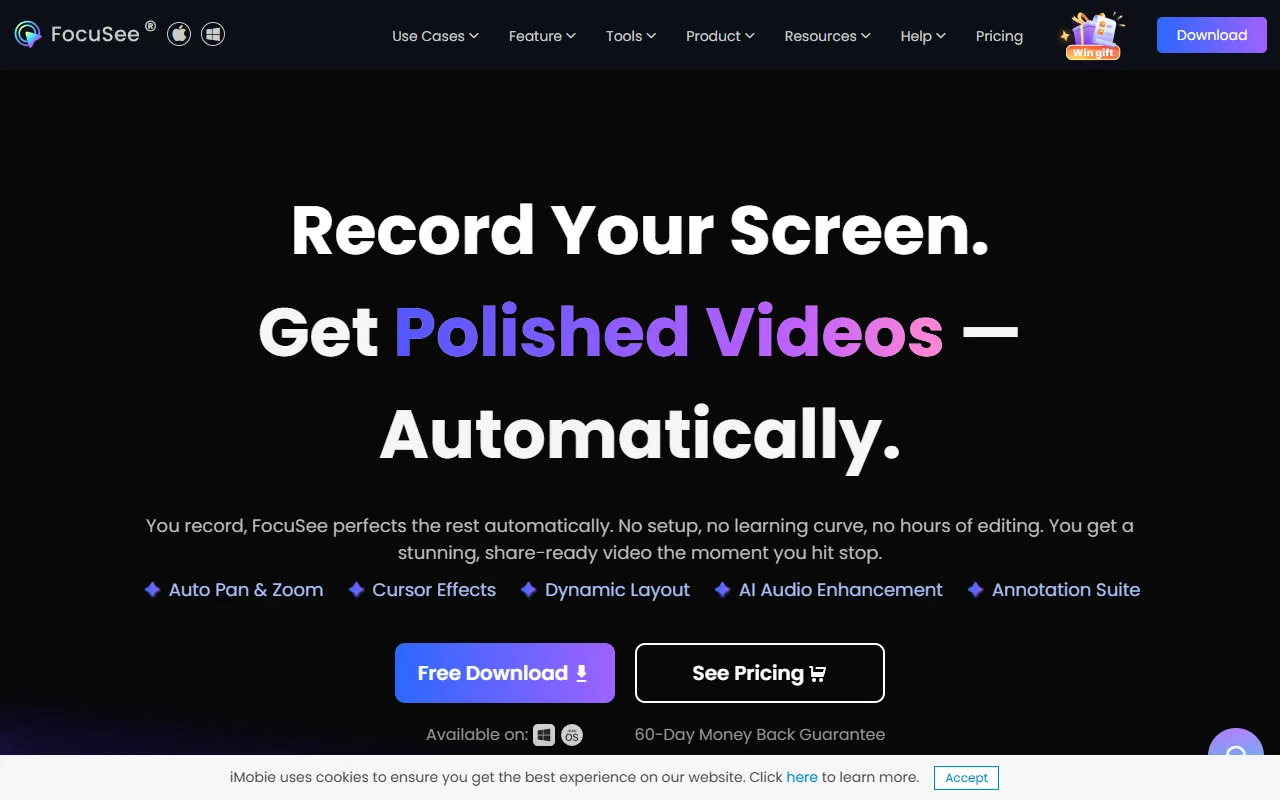
What is FocuSee?
FocuSee is a Screen Recording tool. AI-powered screen recorder with auto zoom, cursor tracking, and audio enhancement. FocuSee is freemium: it has a free plan plus paid upgrades. It is available on Windows and macOS. It is aimed at educators, marketers and content creators.
FocuSee is an AI-powered screen recorder that automatically zooms in, tracks the cursor, and enhances audio. It also includes a teleprompter for smooth presentations. Ideal for creating professional product demos, tutorials, and online courses.
Built for educators, marketers and content creators.
Key capabilities
Features
Auto Pan and Zoom
Cursor Effects
Dynamic Camera Layouts
AI Audio Enhancement
AI Subtitle Generation
AI Virtual Avatar
Background Removal
Filler Words and Silence Removal
Teleprompter
Mobile Device Recording
Video Watermark
Motion Blur Effects
Use cases
- Record and automatically edit screen content with AI zoom and audio enhancement
- Create professional product demos and tutorials with dynamic camera layouts
- Generate AI subtitles for video content to improve accessibility
Popular use cases
Who it's for
Pros & cons
Pros
- Free plan available
Cons
No documented limitations yet.
Pricing
Freemium.
FAQ
What is FocuSee?
FocuSee is a Screen Recording tool. AI-powered screen recorder with auto zoom, cursor tracking, and audio enhancement. FocuSee is an AI-powered screen recorder that automatically zooms in, tracks the cursor, and enhances audio. It also includes a teleprompter for smooth presentations. Ideal for creating professional product demos, tutorials, and online courses.
Is FocuSee free?
FocuSee has a free plan; advanced features require a paid plan.
How much does FocuSee cost?
FocuSee is freemium: it has a free plan plus paid upgrades.
What platforms does FocuSee support?
FocuSee is available on Windows and macOS.
Who should use FocuSee?
FocuSee is built for educators, marketers and content creators. Common uses: record and automatically edit screen content with AI zoom and audio enhancement, create professional product demos and tutorials with dynamic camera layouts and generate AI subtitles for video content to improve accessibility.
What are the best alternatives to FocuSee?
Similar tools on AiByts include Hypernatural, Wave.video, Wavel AI, Wondershare Filmora and HeyGen.
FocuSee news & updates
Details are compiled from FocuSee's website and public sources, last verified Oct 3, 2026. Features and pricing change — confirm on the official site before you buy.
Try FocuSee
Freemium
Tags
- AI Audio Enhancement
- AI Subtitle Generation
- Dynamic Camera Layouts
- AI Virtual Avatar
- Background Removal
- Filler Words Removal
- Teleprompter
- Motion Blur Effects
Comments
Sign in to join the discussion.