

FocuSee
AI-powered screen recorder with auto zoom, cursor tracking, and audio enhancement.
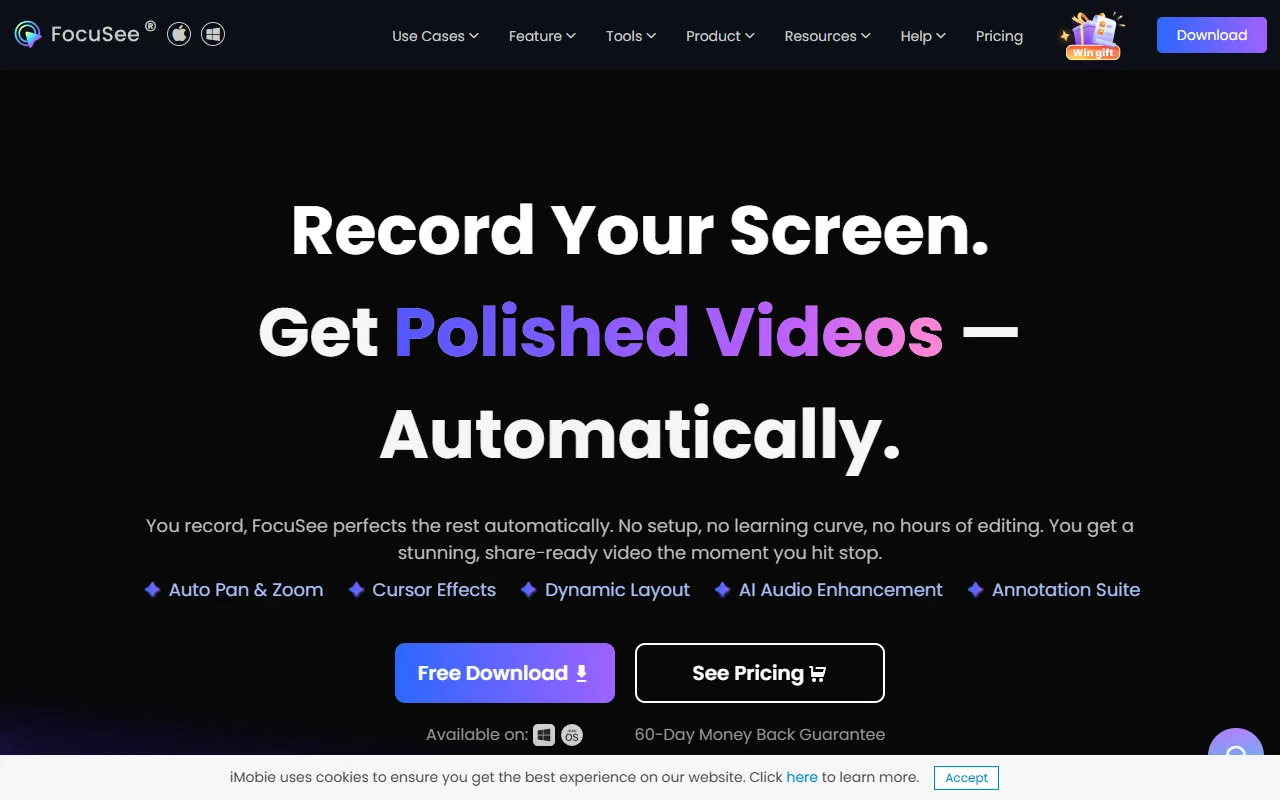
What is FocuSee?
FocuSee is a Screen Recording tool. AI-powered screen recorder with auto zoom, cursor tracking, and audio enhancement. FocuSee is freemium: it has a free plan plus paid upgrades. It is available on Windows and macOS. It is aimed at educators, marketers and content creators.
FocuSee is an AI-powered screen recorder that automatically zooms in, tracks the cursor, and enhances audio. It also includes a teleprompter for smooth presentations. Ideal for creating professional product demos, tutorials, and online courses.
Built for educators, marketers and content creators.
Key capabilities
Features
Auto Pan and Zoom
Cursor Effects
Dynamic Camera Layouts
AI Audio Enhancement
AI Subtitle Generation
AI Virtual Avatar
Background Removal
Filler Words and Silence Removal
Teleprompter
Mobile Device Recording
Video Watermark
Motion Blur Effects
Use cases
- Record and automatically edit screen content with AI zoom and audio enhancement
- Create professional product demos and tutorials with dynamic camera layouts
- Generate AI subtitles for video content to improve accessibility
Popular use cases
Who it's for
Pros & cons
Pros
- Free plan available
Cons
No documented limitations yet.
Pricing
Freemium.
FAQ
What is FocuSee?
FocuSee is a Screen Recording tool. AI-powered screen recorder with auto zoom, cursor tracking, and audio enhancement. FocuSee is an AI-powered screen recorder that automatically zooms in, tracks the cursor, and enhances audio. It also includes a teleprompter for smooth presentations. Ideal for creating professional product demos, tutorials, and online courses.
Is FocuSee free?
FocuSee has a free plan; advanced features require a paid plan.
How much does FocuSee cost?
FocuSee is freemium: it has a free plan plus paid upgrades.
What platforms does FocuSee support?
FocuSee is available on Windows and macOS.
Who should use FocuSee?
FocuSee is built for educators, marketers and content creators. Common uses: record and automatically edit screen content with AI zoom and audio enhancement, create professional product demos and tutorials with dynamic camera layouts and generate AI subtitles for video content to improve accessibility.
What are the best alternatives to FocuSee?
Similar tools on AiByts include Hypernatural, Wave.video, Wavel AI, Wondershare Filmora and HeyGen.
FocuSee news & updates
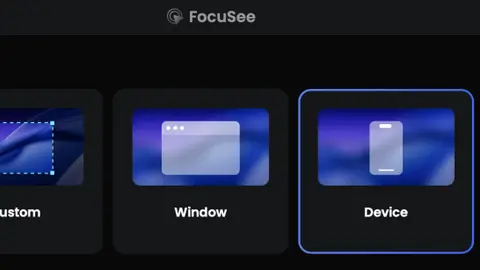
How to Record Gameplay on PC (Windows and Mac)?
While games can be played on any platform, including mo […] How to Record Gameplay on PC (Windows and Mac)?最先出现在focusee。
FocuSee Blog14 min read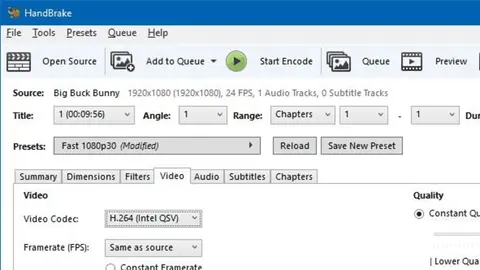
11 Best 4K Video Converters
In today’s digital age, high-quality video content has […] 11 Best 4K Video Converters最先出现在focusee。
FocuSee Blog9 min read
How to Record a Live Stream on PC/Mac
Professional live streaming takes a significant amount […] How to Record a Live Stream on PC/Mac最先出现在focusee。
FocuSee Blog8 min read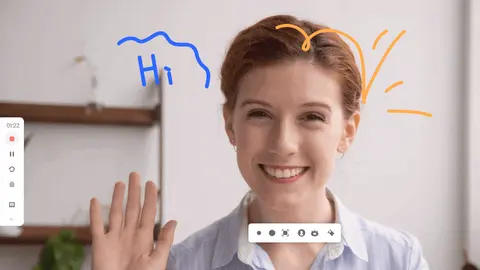
5 Ways to Screen Record on Dell
As one of the computer manufacturers, Dell computers ha […] 5 Ways to Screen Record on Dell最先出现在focusee。
FocuSee Blog6 min read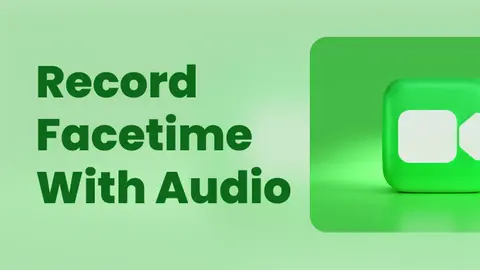
How to Record FaceTime with Audio in 2026
Want to record a FaceTime call with audio? You can use […] How to Record FaceTime with Audio in 2026最先出现在focusee。
FocuSee Blog6 min read
Easy Ways to Screen Record on Windows [Include 16 Best Screen Recorders]
Taking a screen recording of tasks on your smartphone ( […] Easy Ways to Screen Record on Windows [Include 16 Best Screen Recorders]最先出现在focusee。
FocuSee Blog20 min read
How to Screen Record on a Lenovo Laptop?
It’s not rare that people want to capture the content o […] How to Screen Record on a Lenovo Laptop?最先出现在focusee。
FocuSee Blog8 min read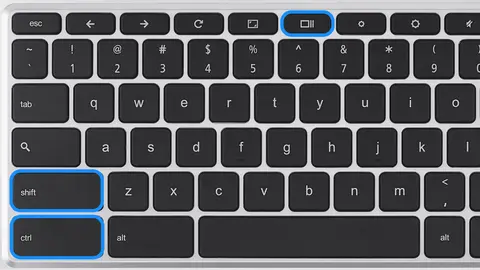
How to Screen Record on Chromebook?
Need to record a lesson, meeting, presentation, or app […] How to Screen Record on Chromebook?最先出现在focusee。
FocuSee Blog6 min read
How to Screen Record on iPad?
Apple made screen recording on iPads easy and accessibl […] How to Screen Record on iPad?最先出现在focusee。
FocuSee Blog7 min read
Screen Charm vs Screen Studio: Which Cinematic Screen Recorder is Right for You?
When choosing a cinematic screen recorder, the main dif […] Screen Charm vs Screen Studio: Which Cinematic Screen Recorder is Right for You?最先出现在focusee。
FocuSee Blog7 min read
Camtasia vs OBS: Which Screen Recorder Should You Choose 2026
Quick Answer: OBS Studio is better if you want a free, […] Camtasia vs OBS: Which Screen Recorder Should You Choose 2026最先出现在focusee。
FocuSee Blog9 min read
Camtasia vs Loom: Which Screen Recorder Fits Your Workflow?
The Quick Answer: The main difference between Camtasia […] Camtasia vs Loom: Which Screen Recorder Fits Your Workflow?最先出现在focusee。
FocuSee Blog7 min read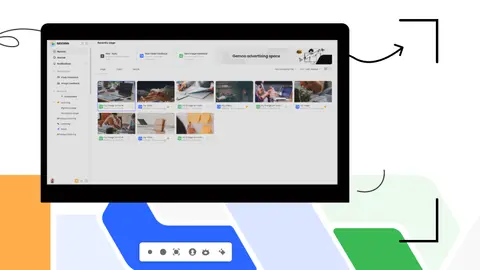
How to Record Microsoft Teams Meeting?
Microsoft Teams is a software suite that’s commonly use […] How to Record Microsoft Teams Meeting?最先出现在focusee。
FocuSee Blog9 min read
Does Bereal Notify Screen Recording?
BeReal, the social media app that promises an authentic […] Does Bereal Notify Screen Recording?最先出现在focusee。
FocuSee Blog6 min read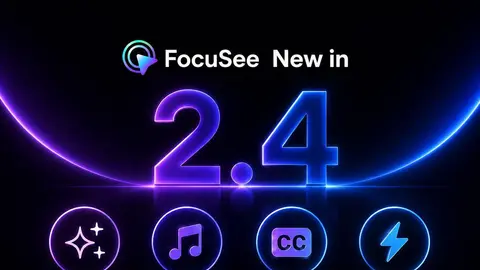
FocuSee 2.4: A Complete Post-Production Experience for Polished Videos
Screen recordings are no longer used only for quick exp […] FocuSee 2.4: A Complete Post-Production Experience for Polished Videos最先出现在focusee。
FocuSee Blog6 min readLoom vs Descript: Which Video Tool Should You Choose?
Choosing between Loom and Descript depends on whether you need quick asynchronous sharing or deep transcript-based editing. This guide compares their features, pros, and cons to help you decide.
FocuSee Blog9 min read
Loom vs Vidyard: Which Video Tool Should You Choose?
Evaluating video messaging platforms? Read our in-depth comparison of Loom and Vidyard to understand their core features, target audiences, and best use cases. Plus, learn how to upgrade your screen recordings with auto-editing tools for visually polished product demos.
FocuSee Blog8 min read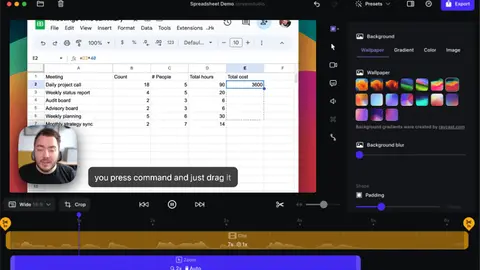
Screen Studio vs ScreenFlow: Which Video Workflow Fits You Best?
Deciding between Screen Studio and ScreenFlow comes down to whether you prioritize time-saving auto-editing or granular manual timeline control. This guide compares both Mac-exclusive tools and introduces a hybrid AI alternative for Windows and Mac users.
FocuSee Blog7 min read
Details are compiled from FocuSee's website and public sources, last verified Oct 3, 2026. Features and pricing change — confirm on the official site before you buy.
Try FocuSee
Freemium
Tags
- AI Audio Enhancement
- AI Subtitle Generation
- Dynamic Camera Layouts
- AI Virtual Avatar
- Background Removal
- Filler Words Removal
- Teleprompter
- Motion Blur Effects
Comments
Sign in to join the discussion.